リリースノートは英語で書かれています。
Typography and icons, pixel for pixel
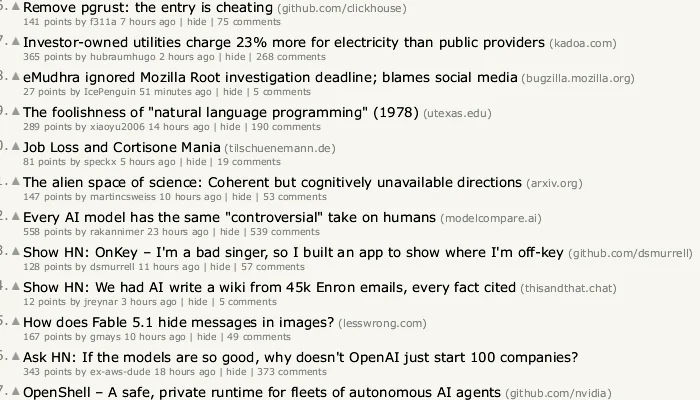
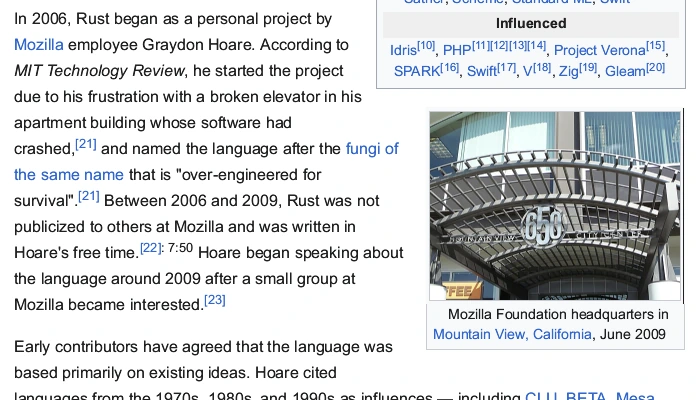
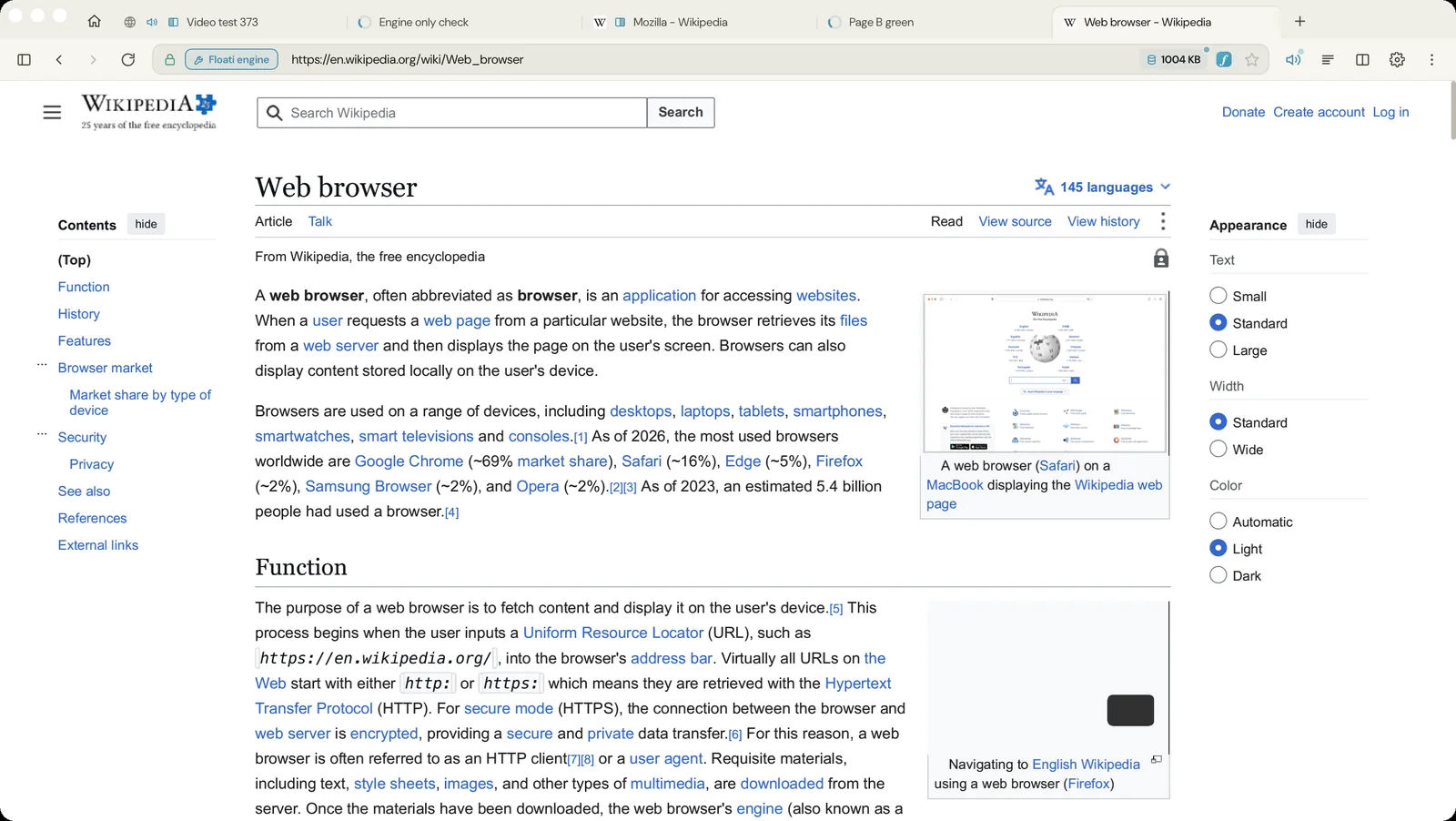
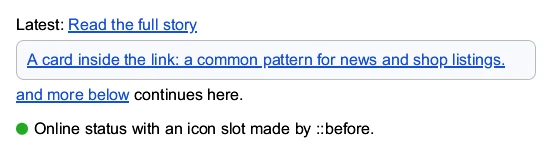
Two things made engine pages feel subtly off next to the reference browser, and both are gone. First, spacing: the engine used to insert a phantom space at every link and inline-element boundary, so "(example.org)" rendered "( example.org )" and commas drifted away from their words -> on every page. Text now spaces exactly like the source says, and inline padding is honored, so navigation links keep their gaps. Second, icons: the modern icon technique (a solid color clipped by an SVG mask, used by a large encyclopedia and most design systems) painted as solid squares -> those now render as real icons, complete with correctly drawn curves (SVG arcs were being flattened to straight lines). The showcase: the encyclopedia's header now renders pixel-faithfully -> full wordmark, puzzle-globe logo, tagline, and a real magnifier in the search box.
変更点
6 件の変更- レンダリングNo more phantom spaces: text at link and inline-element boundaries renders exactly as written -> "(example.org)" hugs its parens, "meowing, purring" keeps its commas tight. This touched essentially every page on the web.
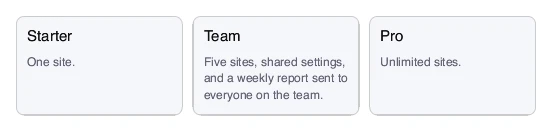
- レンダリングInline padding and margins are real advance width, so navigation links separated only by CSS keep their gaps ("About Products" instead of "AboutProducts").
- レンダリングMask-image icons render: the solid-square icon blocks are gone -> search magnifiers, hamburgers, and the rest of the modern icon idiom paint as actual icons, tinted the color the page asked for.
- レンダリングSVG elliptical arcs draw real curves (every circle in every icon was collapsing to a sliver), including the compact minified path form.
- レンダリングCSS sibling selectors (+ and ~) now match -> the standard technique for hiding icon-button labels works, and data-URI values with semicolons no longer truncate the declaration they live in.
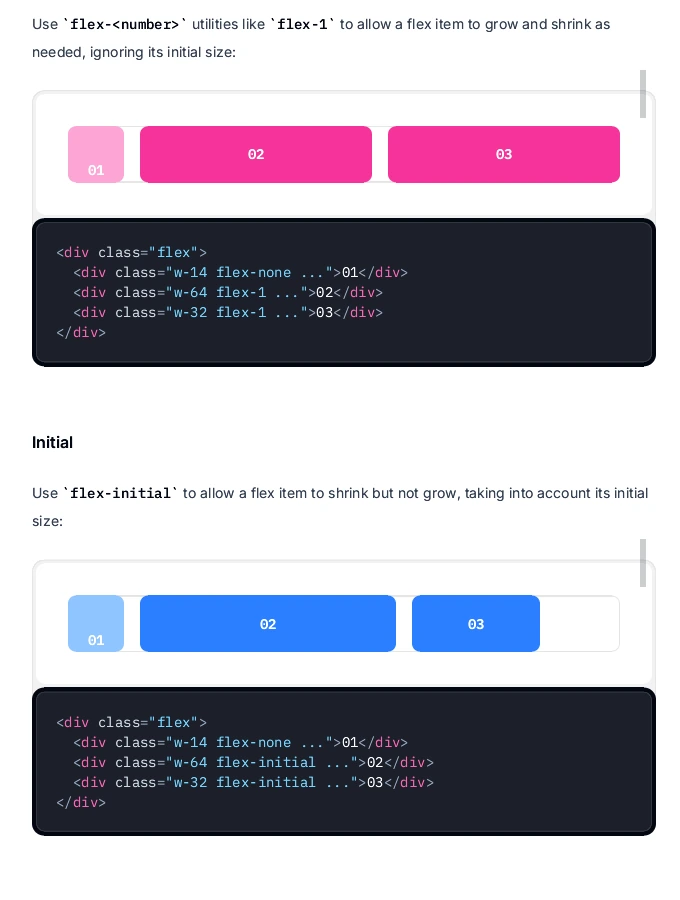
- レンダリングAbsolutely-positioned elements no longer squeeze flex and grid layouts: screen-reader-only labels stop widening icon buttons. The encyclopedia's Vector header renders identically to the reference browser -> wordmark, logo, tagline, search icon, all in place.