すべてのバージョン v0.1.3362 10月 2026プライバシーと Shields, タブと画面 フィード

リリースノートは英語で書かれています。

Site controls that do what they say: permissions that really ask, and Shields per site

Every site now has one card, at the left of the address, with everything about it: the connection, your history with it, what it keeps on your device and every permission it can ask for. Ask now really asks: the system web view used to hand your camera and microphone to any site once your Mac allowed Floati, and now Floati asks first, with a live preview of what the site would see. Blocking stops a camera or microphone at once, the address bar shows what a site is using, and Shields can be set per site, with controls few browsers have.

変更点

13 件の変更
  1. プライバシーと ShieldsAsk really asks. On system web view tabs, macOS hands a site the camera and microphone silently once Floati itself is allowed. Floati now holds every camera, microphone, location, screen sharing, notification and MIDI request it has no answer for and shows its own prompt. Only the browser can answer it: each request carries a one-time secret the page never sees, so a site cannot click Allow for you.
  2. プライバシーと ShieldsThe prompt does not ask blind. Camera requests show a live preview of what the site would see (only you see it) and the camera's name; microphone requests show a level meter; and it tells you whether the connection is secure, how often you have been there, and whether any site already has your camera. If your Mac is the one refusing, it says so and opens the right setting, instead of the site failing mid-call.
  3. プライバシーと ShieldsAllow for 1 hour, then it asks again on its own, for the one-off call or map lookup that should not leave a site allowed forever. Always, Only this time (this page only) and Never are there too. An hour running out never cuts a call in progress; only you can do that.
  4. プライバシーと ShieldsBlock stops it now. Switching a site to Block stops its camera, microphone, screen sharing or location tracking at once (the camera light goes off and the site sees the device end, as when a webcam is unplugged), not at its next request.
  5. タブと画面The address bar shows what a site is using: the site button turns into a camera, microphone, screen or location icon with a red dot while it is live, and a struck-through icon when you blocked it on that page. One click: Unblock and reload.
  6. プライバシーと ShieldsEvery permission a site can ask for, in one short card: camera, microphone, location, screen sharing, MIDI, notifications, pop-ups, sound (Block plays media muted), keeping the screen awake, reading your clipboard, and its data inside other sites. The card lists only what a site has a decision for, with All permissions one tap away; what the system web view never gives any site (USB, Bluetooth, serial, HID, VR and AR) is stated, not shown as switches that do nothing.
  7. タブと画面Test that it works, from the card: camera (live preview, resolution, pick a camera), microphone (level meter, pick a microphone), location (where you are and how accurately), notifications (a real test notification) and speakers (a chime, then: did you hear it?). A failure says why in plain words: the Mac refused, no device, or another app has it.
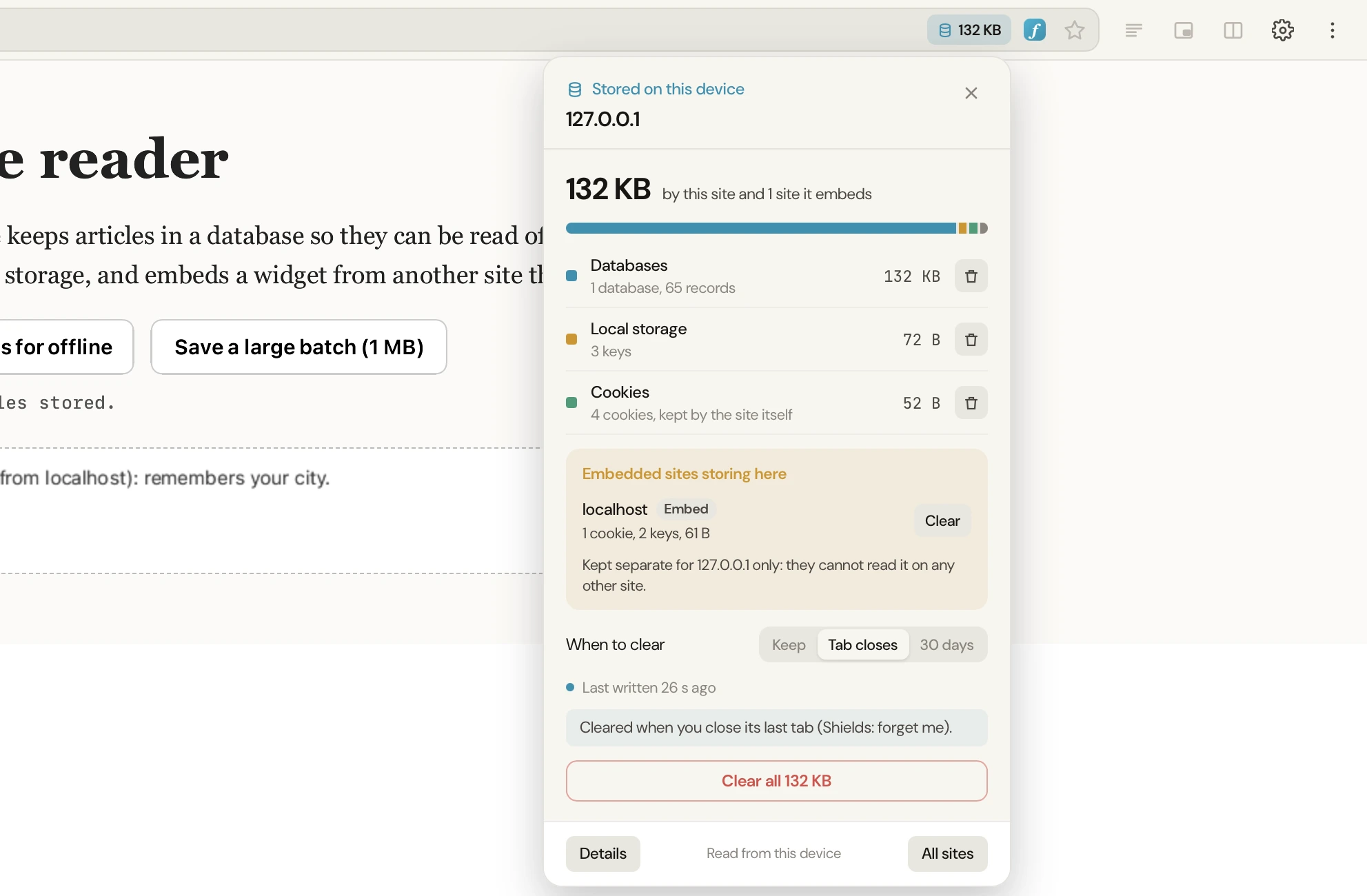
  8. プライバシーと ShieldsThe site card also shows your history with the site (visits, pages, first and last visit, from your own history, never sent anywhere), what it stores on this device with one-tap Clear, and Forget this site: history, data, permissions and Shields settings in one action.
  9. プライバシーと ShieldsShields per site, with more control than usual. The Floati tile at the right of the address shows what was blocked the moment the page settles (it used to wait for a second capture, about 20 seconds on a developer-docs site) and follows your accent colour and light or dark theme. Each site can have its own trackers and ads level (aggressive, standard, off), HTTPS upgrade (strict shows a warning page instead of loading over plain http), cookie blocking (all, cross-site, none), fingerprinting protection (canvas reads get per-site noise), and script blocking.
  10. プライバシーと ShieldsGoing further: block third-party scripts and frames for one site, block or allow a single domain on one site from the blocked-requests list, lower Shields for just this visit (undone when you close the site), and see how much was never downloaded.
  11. タブと画面Settings lists every site you changed, newest first, in a fixed-height list with search, inline editing, add a site by name, and reset one or all, so a hundred custom sites never become an endless scroll.
  12. プライバシーと ShieldsFixed: pages on shared hosts (shared hosting addresses where each subdomain is someone else's site) were treated as one site, so every user's pages shared cookies, Shields and permissions. Each is its own site now.
  13. プライバシーと ShieldsCanvas toDataURL returns the real image (it was a 1x1 placeholder), with fingerprint noise when protection is on.

v0.1.336 以降のすべてを 1 か所に

バージョン

v0.1.0 - 0.1.9 · 10 7月 2026418v0.1.427 · 25 11月 2026

11月2026 · 6 件のバージョン

10月2026 · 19 件のバージョン

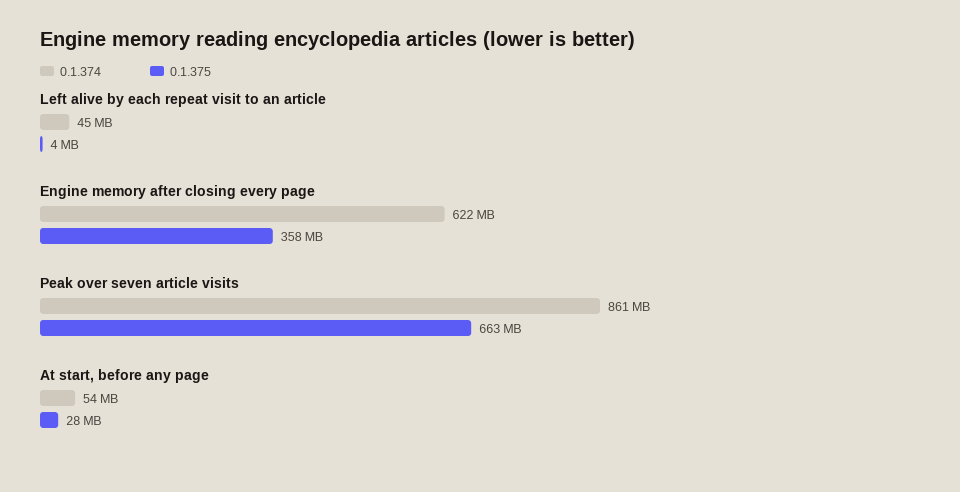
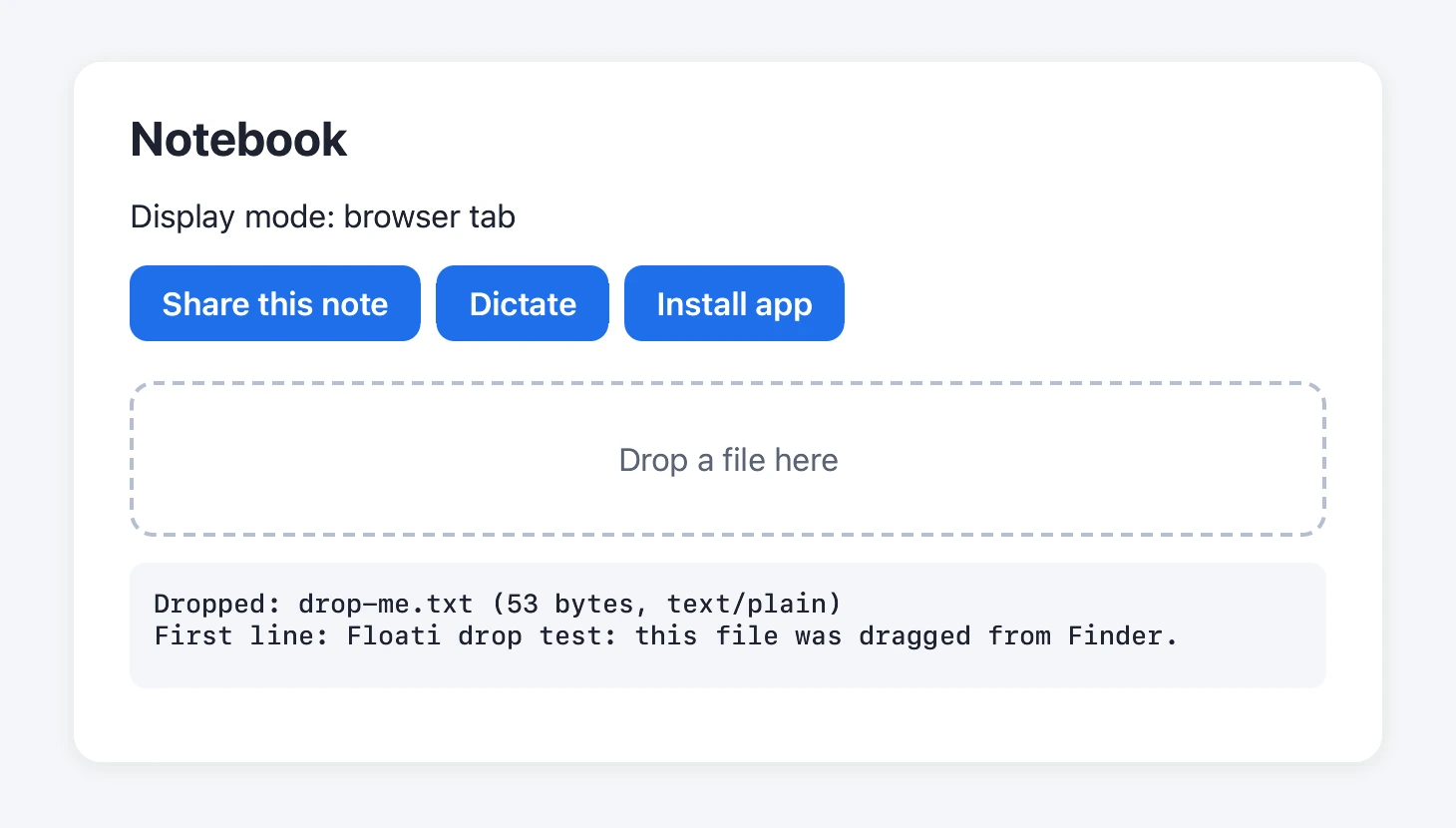
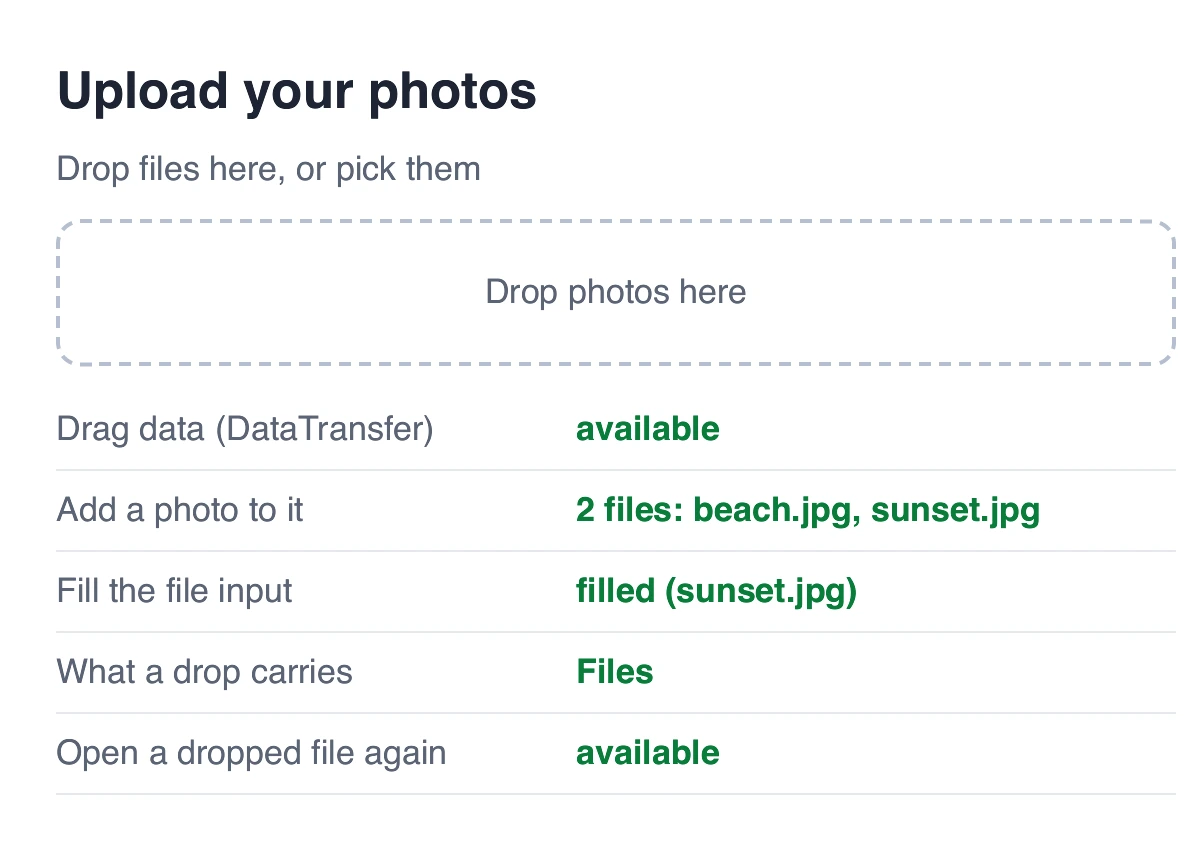
38631 10月Real sites render closer to the reference browserv0.1.386 · レンダリング14 38429 10月Safety review, a rare crash fixed, functions compiled soonerv0.1.384 · メモリーと読書46 38025 10月Scrolling boxes scroll, pages look right, and scripts from other sites need permissionv0.1.380 · レンダリング16 37924 10月Pages laid out the way their authors wrote them, and less memory againv0.1.379 · レンダリング22 37823 10月Other sites' data stays private, and less memory againv0.1.378 · メモリーと読書 37522 10月Closed pages let go, sites stay apart, and fonts stop costing memoryv0.1.375 · メモリーと読書9 37321 10月Every page on our own engine, two pages side by side, videos that keep playing, and your own clockv0.1.373 · タブと画面17 37221 10月Your data stays put, your choices stick, and dictation that really listensv0.1.372 · レンダリング 37121 10月Drop files onto pages, dictate without your voice leaving the Mac, and controllers that rumblev0.1.371 · Web API と DOM · 試す 37021 10月Open your files, share to your phone, have pages read aloud, install sites as apps, play with a controller, and accented text drawn rightv0.1.370 · プライバシーと Shields · 試す11 36920 10月Passkeys with Touch ID and Windows Hello, sites that work offline, notifications you allow, and devices asked for first, all kept on your devicev0.1.369 · プライバシーと Shields · 試す9 36820 10月A site's own security rules are kept the whole time the page runs, Trusted Types, a map of every unsafe write in DevTools, and animations from scriptv0.1.368 · プライバシーと Shields · 試す 36619 10月Events, custom form controls, fonts and navigation work the way the web standards say: the Web APIs score rises from 53 to 59v0.1.366 · Web API と DOM · 試す9 3467 10月A real performance timeline, site icons from the engine with a lookalike check, and forms that lay out rightv0.1.346 · レンダリング · 試す14 3457 10月Real WebGL, a real 2D canvas, and canvas text that matches the reference browserv0.1.345 · レンダリング · 試す10 3436 10月Sign-ins that stay signed in, a real IndexedDB, and a storage button that shows what sites keepv0.1.343 · プライバシーと Shields · 試す25 3385 10月Pages load faster, render truer and gain a dozen modern web features, each one checked against the reference browserv0.1.338 · Web API と DOM · 試す19 3362 10月Site controls that do what they say: permissions that really ask, and Shields per sitev0.1.336 · プライバシーと Shields13 3321 10月Pinned tabs on the left or the right, and an honest measure of the web platformv0.1.332 · タブと画面9

9月2026 · 26 件のバージョン

31926 9月A PDF viewer that does what Acrobat Pro charges forv0.1.319 · タブと画面16 31725 9月Closer to the reference browser, and no more address bar tricksv0.1.317 · Web API と DOM 30924 9月Pages arrive like they do in the reference browser, in a fraction of the memoryv0.1.309 · ネットワーク13 30423 9月Sound and video, decoded by our own codev0.1.304 · メディア 30322 9月HTTP/3 is on, and it is ours: the fastest web protocol, built from scratchv0.1.303 · ネットワーク 30222 9月The site you open stays your business, and the browser checks every certificate itselfv0.1.302 · プライバシーと Shields 30122 9月Sites can no longer follow you between other sites, and the next page starts soonerv0.1.301 · プライバシーと Shields 29116 9月A private wayback machine for pages you seal, cited answers that open where you read them, and a privacy report that is ready the instant a page loadsv0.1.291 · メモリーと読書 29015 9月Floati spots trackers no list has caught, answers your questions from your own reading, and gets even closer to the pixelv0.1.290 · プライバシーと Shields 28915 9月A wave of rendering fixes: images, text wrapping, margins and flexible layouts closer to the pixelv0.1.289 · レンダリング 28815 9月The pages where you type a password stay out of your memory, and text renders truer to the pagev0.1.288 · メモリーと読書 28711 9月A downloads manager that looks out for you, and scan-free QR that reads any code on a pagev0.1.287 · タブと画面 28211 9月One tracker can't follow you between the sites it sits on, and insecure content shown and healedv0.1.282 · プライバシーと Shields 28011 9月An honest block count, and font fingerprinting defeatedv0.1.280 · プライバシーと Shields 27911 9月See your protection at a glance, tap for the detailv0.1.279 · レンダリング 27811 9月A tracker can no longer follow you from one site to the nextv0.1.278 · レンダリング 27710 9月See the security, do not just trust itv0.1.277 · レンダリング 27610 9月Security you can check: an honest ledger, a referrer firewall, and mixed content shut downv0.1.276 · プライバシーと Shields 27510 9月Timing Shield and a cleaner device surfacev0.1.275 · レンダリング 27410 9月Fingerprint Shield: see and prove what a page tried to learn about youv0.1.274 · メモリーと読書 2549 9月Dialogs and popovers: modern overlays that layer correctlyv0.1.254 · レンダリング 2468 9月Memory: your browser remembers what you read, and can prove itv0.1.246 · メモリーと読書 2183 9月A calmer launch and a tidier browserv0.1.218 · タブと画面 2173 9月Your passwords, the Floati wayv0.1.217 · タブと画面 2143 9月Updates that put you back exactly where you left off, and tab groups that finally behavev0.1.214 · タブと画面 2061 9月Explain this page: the browser now understands what a site does, and can prove itv0.1.206 · プライバシーと Shields

8月2026 · 23 件のバージョン

20328 8月Pages you open with the Floati engine now render on your graphics cardv0.1.203 · レンダリング 18418 8月Articles with a sidebar box now flow around it, the way they shouldv0.1.184 · プライバシーと Shields 18318 8月One report: what did this page actually do to me?v0.1.183 · プライバシーと Shields 18218 8月Now it also spots the audio version of that tracking trickv0.1.182 · プライバシーと Shields 18118 8月See when a page tries to fingerprint you (and know it failed)v0.1.181 · プライバシーと Shields 18018 8月See how much of a whole page's download actually showed up on screenv0.1.180 · プライバシーと Shields 17718 8月Bytes-to-Pixels Ledger: which of a page's downloaded bytes actually painted anythingv0.1.177 · プライバシーと Shields 17618 8月Witness Mode: cryptographic, offline proof of what a site showed you (a world-first)v0.1.176 · プライバシーと Shields 17418 8月Counterfactual Browsing: see exactly what a script did to your page (a world-first)v0.1.174 · プライバシーと Shields 17318 8月Pixel Provenance: a click can only reach what you actually see (a world-first)v0.1.173 · プライバシーと Shields 17218 8月Split-motion video decodes: the VP8 inter path is complete, real WebM streams bit-exactv0.1.172 · メディア 17016 8月Render Receipts: seal a page into proof the reference browser structurally cannot offerv0.1.170 · Web API と DOM 14314 8月Unmodified Puppeteer drives the engine end to endv0.1.143 · JavaScript と JIT 12813 8月HSTS: sites that demand https are never reached over plaintext, not even oncev0.1.128 · ネットワーク 12713 8月Encrypted DNS (DoH) inside the engine, so your network cannot see which sites you look upv0.1.127 · ネットワーク 12013 8月DevTools: a WebSocket transport, so external tools can attachv0.1.120 · DevTools 1057 8月HTTP/2: the modern web transport, from scratchv0.1.105 · メディア 1017 8月AES-GCM: the authenticated encryption the real web actually usesv0.1.101 · プライバシーと Shields 1006 8月The browser can be driven, not just watched: a DevTools Protocol that mutates the real pagev0.1.100 · DevTools 956 8月Real, deterministic Web Audio (it used to be a silent stub)v0.1.95 · メディア 926 8月Real encryption in the browser, and the fix that made it usablev0.1.92 · レンダリング 916 8月Method calls run at machine speed - and a real crash fixed on the wayv0.1.91 · JavaScript と JIT 704 8月One press, and you are on the new versionv0.1.70 · タブと画面

7月2026 · 7 件のバージョン