Les notes de version sont rédigées en anglais.
Updates that put you back exactly where you left off, and tab groups that finally behave
A big daily-driver pass focused on the moments you hit every day. When a new version is ready, you decide when it lands - and when it does, every window, tab and group comes back exactly where you left it, right down to the scroll on the page. Tab groups look and behave the way they should: level with your other tabs, a clean coloured outline, the full group name always visible, and the tabs inside sharing their space evenly instead of one hogging it. On Mac, ad and tracker blocking is now on out of the box using the full community filter lists, and the blocked count finally tells the truth. Your new-tab page is yours to shape, and the everyday edges - the window filling your screen, a settings drawer, a favourites strip, pages you set aside coming back intact - all got sanded down.
Ce qui a changé
5 changements- Onglets et interfaceUpdating is now a calm, one-press thing that never loses your place. When a newer version is out, a small update button appears right next to the new-tab plus and gives a gentle nudge so you notice it. Press it and you choose Later or Download; the download runs quietly in the background. When it is ready, Restart now brings back every window, tab and group exactly where you left off, right down to the page you were on and how far you had scrolled. And if you simply quit or restart your computer first, the update finishes on its own next time, with nothing to redo.
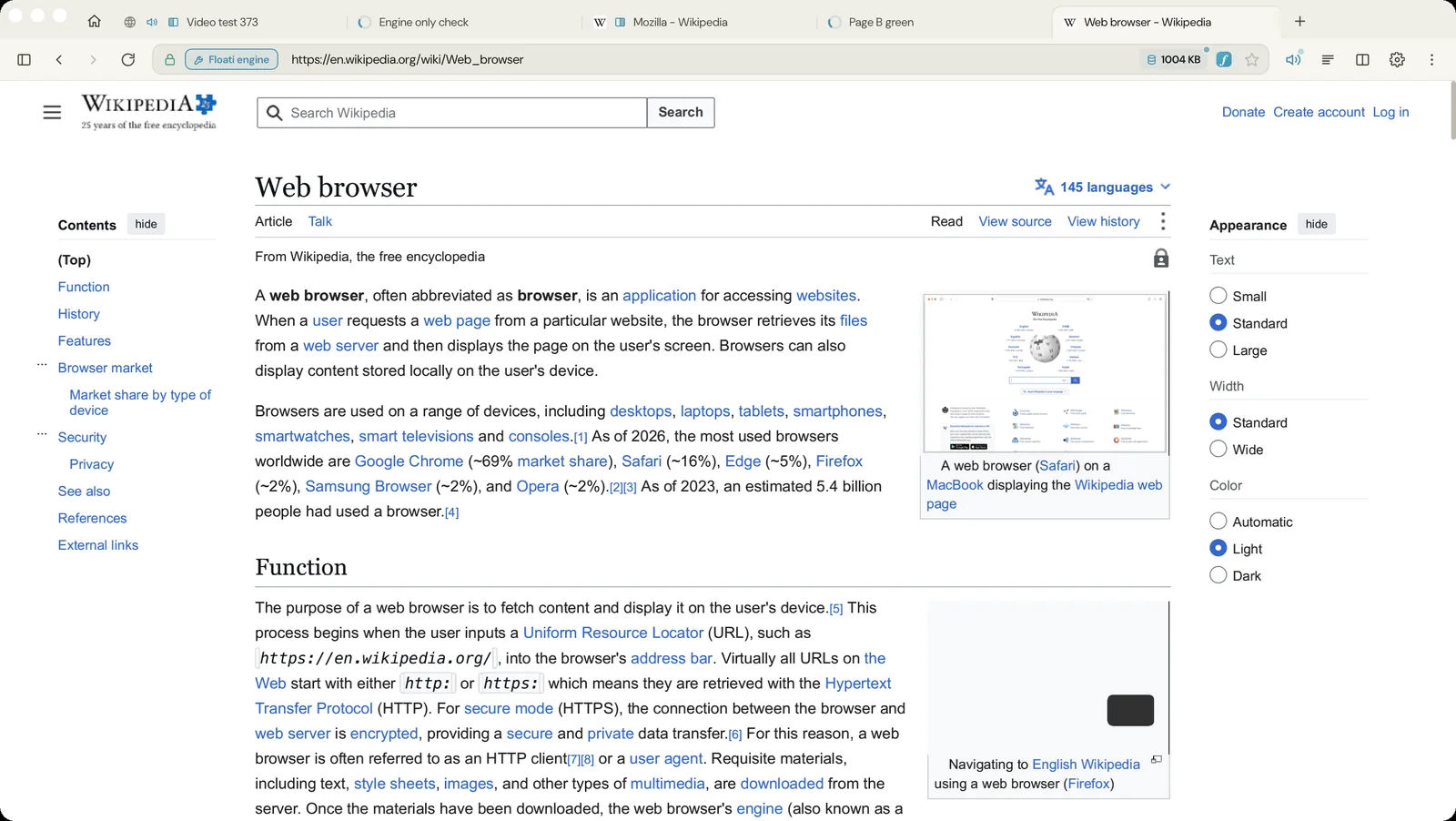
- Onglets et interfaceTab groups look and behave the way they should. Every group now sits level with the rest of your tabs inside a clean coloured outline that no longer rides up into the top edge, the group name always shows in full, and the tabs inside a group share their space evenly and shrink together as you open more, exactly like the tabs outside a group, instead of one tab hogging the width while the others get squeezed to slivers.
- Confidentialité et ShieldsOn Mac, blocking of ads and trackers is now on the moment you install, using the same full community filter lists the rest of the browser uses, rather than a short built-in list. The 'trackers blocked' number you see now reflects what was actually stopped on the page, so the count you are shown is the real one.
- Onglets et interfaceYour new-tab page is yours to shape. A Customize button on the page opens a small panel that can greet you by name and set a backdrop: a set of soft gradients, or your own photo kept entirely on your device, each with a wash, a blur, and an optional slow drift that makes the page feel a little alive. Leave it plain and nothing changes; reach for it when you want the start of every session to feel like yours.
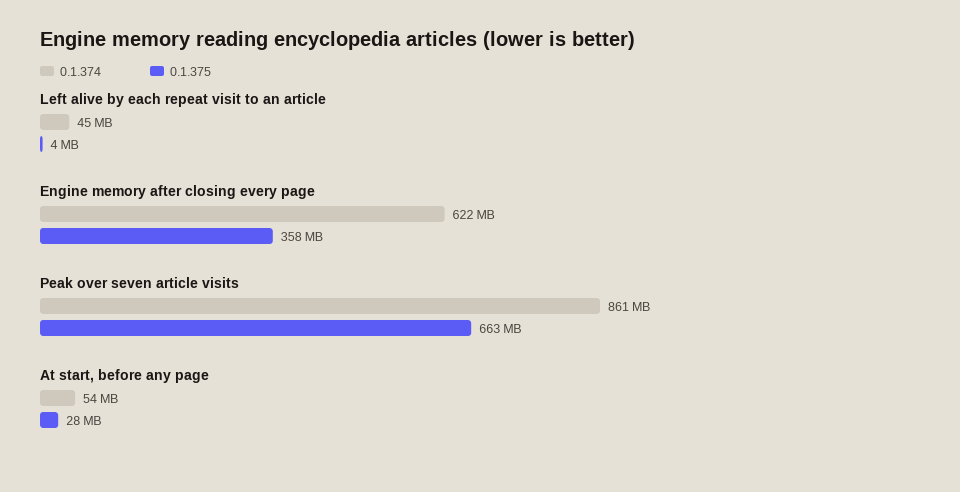
- Onglets et interfaceThe everyday edges got sanded down: the window opens filling your screen and remembers the size you leave it, settings slide open in a quick drawer, a favourites strip keeps your most-used sites a click away, the new-tab page can greet you by name, and a page you set aside to save memory comes back with its scroll position and anything you had typed still in place.