릴리스 노트는 영어로 작성되어 있습니다.
Info cards float over the page now, instead of hiding it
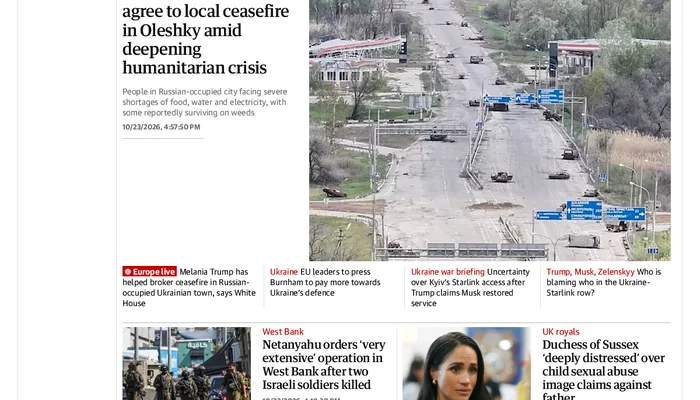
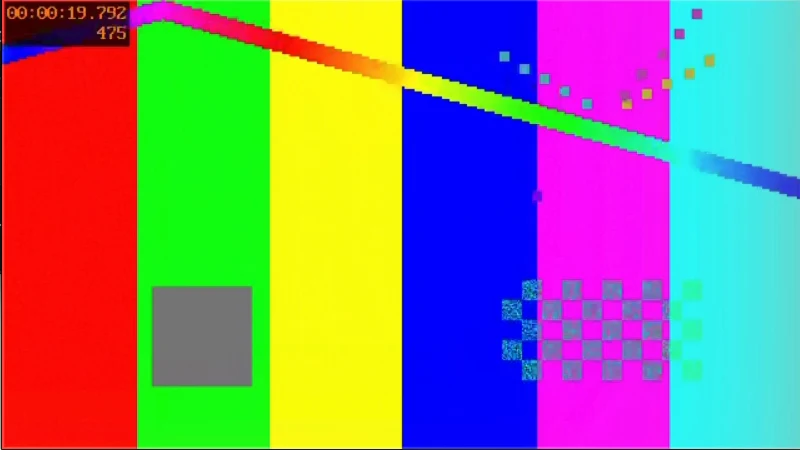
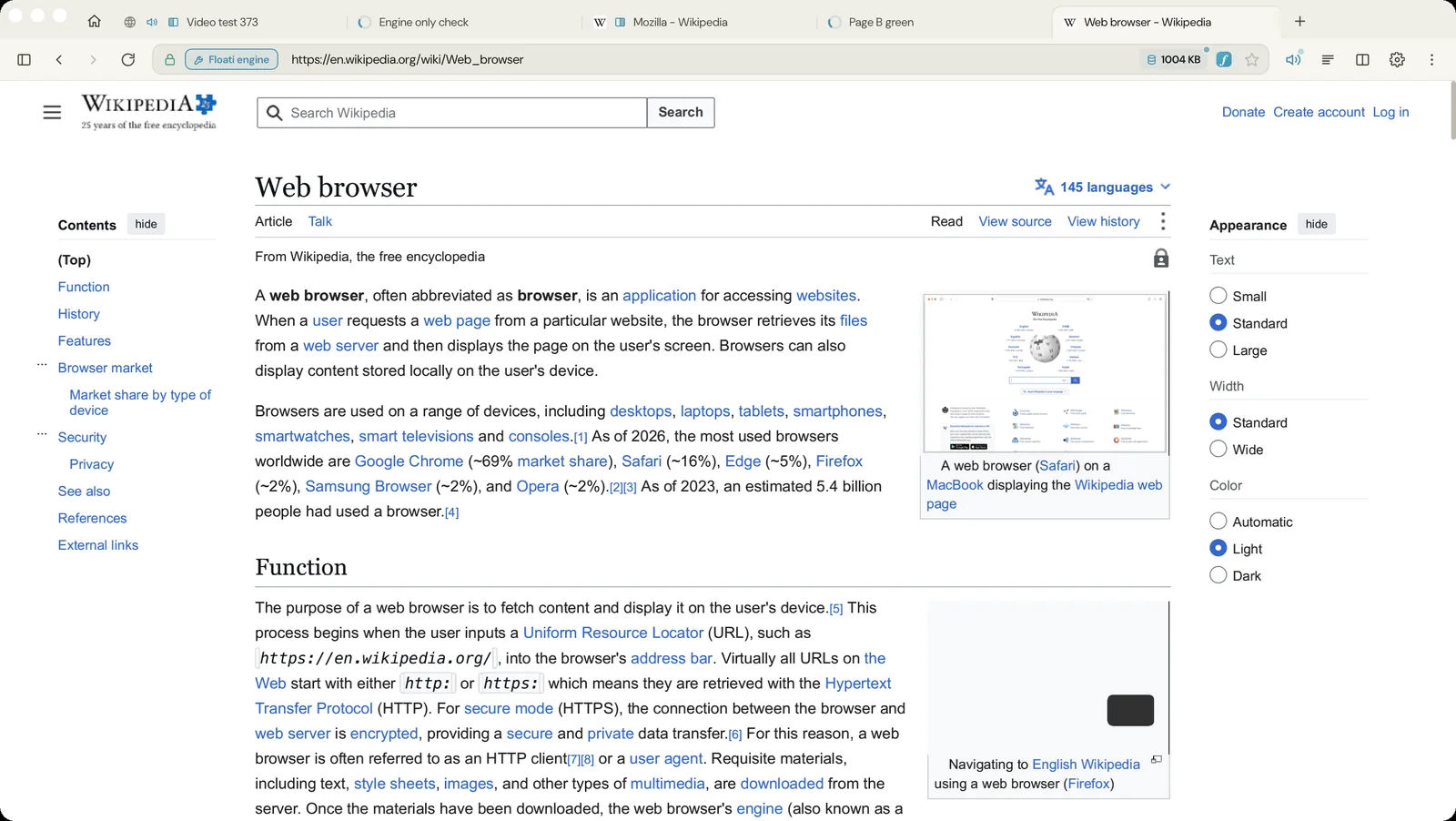
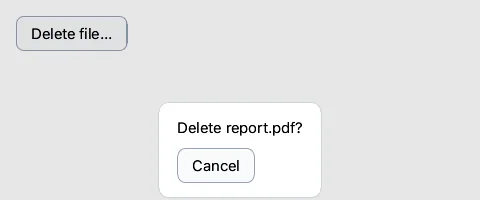
Every popover in the browser - the page-security card, the Explain this page report, the address-bar suggestions, the command palette, a right-click menu, and the live card you get by hovering a tab - used to hide the whole page while it was open, because the system page view always paints on top of the browser's own interface. Now the interface is lifted in FRONT of the page instead, so a card floats over a page that stays fully visible and LIVE underneath: a video keeps playing, an animation keeps moving, and you can read the card and the page at the same time. Opening and closing a card is flicker-free, with none of the one-frame flashes the first version of this had.
바뀐 점
변경 3개- 탭과 인터페이스Cards float over the live page instead of blanking it. The page-security card, the Explain this page report, address-bar suggestions, the command palette, right-click menus and the tab hover card no longer white out the page for as long as they are open - the page stays visible and running underneath, so you can read the card and watch the page at once.
- 탭과 인터페이스The tab hover card - a tab's memory use, whether it is playing audio, and how long it has been open - now floats cleanly over the page, instead of being squeezed into a thin strip under the tabs or slipping behind the page when tabs are shown in the sidebar.
- 탭과 인터페이스Opening and closing these cards is flicker-free. The page is brought forward behind the card in a single, correctly-timed step, so there is no one-frame flash when a card appears or disappears - the earlier approach re-drew the page view's transparency on every open, and that repaint landed a frame late and flashed.