릴리스 노트는 영어로 작성되어 있습니다.
The update button, fixed up
Small but real fixes to the button that tells you a new version is ready. It now stays put in the top-right corner of your tabs instead of drifting out of reach as you open more tabs, opening it reliably shows your choices instead of sometimes doing nothing, and its text is easy to read. Nothing you have to learn, just an update prompt that behaves the way you would expect.
바뀐 점
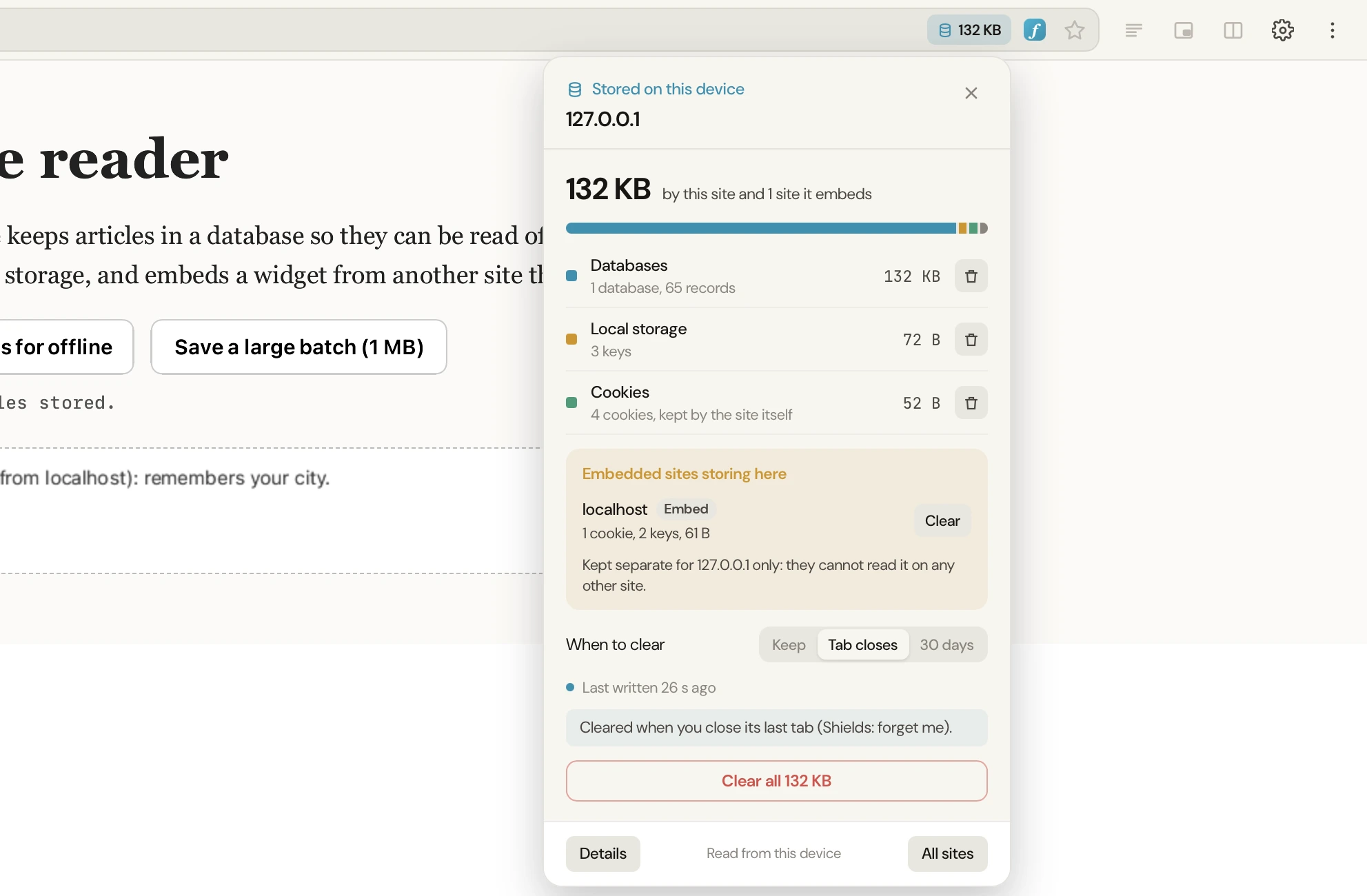
변경 3개- 탭과 인터페이스The update button now stays pinned to the far right of the tab bar and no longer scrolls out of view when you have a lot of tabs open, so it is always where you expect to find it.
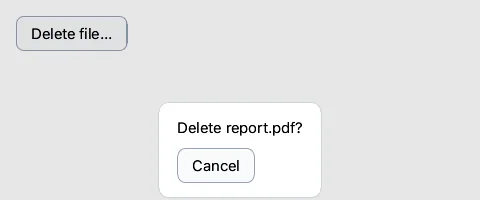
- 탭과 인터페이스Opening the update button now reliably shows its options (Download, or Restart once an update is ready). Before, the little panel could be cut off by the edge of the tab bar, so a click could look like it did nothing.
- 탭과 인터페이스The wording in the update panel is now set in the clear interface font, so the version name and the message read cleanly instead of in a hard-to-scan decorative style.