릴리스 노트는 영어로 작성되어 있습니다.
Inline buttons, tags and highlights are one clean shape again
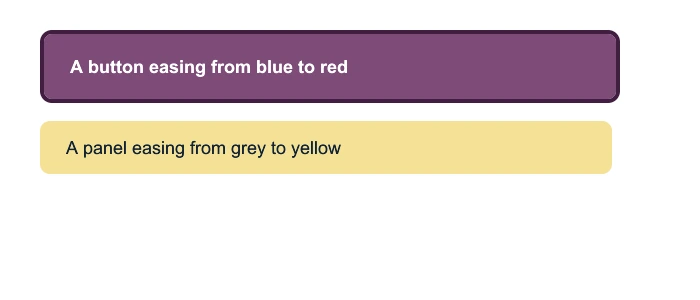
A rendering fix for a pattern that is everywhere: a piece of text inside a line - a coloured button, a rounded tag, a highlighted link, a multi-word code snippet - that carries a background and rounded corners. Our engine was painting it one WORD at a time, so each word got its own little padded pill and the gaps between them turned into stray circles; a button reading 'Get started free' came out as three separate pills. Now the background is painted once across the whole run, per line, with rounded corners only at the true start and end - one continuous shape, like every other browser. Found by rendering real pages and looking at them.
바뀐 점
변경 4개- 렌더링Inline elements with a background paint one continuous shape. A multi-word span, link, tag or code snippet with a background and rounded corners used to fragment into a separate rounded box per word, with circles in the gaps; it now paints as a single run per line, so buttons, pills and highlights look right.
- 렌더링Rounded corners land only where they should. The background rounds at the inline's real start and end; when it wraps onto a second line, the outer corners round and the break is squared - matching how browsers draw wrapped inline backgrounds.
- 렌더링Single-word tags and plain highlights are unchanged. Only the multi-word case that used to fragment is fixed; a one-word code span or a plain text highlight paints exactly as before.
- 웹 API와 DOMCaught by looking, not just measuring. This surfaced only when real pages - a landing page, a chat, a dashboard - were rendered and inspected; the automated geometry checks passed while the pixels were wrong. Rendering real pages is now part of verifying layout and paint changes.