모든 버전 v0.1.3362 10월 2026개인정보 보호와 Shields, 탭과 인터페이스 피드

릴리스 노트는 영어로 작성되어 있습니다.

Site controls that do what they say: permissions that really ask, and Shields per site

Every site now has one card, at the left of the address, with everything about it: the connection, your history with it, what it keeps on your device and every permission it can ask for. Ask now really asks: the system web view used to hand your camera and microphone to any site once your Mac allowed Floati, and now Floati asks first, with a live preview of what the site would see. Blocking stops a camera or microphone at once, the address bar shows what a site is using, and Shields can be set per site, with controls few browsers have.

바뀐 점

변경 13개
  1. 개인정보 보호와 ShieldsAsk really asks. On system web view tabs, macOS hands a site the camera and microphone silently once Floati itself is allowed. Floati now holds every camera, microphone, location, screen sharing, notification and MIDI request it has no answer for and shows its own prompt. Only the browser can answer it: each request carries a one-time secret the page never sees, so a site cannot click Allow for you.
  2. 개인정보 보호와 ShieldsThe prompt does not ask blind. Camera requests show a live preview of what the site would see (only you see it) and the camera's name; microphone requests show a level meter; and it tells you whether the connection is secure, how often you have been there, and whether any site already has your camera. If your Mac is the one refusing, it says so and opens the right setting, instead of the site failing mid-call.
  3. 개인정보 보호와 ShieldsAllow for 1 hour, then it asks again on its own, for the one-off call or map lookup that should not leave a site allowed forever. Always, Only this time (this page only) and Never are there too. An hour running out never cuts a call in progress; only you can do that.
  4. 개인정보 보호와 ShieldsBlock stops it now. Switching a site to Block stops its camera, microphone, screen sharing or location tracking at once (the camera light goes off and the site sees the device end, as when a webcam is unplugged), not at its next request.
  5. 탭과 인터페이스The address bar shows what a site is using: the site button turns into a camera, microphone, screen or location icon with a red dot while it is live, and a struck-through icon when you blocked it on that page. One click: Unblock and reload.
  6. 개인정보 보호와 ShieldsEvery permission a site can ask for, in one short card: camera, microphone, location, screen sharing, MIDI, notifications, pop-ups, sound (Block plays media muted), keeping the screen awake, reading your clipboard, and its data inside other sites. The card lists only what a site has a decision for, with All permissions one tap away; what the system web view never gives any site (USB, Bluetooth, serial, HID, VR and AR) is stated, not shown as switches that do nothing.
  7. 탭과 인터페이스Test that it works, from the card: camera (live preview, resolution, pick a camera), microphone (level meter, pick a microphone), location (where you are and how accurately), notifications (a real test notification) and speakers (a chime, then: did you hear it?). A failure says why in plain words: the Mac refused, no device, or another app has it.
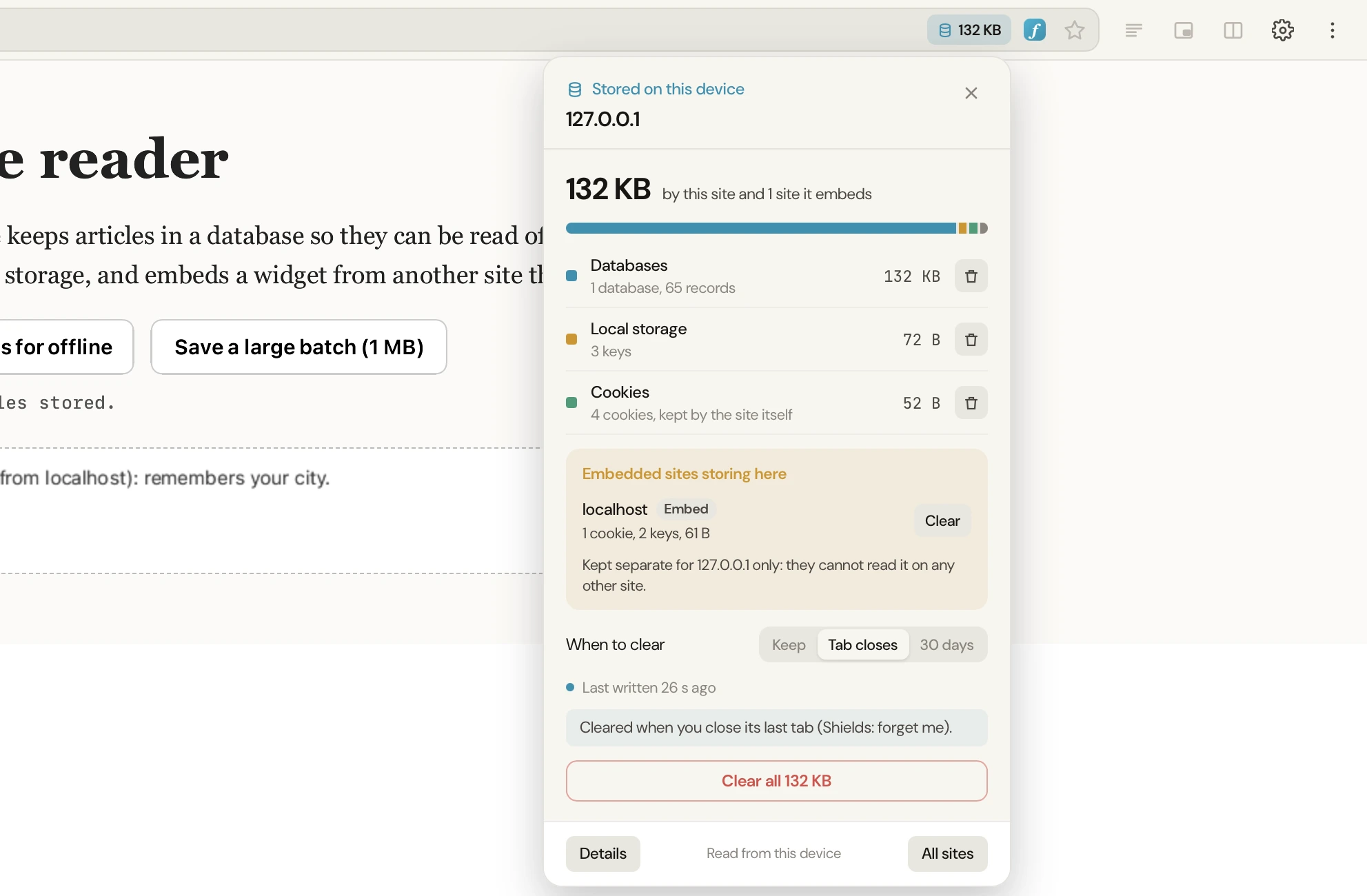
  8. 개인정보 보호와 ShieldsThe site card also shows your history with the site (visits, pages, first and last visit, from your own history, never sent anywhere), what it stores on this device with one-tap Clear, and Forget this site: history, data, permissions and Shields settings in one action.
  9. 개인정보 보호와 ShieldsShields per site, with more control than usual. The Floati tile at the right of the address shows what was blocked the moment the page settles (it used to wait for a second capture, about 20 seconds on a developer-docs site) and follows your accent colour and light or dark theme. Each site can have its own trackers and ads level (aggressive, standard, off), HTTPS upgrade (strict shows a warning page instead of loading over plain http), cookie blocking (all, cross-site, none), fingerprinting protection (canvas reads get per-site noise), and script blocking.
  10. 개인정보 보호와 ShieldsGoing further: block third-party scripts and frames for one site, block or allow a single domain on one site from the blocked-requests list, lower Shields for just this visit (undone when you close the site), and see how much was never downloaded.
  11. 탭과 인터페이스Settings lists every site you changed, newest first, in a fixed-height list with search, inline editing, add a site by name, and reset one or all, so a hundred custom sites never become an endless scroll.
  12. 개인정보 보호와 ShieldsFixed: pages on shared hosts (shared hosting addresses where each subdomain is someone else's site) were treated as one site, so every user's pages shared cookies, Shields and permissions. Each is its own site now.
  13. 개인정보 보호와 ShieldsCanvas toDataURL returns the real image (it was a 1x1 placeholder), with fingerprint noise when protection is on.
v0.1.336 이후 전부를 한곳에서

버전

v0.1.0 - 0.1.9 · 10 7월 2026418v0.1.427 · 25 11월 2026

10월2026 · 버전 33개

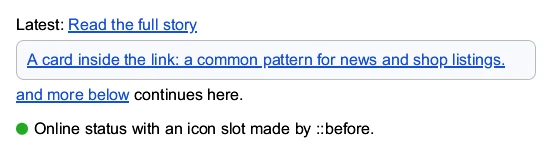
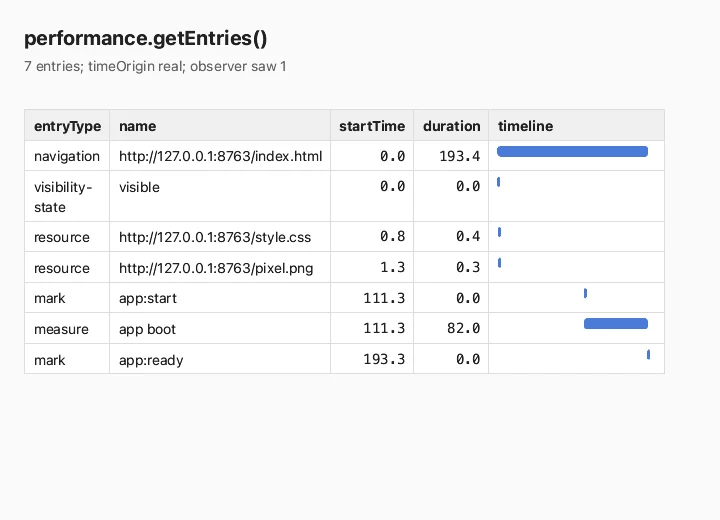
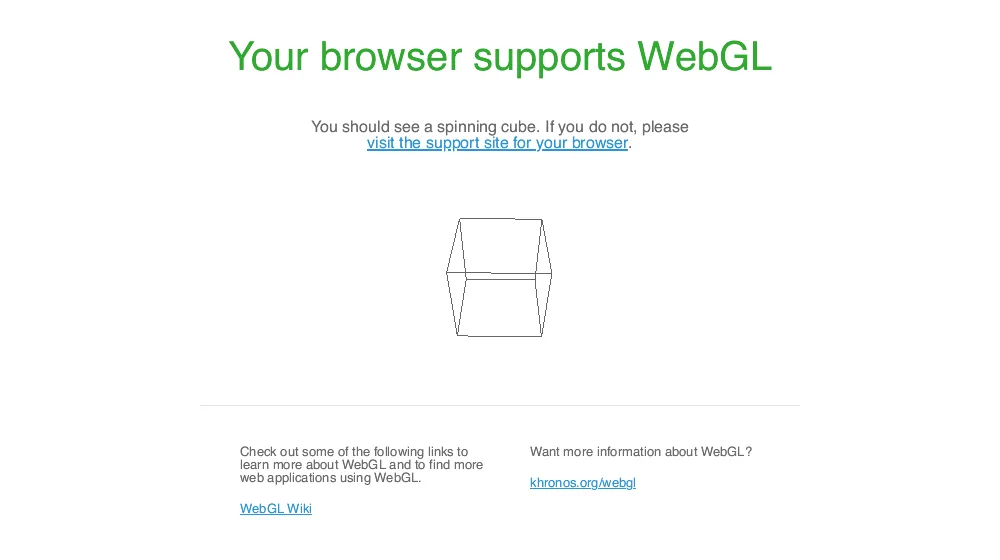
37121 10월Drop files onto pages, dictate without your voice leaving the Mac, and controllers that rumblev0.1.371 · 웹 API와 DOM · 확인해 보기 37021 10월Open your files, share to your phone, have pages read aloud, install sites as apps, play with a controller, and accented text drawn rightv0.1.370 · 개인정보 보호와 Shields · 확인해 보기11 36920 10월Passkeys with Touch ID and Windows Hello, sites that work offline, notifications you allow, and devices asked for first, all kept on your devicev0.1.369 · 개인정보 보호와 Shields · 확인해 보기9 36820 10월A site's own security rules are kept the whole time the page runs, Trusted Types, a map of every unsafe write in DevTools, and animations from scriptv0.1.368 · 개인정보 보호와 Shields · 확인해 보기 36720 10월Events, form controls, performance timing, URL patterns, live streams and the newest JavaScript: the Web APIs score rises from 59 to 62v0.1.367 · 웹 API와 DOM · 확인해 보기10 36619 10월Events, custom form controls, fonts and navigation work the way the web standards say: the Web APIs score rises from 53 to 59v0.1.366 · 웹 API와 DOM · 확인해 보기9 36519 10월The code-size budget fits your processor, and code that has gone cold makes room for code that is hot nowv0.1.365 · JavaScript와 JIT · 확인해 보기 36419 10월Compiled code that fits the processor's caches: big pages up to 1.8 times faster, and fast compiled code on Windows and Intel machinesv0.1.364 · JavaScript와 JIT · 확인해 보기 36319 10월Thermal runs on one code generator, building strings is up to 8 times faster, and two slow paths that grew with the square of their input are linearv0.1.363 · JavaScript와 JIT · 확인해 보기12 36219 10월A page scheduler that stalled now runs, try / finally and spreads compile, and deleting thousands of properties is 180 times fasterv0.1.362 · 렌더링 · 확인해 보기 36118 10월Thermal runs on Windows and Intel machines, a register fix for compiled code on Windows, try / catch compiles, and reading a growing string is 200 times fasterv0.1.361 · JavaScript와 JIT · 확인해 보기 36018 10월Every byte of machine code is Floati's own, a news site that showed blank renders, Gust's code is half the size, and closures and ?? compilev0.1.360 · JavaScript와 JIT · 확인해 보기9 35916 10월Thermal reads object members and folds Math, string building compiles, and methods, Array subclasses and globals behave as the standard saysv0.1.359 · JavaScript와 JIT · 확인해 보기 35816 10월Thermal, Floati's own optimizing compiler, is on: hot loops keep their numbers and strings in registersv0.1.358 · JavaScript와 JIT · 확인해 보기 35715 10월Loops that test a number run as machine code, more of your functions compile, and reading page nodes is three times fasterv0.1.357 · JavaScript와 JIT · 확인해 보기14 35614 10월Recursion makes a fraction of the calls, loops keep objects in registers, and element writes stop searchingv0.1.356 · JavaScript와 JIT · 확인해 보기 35514 10월A hot loop changes compiler without stopping, property writes skip the detour, and pure recursion remembers its answersv0.1.355 · JavaScript와 JIT · 확인해 보기 35413 10월Floati compiles JavaScript with its own compiler, Updraft: about a hundred times faster to compile, and compiled code no longer piles upv0.1.354 · JavaScript와 JIT · 확인해 보기 35311 10월Style matching tries a third of the rules, queries prepare their selector once, sibling walks stay fastv0.1.353 · 렌더링 · 확인해 보기 35211 10월Code that loads on demand starts at once, images decode beside their downloads, writes run compiledv0.1.352 · 렌더링 · 확인해 보기10 35111 10월Styles read once, layouts redone only where they changed, built-ins in compiled loopsv0.1.351 · JavaScript와 JIT · 확인해 보기12 35010 10월Helpers that compile, strings that stay small, and events that fire fastv0.1.350 · JavaScript와 JIT · 확인해 보기14 34910 10월Scripts that grow in step with their work, layouts laid out once, and colours mixed like the referencev0.1.349 · 렌더링 · 확인해 보기13 3489 10월Scripts that only compile when it pays, cards that line up, and bold that stays boldv0.1.348 · 렌더링 · 확인해 보기14 3478 10월Cards inside links, small print at its real size, and errors you can followv0.1.347 · 렌더링 · 확인해 보기17 3467 10월A real performance timeline, site icons from the engine with a lookalike check, and forms that lay out rightv0.1.346 · 렌더링 · 확인해 보기14 3457 10월Real WebGL, a real 2D canvas, and canvas text that matches the reference browserv0.1.345 · 렌더링 · 확인해 보기10 3436 10월Sign-ins that stay signed in, a real IndexedDB, and a storage button that shows what sites keepv0.1.343 · 개인정보 보호와 Shields · 확인해 보기25 3425 10월Theme switchers, chart labels sized by CSS, and SVG text you can measurev0.1.342 · 웹 API와 DOM · 확인해 보기 3415 10월Canvas text measured and drawn like the reference browser, and SVG shapes you can measurev0.1.341 · 렌더링 · 확인해 보기 3405 10월Scripts can read and change SVG the way they do in the reference browser, and a hidden hang is gonev0.1.340 · 렌더링 · 확인해 보기10 3395 10월Every computed style, real stylesheet objects and full 3D geometry, each checked against the reference browserv0.1.339 · 웹 API와 DOM · 확인해 보기12 3385 10월Pages load faster, render truer and gain a dozen modern web features, each one checked against the reference browserv0.1.338 · 웹 API와 DOM · 확인해 보기19