릴리스 노트는 영어로 작성되어 있습니다.
A floating video you can move, that opens without a black flash
The picture-in-picture window from 0.1.373 is now yours to place. Drag it from anywhere on the video and it settles into the nearest corner of the screen, clear of the Dock, the menu bar and the taskbar; pull its bottom-right corner to make it bigger or smaller, and the next one opens in the same corner. The first click works even when another app is in front. Opening it no longer shows a black window first: it starts with the very frame the page was showing and fades in once that frame is drawn. On Windows, dragging it into a corner no longer lets Windows blow it up to a quarter of the screen. Tested on a Mac and on Windows.
Move it, resize it, it finds a corner
In 0.1.373 the floating video sat in the bottom-right corner and stayed there. Now press anywhere on the video (away from the buttons) and drag: the window follows the pointer, and when you let go it glides into the nearest corner of the screen, kept clear of the Dock and menu bar on a Mac and of the taskbar on Windows, so it never ends up half under something. The next video you pop out opens in that same corner (until Floati quits). Drag the small area at its bottom-right corner to resize it. The window takes the first click even when another app is in front, so you do not have to click it once to wake it up and again to move it, and a double-click still goes back to the tab. Testing it on Windows found one more thing: dragging the window right into a screen corner let Windows' own window snapping take over and stretch it to a quarter of the screen. Floati now resizes the floating window itself on Windows, so snapping leaves it alone and it lands in the corner at the size you gave it.
No black flash when it opens

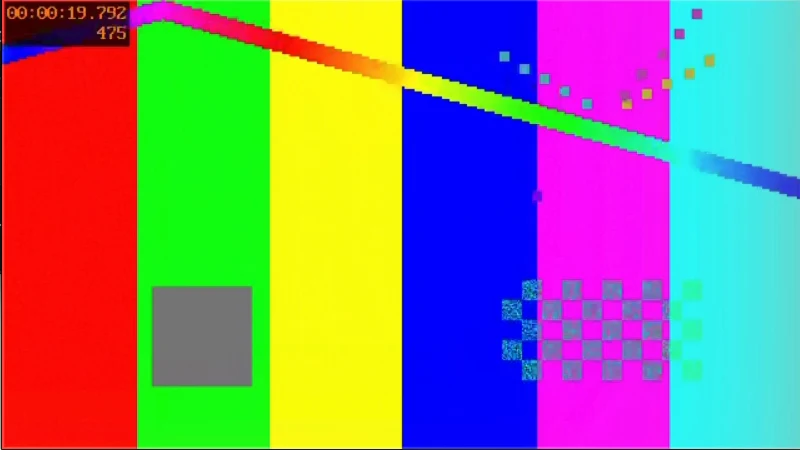
Pressing Pop out video used to show an empty black window for a moment before the video appeared. Three things caused it, and all three are fixed. The window came on screen before its page had painted anything: now it is prepared first, in its corner but fully transparent, and only turns visible once its first picture is drawn. That first picture had to wait for the floating window's own video decoder to work its way from the start of the clip to where you were watching, which took more than a second and a half on a long clip: now the window starts with the exact frame the page was showing, and the decoder takes over when it catches up. And the window turned visible in a single step, so a picture that was drawn but not yet on screen could still flash: now it fades in over about a tenth of a second, like the system's own picture-in-picture. We checked it by recording the screen 60 times a second while pressing the button, five times on a Mac and five on Windows: before, the window showed black until its first picture was ready; now no recorded frame is black.
the first frame after pressing Pop out video: a black window (before), the video itself (now)
바뀐 점
변경 8개- 탭과 인터페이스Picture-in-picture window can be dragged from anywhere on the video and snaps to the nearest screen corner.
- 탭과 인터페이스Corners keep clear of the Dock, menu bar and taskbar; the next floating video opens in the corner you chose.
- 탭과 인터페이스Resize the floating video from its bottom-right corner.
- 탭과 인터페이스The floating video takes the first click even when another app is in front.
- 탭과 인터페이스Windows: dragging the floating video into a screen corner no longer stretches it to a quarter of the screen.
- 미디어No black flash when the floating video opens: it starts with the page's current frame and fades in once it is drawn.
- 탭과 인터페이스The play and pause controls no longer flash over the first frames.
- 기억과 읽기Known: memory from pages you close is not all handed back yet; a fix is in progress.