릴리스 노트는 영어로 작성되어 있습니다.
WebGL pages finally move
WebGL pages finally move. An animated WebGL canvas stood still on screen until now, because the page was never told it had new pixels. That is fixed, WebGL runs on the real GPU by default with edges as smooth as the reference, and animation follows your display instead of stopping near 30 frames a second, so a test page reaches 120 on a 120 Hz screen. Big images and canvases cost far less on every site, and scripts a page writes while loading now run in order, which brought three public WebGL samples to life. A wrong-bytes bug in web encryption is fixed too. The GPU row moves 75 to 77.
WebGL pages finally move

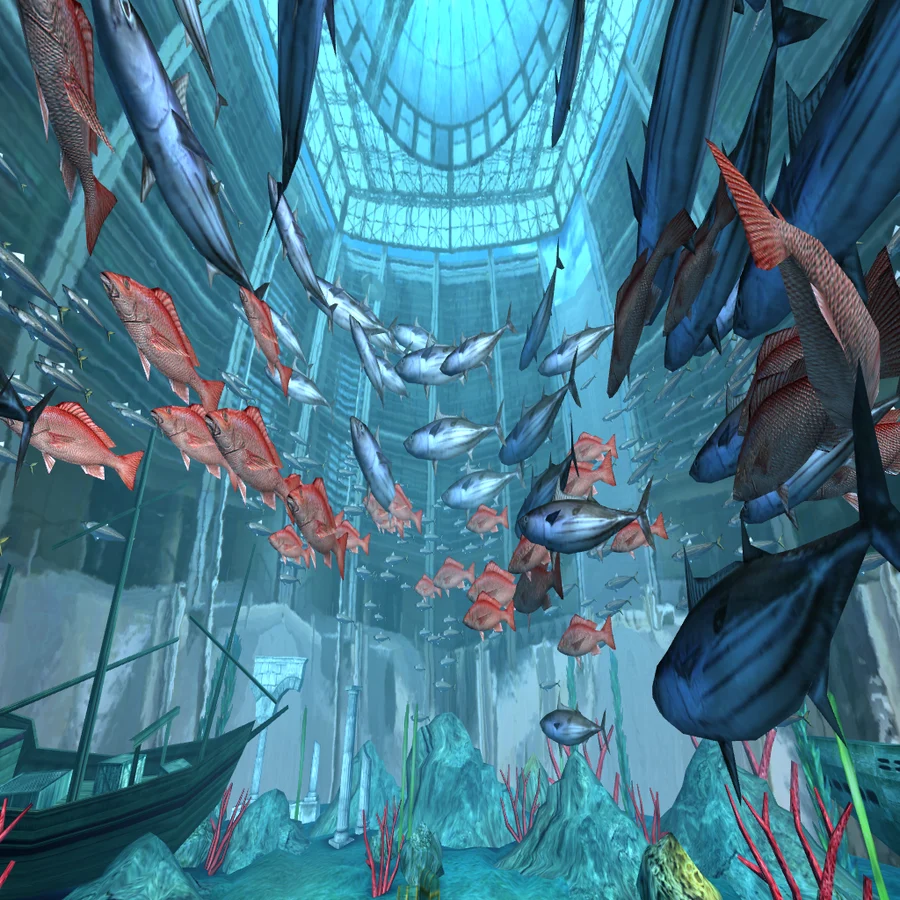
An animated WebGL page ran, drew every frame, and showed you none of them. Nothing told the engine there were new pixels, so what you saw was a blank canvas or the first frame. Worse, the libraries many of these pages write in with document.write ran too late, so some never started at all. Both are fixed, WebGL now moves to the real GPU once a context gets busy, and each device works on its own thread so the page's script is not waiting on it.
A real WebGL scene: Floati without these fixes, with them, and the reference browser, on one frozen frame.
Edges as smooth as the reference
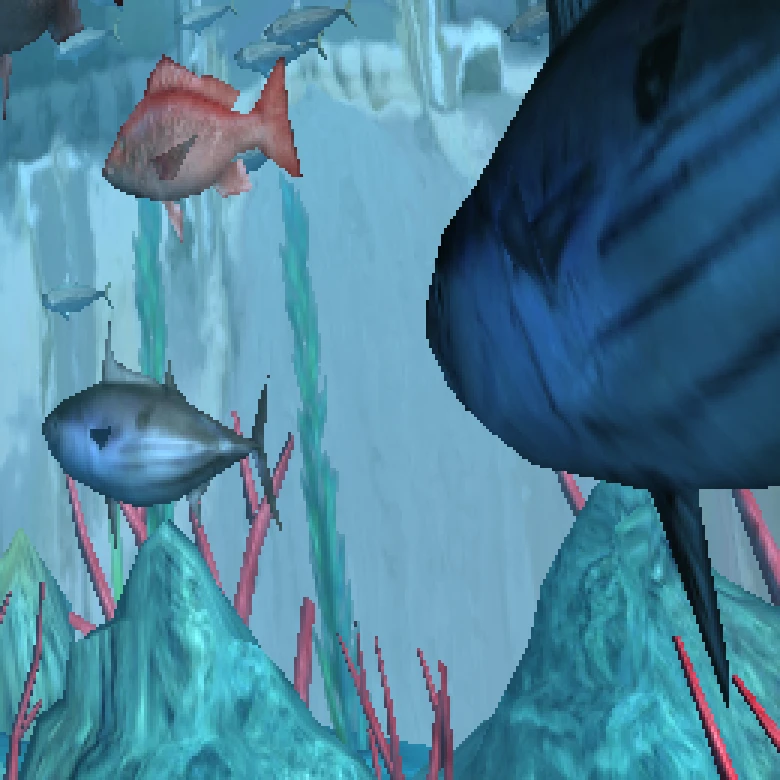
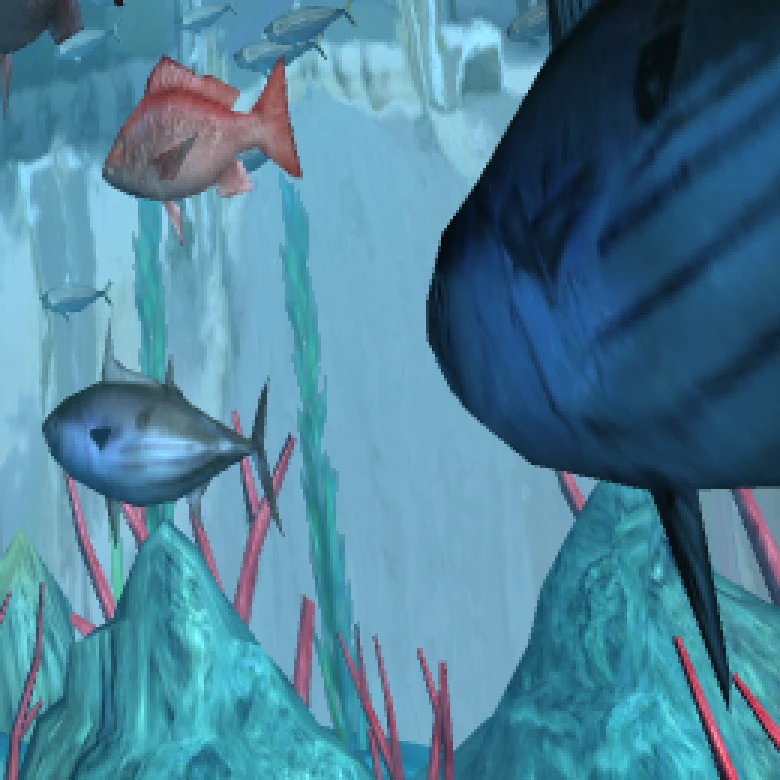
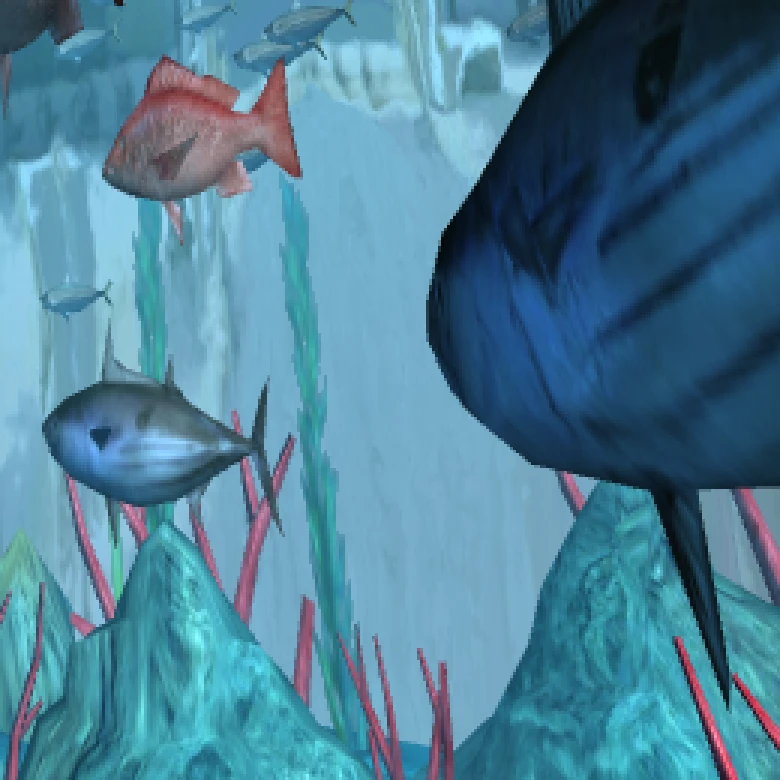
We almost shipped this with stair-stepped edges. The conformance suite passed and the pages looked fine at a glance, so we built a harder test: freeze the clock and the random numbers in both browsers, draw the same frame, and compare the raw bytes. That showed it at once. A page's antialias setting was being forced off, because the software renderer cannot do it, and that switched off the GPU's four samples too. It costs real speed, and we measured it, but quality comes first and every scene still holds 60 frames a second or better.
One small part of a frozen frame, enlarged: one sample, four samples, and the reference browser.
바뀐 점
변경 25개- 웹 API와 DOMFIX: WebGL edges are antialiased. The context asked for it and the GPU was ready, but the setting was forced off because the software renderer cannot do it, so every edge on a real page was stair-stepped. On a frozen frame of a real scene, pixels within 16 levels of the reference went from 97.63% to 99.83%. Past 16 million pixels a canvas draws one sample, because a page picks that size and samples multiply it.
- 웹 API와 DOMFIX: an animated WebGL canvas stood still on screen. The page ran and drew, but nothing told the engine there were new pixels, so the first frames stayed up. A draw now reaches the paint.
- 웹 API와 DOMFIX: encryption and hashing read the wrong bytes. crypto.subtle digest and encrypt, and an AES IV, read the whole buffer behind a subarray or DataView instead of the part it covers, so they gave wrong results with no error. WebGL and WebGPU buffer uploads had the same fault. Every API now reads what a view covers.
- JavaScript와 JITFIX: a page animating with requestAnimationFrame stopped near 30 frames a second, because the engine's loop allowed no more turns than that. A page on screen that asks for a frame now runs at the display's rate, and hidden tabs stay throttled.
- 웹 API와 DOMFIX: requestAnimationFrame's timestamp was a counter that added 16 per request, not time. It is real time now, on a grid of the display's frames, and every callback in a frame sees the same value.
- 탭과 인터페이스Speed: animation follows the display's real refresh rate, read from macOS or Windows, instead of a fixed 60.
- 웹 API와 DOMSpeed: a big image cost a full read of every byte, for every tile row, on every frame. An image is now read once per allocation, and a fresh canvas frame gets an id without being read. On an 800 by 600 WebGL page this took a core from 73% to 41%, and it helps any page with large images or canvases.
- 렌더링WebGL: runs on the real GPU by default once a context is busy, with the software renderer as the path for anything small. A script that draws a little and reads it back still never reaches the GPU, so it gets the same bytes on every machine.
- 웹 API와 DOMWebGL: a busy context that is too slow in software to finish three frames now moves on the amount it has drawn, counted in vertices so it is the same on every machine, and only at a clear, so nothing it needs is left behind.
- 기억과 읽기WebGL: each GPU device works on its own thread, so validation, encoding and submitting leave the script thread. WebGPU gets this too. The queue is bounded, so a page that outruns the GPU waits rather than filling memory.
- JavaScript와 JITWebGL: a repeated mesh costs one list and one upload per submit, uniforms stay in place during a draw, and GL calls skip the walk up the prototype chain.
- 렌더링FIX: scripts a page writes with document.write ran after the page's other scripts, so a library loaded that way was missing when the next script needed it. They now run in order, before the next script.
- 렌더링FIX: insertAdjacentHTML ran the scripts it inserted. The standard says they stay inert.
- 웹 API와 DOMFIX: preserveDrawingBuffer was accepted and ignored. Without it a presented buffer now starts over, as the standard says, and the screen keeps the frame.
- 렌더링FIX: a new depth renderbuffer on the GPU started at 0 instead of 1, so nothing passed the depth test. New storage now counts as a new image.
- 기억과 읽기FIX: deleted WebGL objects kept their GPU memory until the context closed. They now leave within 16 presented frames.
- 렌더링FIX: releasing a GPU resource while a pass still used it broke the pass. Releases now wait for the submit.
- 렌더링FIX: a shader may reuse a built-in function's name, such as a function called abs with no arguments. Only a built-in's exact signature is refused.
- 렌더링FIX: instanced drawing needs one attribute with a divisor of zero, and draws nothing out of bounds when it draws nothing. Both now follow the rules.
- 렌더링FIX: isVertexArrayOES with another context's object answers false with no error.
- 렌더링FIX: getAttribLocation and getUniformLocation on an unlinked program give INVALID_OPERATION, whatever the name.
- 렌더링WebGL: shaders translate to the GPU from the code the software renderer runs, so both agree on what a shader means. Points draw as GPU quads, viewports may pass the target, and a resized canvas is not read back.
- JavaScript와 JITFIX: WebGL conformance. Cube sub images need no square check, copies past the framebuffer edge keep what they can, stencil rules compare only the bits a stencil buffer has, long names are refused, and a deleted image lives while a framebuffer or vertex array holds it.
- 렌더링Testing: a new tool freezes the clock and random numbers of a real WebGL page and compares raw pixels with the reference. That is what found the edges.
- 렌더링Testing: new laws cover a draw reaching the paint, a presented buffer starting over, deleted objects leaving the GPU, views reading their own bytes, written scripts running in order, and an image's id dying with it.