Примечания к выпускам написаны на английском.
Retina text that keeps its spacing, embeds at their real size, and an address bar that keeps up
On a retina screen, text in system fonts ran words together and left uneven gaps, because the threads that draw the page never received the font's size-specific details. They do now, so the app draws text exactly as the engine measures it. Full-width embedded frames draw at their real size instead of a stretched 300px picture, the address bar shows where a redirect landed, fonts named in a style attribute get the right system face, gridline tables lose a stray bottom line, and Return right after typing an address always goes there.
Retina text that keeps its word spacing


In the app on a retina screen, bold headings ran their words together and body text had uneven gaps. Two things were wrong. At 2x the engine picked the font's large-size cut, whose letters are narrower than the cut layout measured with; it now chooses the cut and the letter tracking at the size the text was laid out at. And the threads that draw the page in the app had never been given the font's optical sizes, tracking and kerning, so they drew with a plain face; they now get the same font tables as the engine. A test draws text on a separate thread and requires it to match the engine thread pixel for pixel.
a heading and paragraph in the app on a retina screen
Embedded frames at their real size
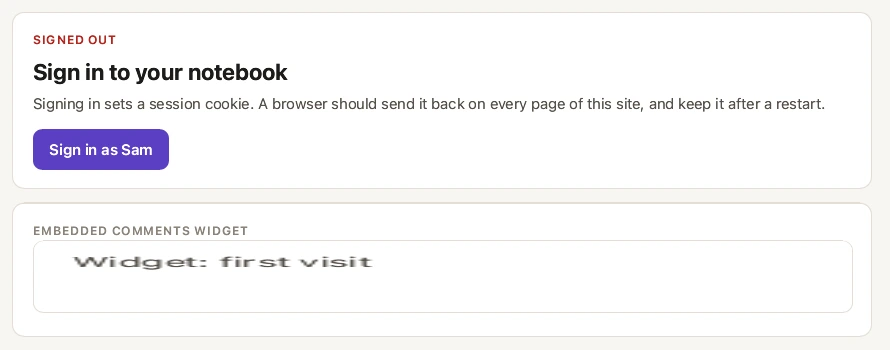
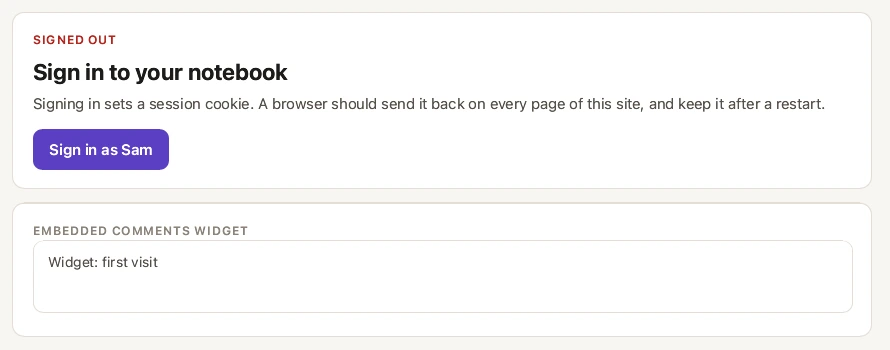
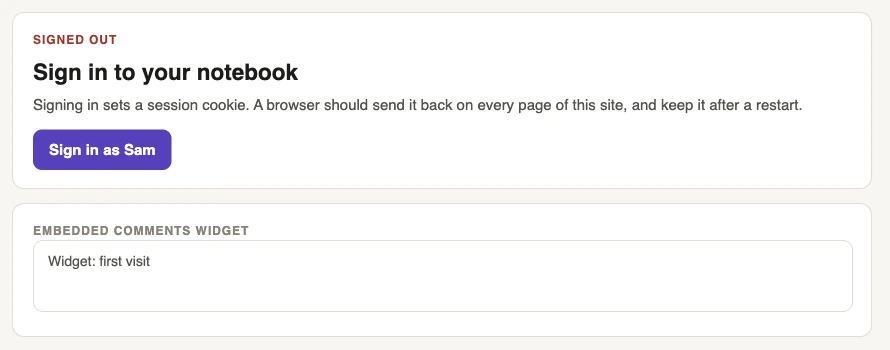
An embedded comments widget sized width: 100% was laid out at the 300px default and its picture stretched across the real box, so its text came out wide and blurred. Frames whose size is not a plain pixel length (percentages, calc, flex and grid items) are now laid out at the box they actually get, and match the reference browser.
a full-width embedded widget
Что изменилось
7 изменений- ОтрисовкаRetina text keeps its word spacing: at 2x the engine chooses the font's optical-size cut and its letter tracking at the size the text was laid out at, not the pixel size it is drawn at, so each word fills exactly the space layout gave it. Bold headings no longer run their words together and body text no longer has uneven gaps. 1x pages draw exactly as before.
- ОтрисовкаThe threads that draw the page in the app now receive the engine's font tables (optical sizes, tracking, kerning, web fonts, underline metrics). They drew system fonts with a plain face, which is why text looked different in the app than in every engine check. A new test draws on a separate thread and requires a pixel-for-pixel match.
- Веб-API и DOMEmbedded frames sized by percentage, calc(), a percent width attribute or a flex or grid track are laid out at their real box instead of the 300x150 default and stretched, so full-width widgets have crisp, normally proportioned text.
- Вкладки и интерфейсAfter an HTTP redirect the address bar, the tab's history entry and Reload all use the page you landed on, not the address that redirected. Back skips the redirecting address.
- ОтрисовкаFonts named only in a style attribute (style="font: 15px -apple-system") get the same installed system face as fonts named in a style sheet, instead of a generic fallback.
- Веб-API и DOMGridline tables with border-collapse and borders on top of each row lost a stray 1px line in the text colour under their last row. The outer bottom and right frame now come from the edge cells' own bottom and right borders, so a table only gets a frame its rules declare.
- Вкладки и интерфейсPressing Return straight after typing an address goes to that address. The suggestion list arrives a moment after you stop typing, and a fast Return used to take a suggestion meant for the previous text, usually reloading the current page.


