یادداشتهای انتشار به انگلیسی نوشته شدهاند.
Your data stays put, your choices stick, and dictation that really listens
A safety release, checked by hand in the app on a Mac. The most important fix: when macOS asked for your password to unlock Floati's keychain entry and the answer took more than four seconds, Floati could give up on your saved data and start an empty profile. It now waits for you, tries every key it knows, and never deletes a profile it cannot open: it keeps it aside and puts it back as soon as a key opens it. Microphone choices now hold the way you set them, across restarts and in installed apps. Files dropped from Finder land exactly where you let go. Dictation was tried with real speech and transcribed on the Mac, and when macOS Dictation is off Floati now tells you how to turn it on instead of reporting silence. Game controllers can rumble on a Mac too (not yet tried with a real controller).
Your saved data is never thrown away
Floati keeps your history, bookmarks, passwords, highlights and site settings in an encrypted database on your computer, with its key in the system keychain. When an update changes how the app is signed, macOS can ask for your password before it hands that key over. Floati waited only four seconds for the answer; after that it used a spare key from a file, the database did not open with it, and Floati deleted the database and started an empty one. Now it waits as long as the password prompt is on screen, it only makes a new key when there truly is none (a refused or slow answer never replaces the key you have), and it tries every key it knows before deciding. If none opens the database, the database is kept aside, never deleted, and the next time a key opens it Floati puts it back by itself, re-locked with the current key. Site data a page stores on your computer follows the same rule.
Microphone and other choices hold the way you set them
Always allow and Never allow are remembered per site and now apply from the first moment a page is open, including a tab Floati reopens when it starts: before, that tab could load before your saved choices were read, so it asked again or let a request through that you had blocked. Changing a site from Allow to Block (or back to Ask) on the site card takes effect on the open page at once, with no reload. Only this time lasts for that page and asks again next time. All three were tried by hand across restarts. The site card also counts each request, for example a microphone asked for twice and refused twice.
Permission prompts inside installed apps
A site installed as an app opens in its own app tab with a slim app bar instead of the address bar. When such an app asked for the microphone, Floati's prompt had nowhere to appear and the request waited forever. The prompt now shows under the app bar, with the live microphone meter, the site's visit count and the same Allow for 1 hour, Always allow, Only this time and Never allow choices as in a normal tab.
Files dropped from Finder land where you let go
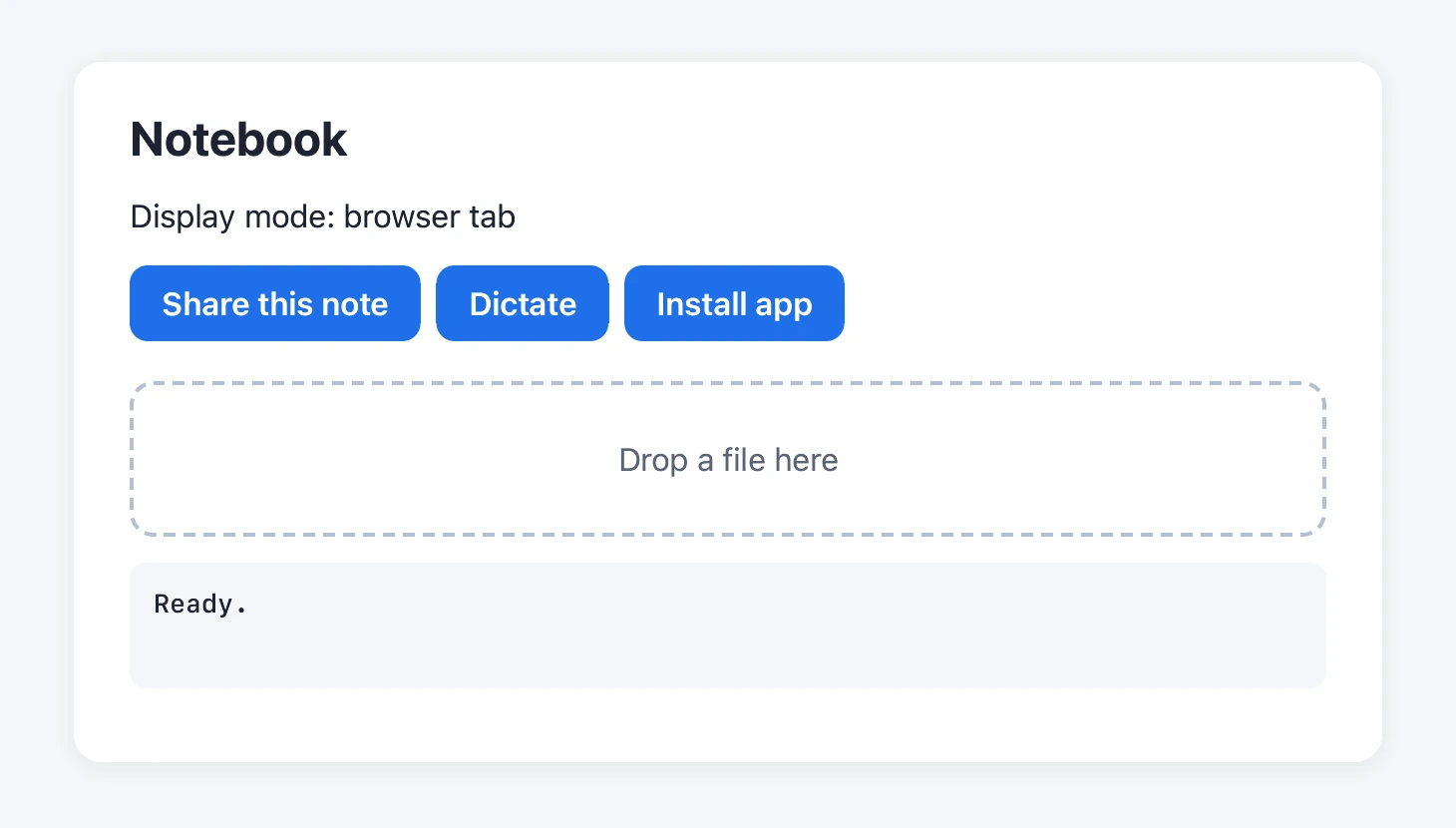
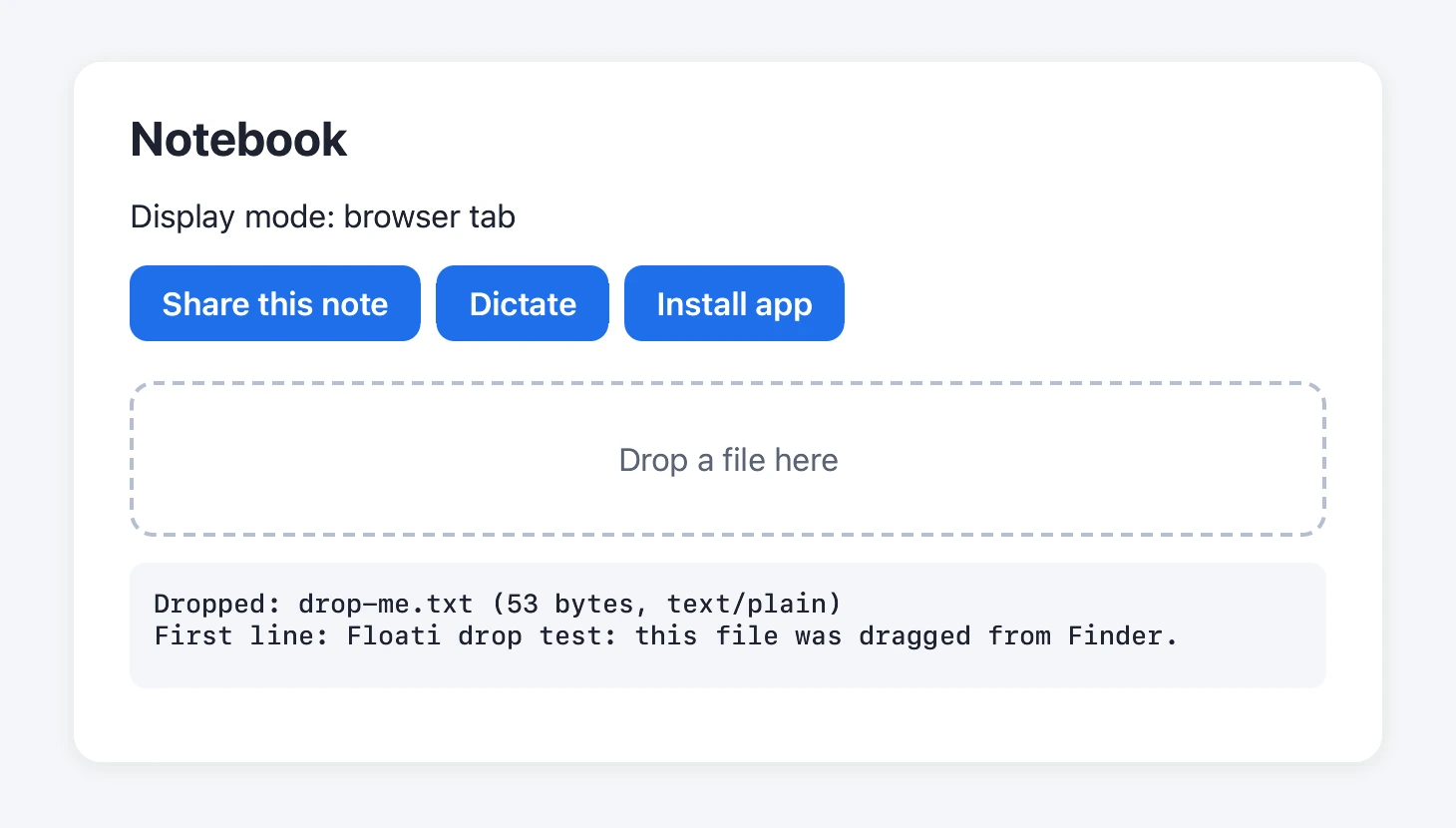
Dropping a file onto a page in the previous version could miss the drop zone: the drop point was halved on a Mac, so the page received the file somewhere above where you let go, and on some pages the drop was not found at all. Now the page under the pointer gets the drop at the exact spot, reads the file's name, type and contents, and a drop zone like an uploader's reacts as it should.
a text file dragged from Finder onto a page's drop zone
Dictation, tried with real speech
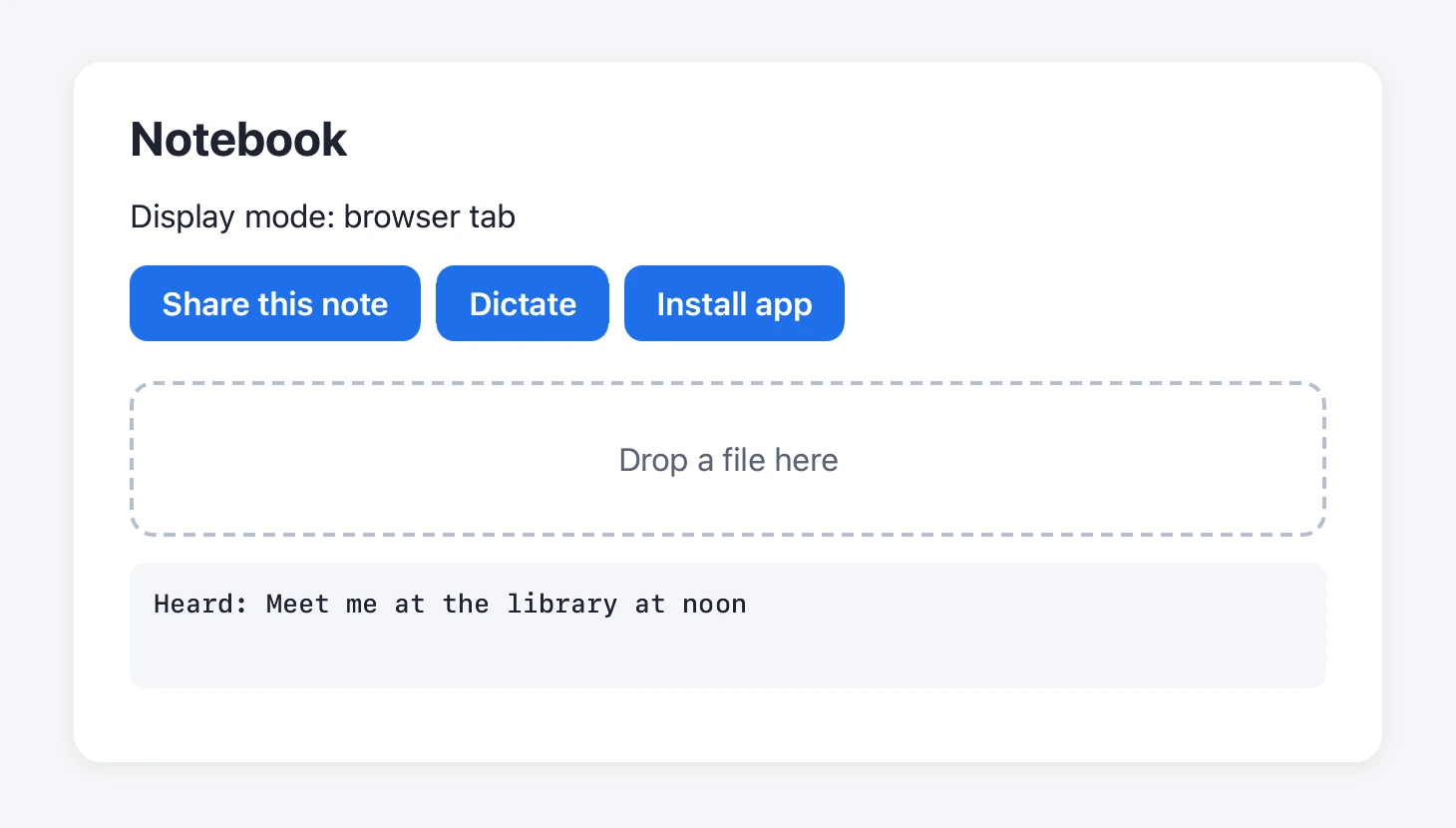
Speech recognition was tried end to end in the app: the page asked for the microphone through Floati's prompt, the Mac's own recognizer transcribed the sentence with on-device recognition required, and the words came back to the page. Nothing was sent anywhere. When macOS Dictation is switched off, the recognizer refuses; Floati used to tell the page nothing was heard, which looked like a broken microphone. Now the page is told the service is not available, and Floati shows a short note on how to turn Dictation on in System Settings. Other cases are reported precisely too: nothing heard, or listening stopped.
Controllers rumble on a Mac too
A game's vibration effects now reach the controller on a Mac as well as on Windows: Floati plays them through the controller's own haptics engine, with the strength the game asks for and for its duration. A newer effect or a reset stops the one playing, as before. This was built against the controller's haptics interface and has not yet been tried with a real controller on a Mac.
چه چیزی تغییر کرد
6 تغییر- حریم خصوصی و ShieldsA profile that no key opens is kept aside and restored later, never deleted; Floati waits for the keychain prompt instead of 4 seconds.
- حریم خصوصی و ShieldsSaved permission choices apply to a tab reopened at start-up and to an open page as soon as you change them.
- حریم خصوصی و ShieldsPermission prompts show in installed app tabs, under the app bar.
- نمایش صفحهFiles dropped from Finder reach the exact point under the pointer.
- نمایش صفحهDictation reports Dictation off, nothing heard and stopped listening precisely, with a note on turning Dictation on.
- نمایش صفحهGame controller rumble on macOS through the controller's haptics engine.