Passkeys with Touch ID and Windows Hello, sites that work offline, notifications you allow, and devices asked for first, all kept on your device
The biggest privacy and safety release so far. Sites can sign you in with a passkey instead of a password: Floati makes the key, keeps it in its vault on this device behind Touch ID or Windows Hello, and gives the site only a public key, never anything about your device. Sites can keep working offline: a site's service worker answers its pages and files from its own offline copy, even after a restart with no network. A site can show you notifications once you allow it, but it cannot reach you once its page is closed, because Floati keeps no push service; the site card now lists what a site keeps running in the background, with a button to remove it. Location, motion sensors, MIDI, the screen staying awake and every other device a page asks for go through one prompt that asks only after you click, and the site card lists everything a page reached for. Pages also gain the scheduling, locking, highlighting, file and cryptography tools they expect, every page starts about 10 ms faster, and a leak that left memory behind after every page closed is fixed. Measured against the reference browser, the Web APIs surface goes from 63.8 to 73.5 percent.
Passkeys, kept on this device
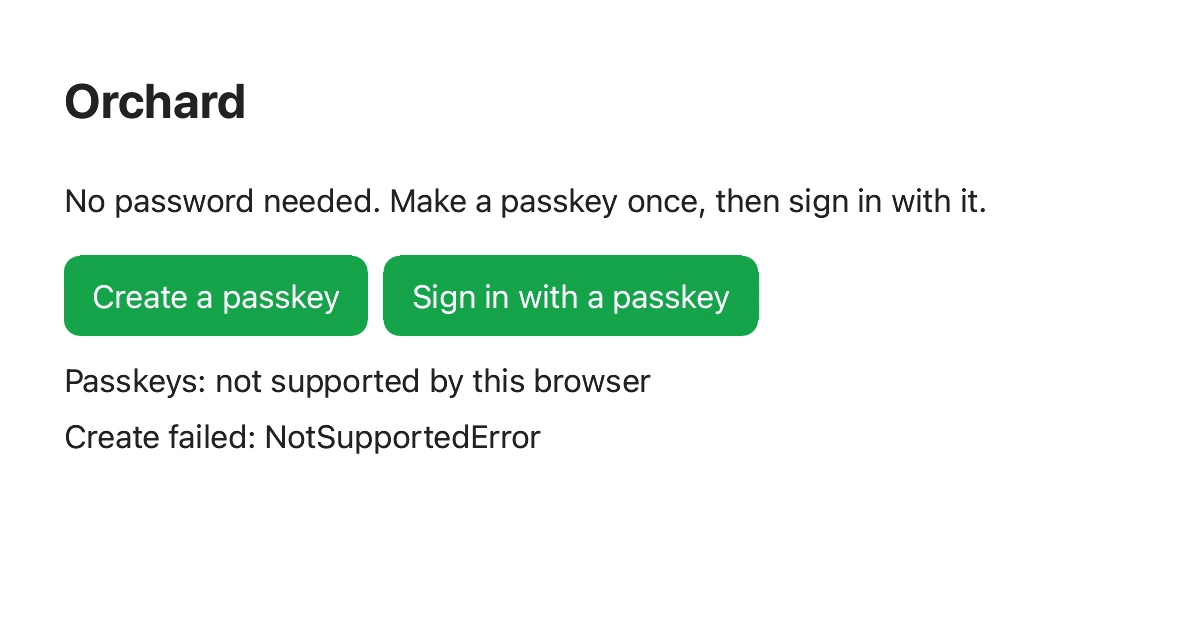
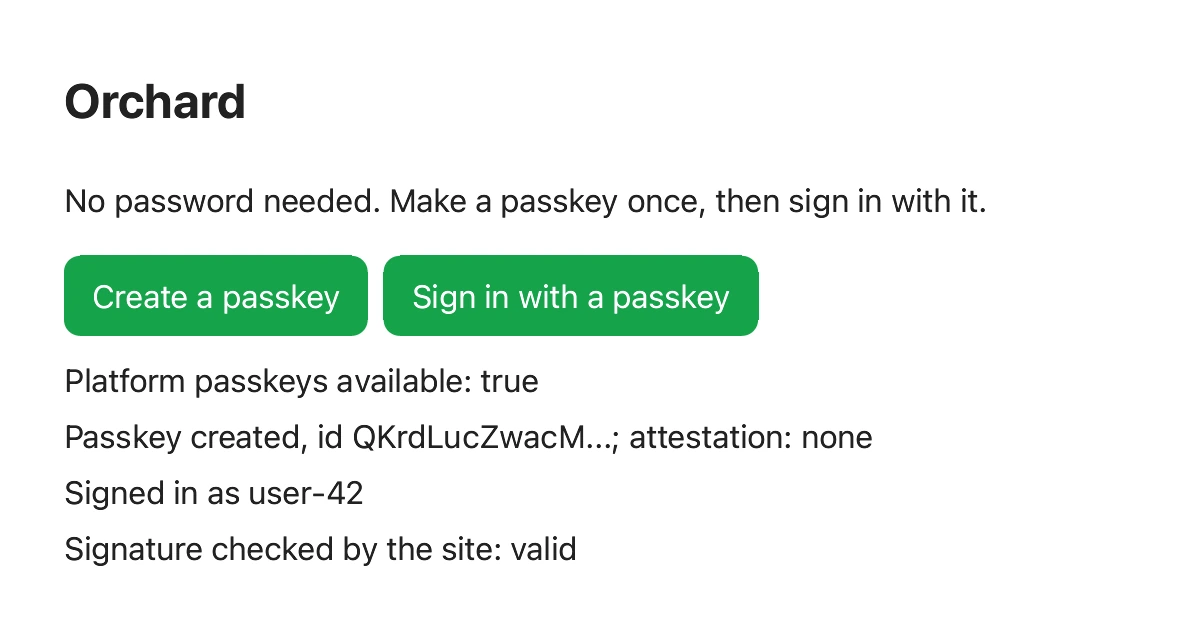
A passkey replaces a password with a key pair: the site keeps the public half, your device keeps the private half and signs a fresh challenge each time you sign in, so there is nothing for a site to leak and nothing a fake site can phish (a passkey works only on the site that made it). Floati now makes and uses passkeys through the standard every site uses (navigator.credentials, PublicKeyCredential and the JSON helpers). Nothing happens until you confirm in Floati's own sheet, which names the site and the account; then Touch ID on a Mac or Windows Hello on a PC checks that it is you. The private key lives in Floati's vault, encrypted on this device, and is never synced or exported. The site learns as little as the standard allows: attestation is always "none" and the authenticator's model id is blank, so a site cannot tell which device or browser made the key. In the picture, a site makes a passkey, signs in with it and checks the signature itself.
Sites that work offline
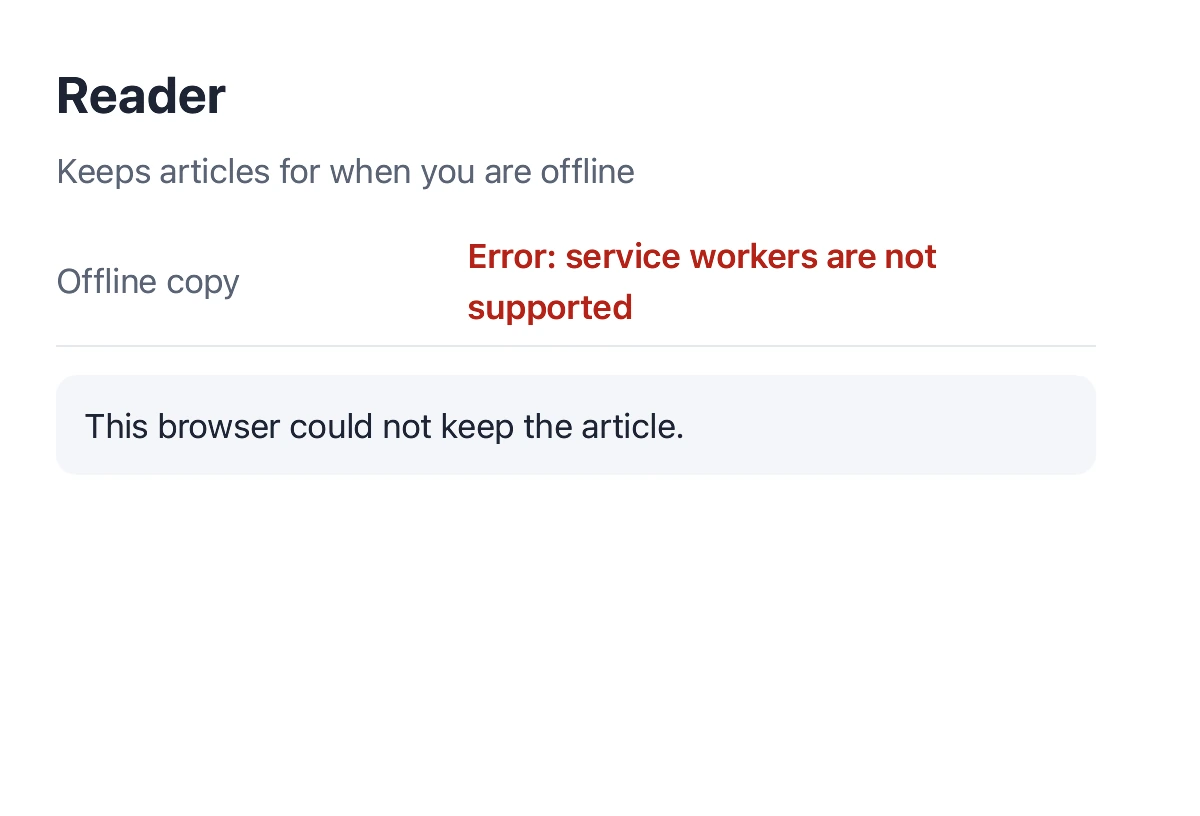
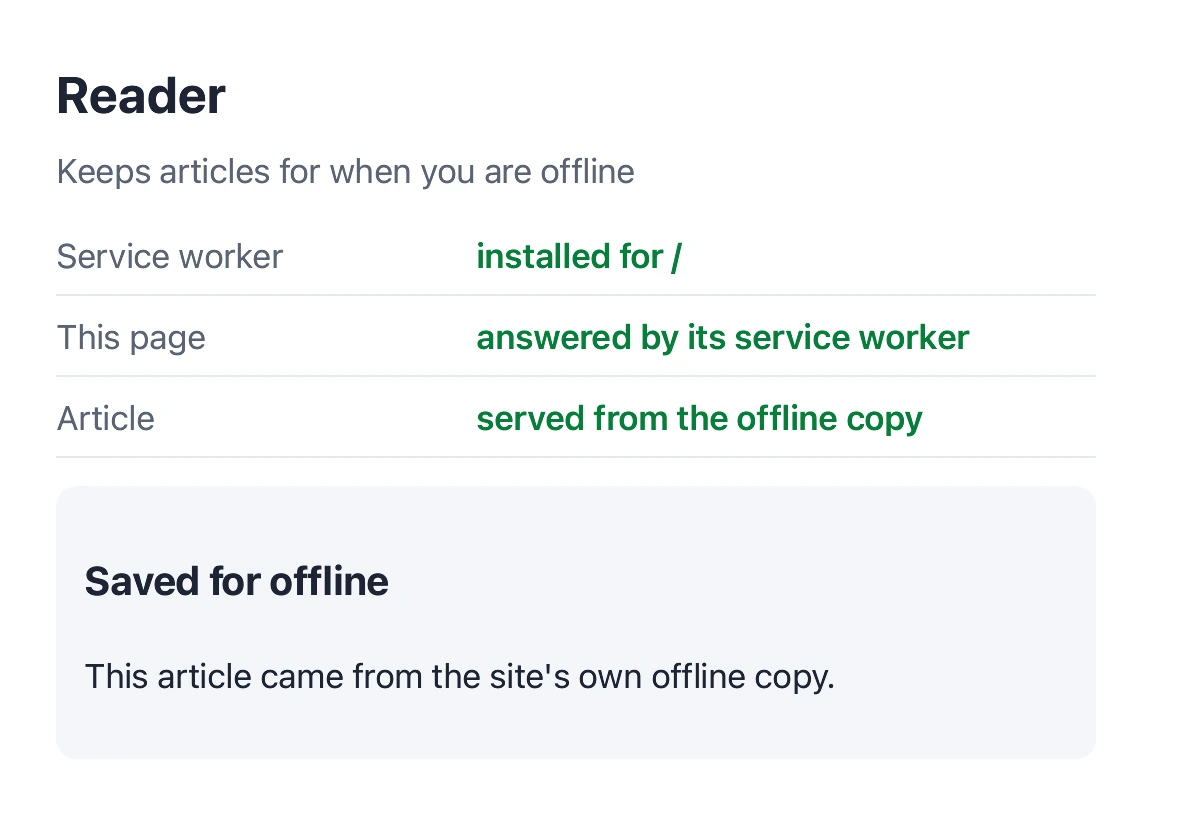
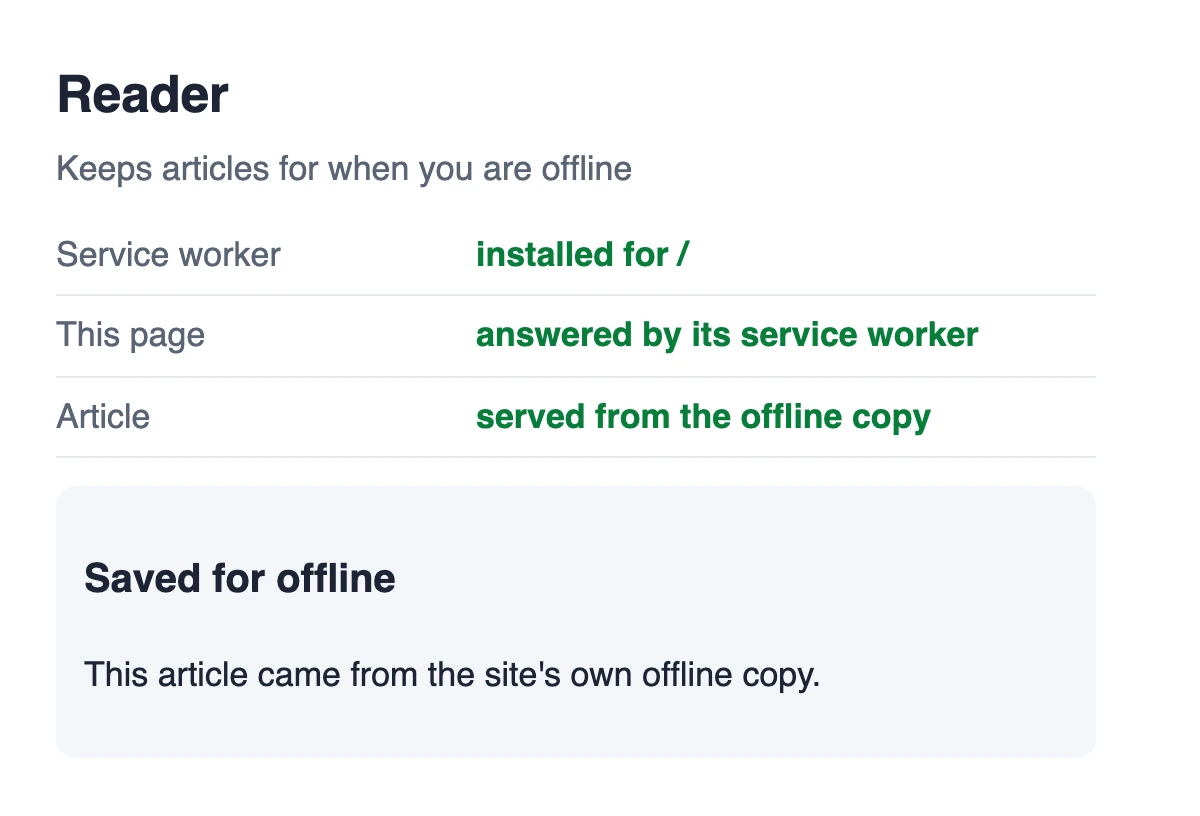
A service worker is a site's own small script that sits between its pages and the network: it can keep a copy of an article, an inbox or an app so they open with no connection. Floati now runs them: register, install, activate and claim, the page's requests answered by the worker's fetch handler (pages, images, scripts and styles, not only fetch calls), messages both ways, and Cache Storage shared with the page. The registration and its cached files are kept for the site on this device, so a site you set up opens offline even after Floati restarts. A worker runs only while one of its site's pages is open, and the site card's new In the background section lists it with a Remove button.
Notifications you allow, and no one can wake your computer
A site can ask to show notifications only after you click something on it, so a page cannot greet you with a prompt. Once you allow it, its notifications appear in Floati with the site's name on each; clicking one opens its tab, and the page hears the click. What no site can do is reach you after its page is closed: push messages need a push service, a server that knows which sites you follow and can wake your computer for them, and Floati keeps none. A site that tries to subscribe is told the service is not available, exactly as the reference browser says when it has none, and the site card says it plainly: cannot wake your computer or message you once the page is closed.
Devices and permissions, asked first and listed
Every permission a page can ask for now goes through one broker: location (from the computer's own location service, only after you allow it), motion sensors, MIDI instruments, keeping the screen awake, clipboard, window placement and more. Asking needs a click; a remembered Allow or Never is applied per site; Only this time lasts for the page. Bluetooth, USB, HID and serial devices answer a page exactly as the reference browser does when you close its device chooser, and a page asking without a click is refused, so no device is ever shared. The site card's Asked on this page list shows every permission and device the page reached for, how often, and what it got, including the ones refused without bothering you. A screen kept awake goes back to sleep when you leave the tab.
Highlights a page can paint without changing itself
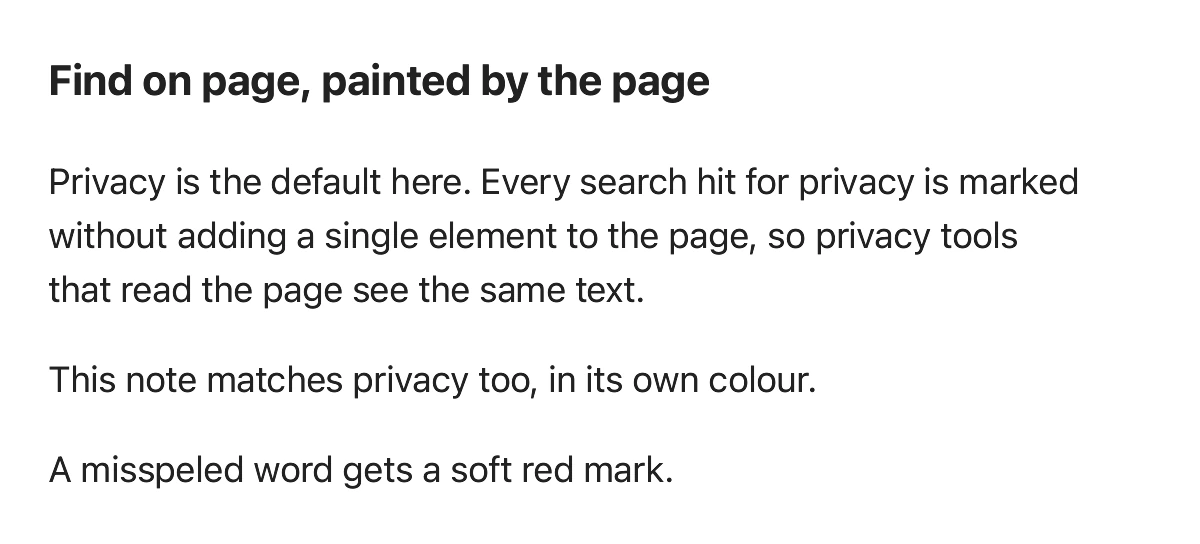
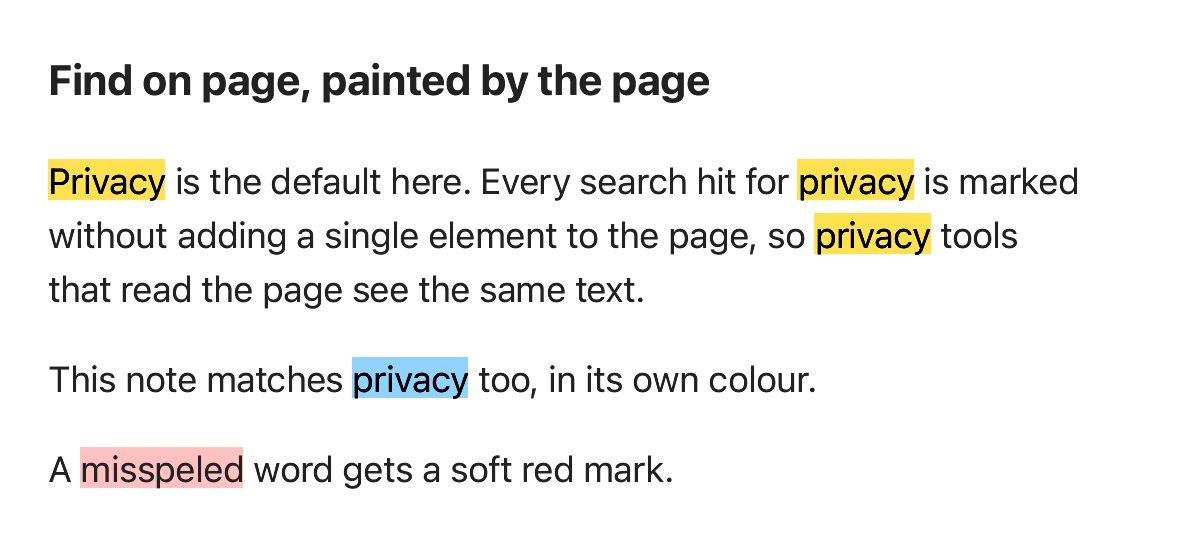
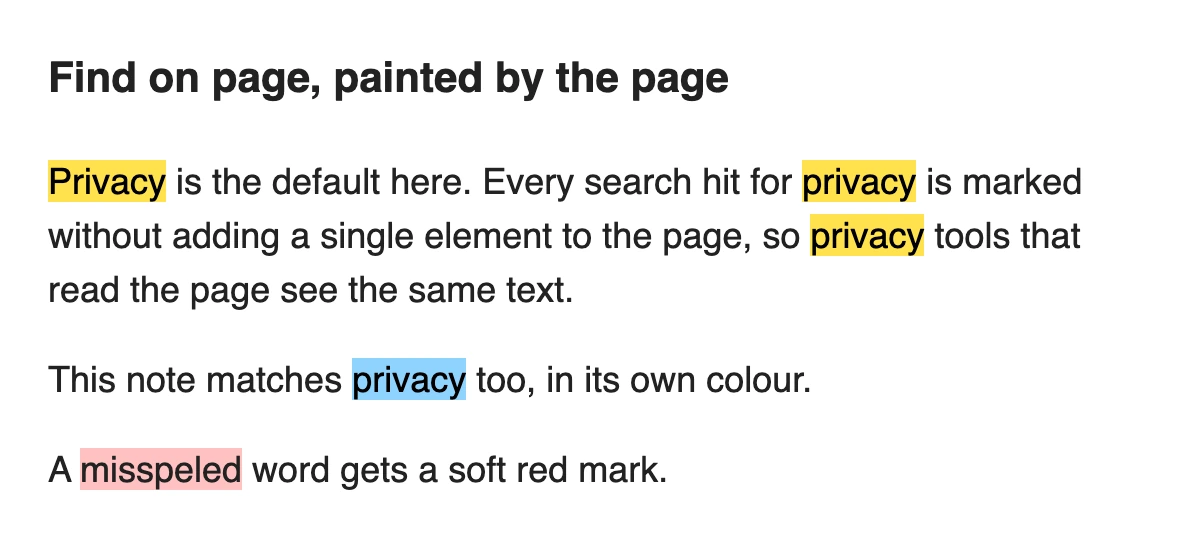
The CSS Custom Highlight API lets a page mark text, such as search hits, spelling or the current sentence being read aloud, without wrapping it in extra elements: the page registers ranges with CSS.highlights and styles them with ::highlight(name). Floati paints them under the text in the colours the page's styles give, follows the ranges as the page changes, and answers highlightsFromPoint. Because the page itself is never modified, tools that read the page (screen readers, reader view, privacy checks) see exactly the same text.
Signatures and keys a page can trust
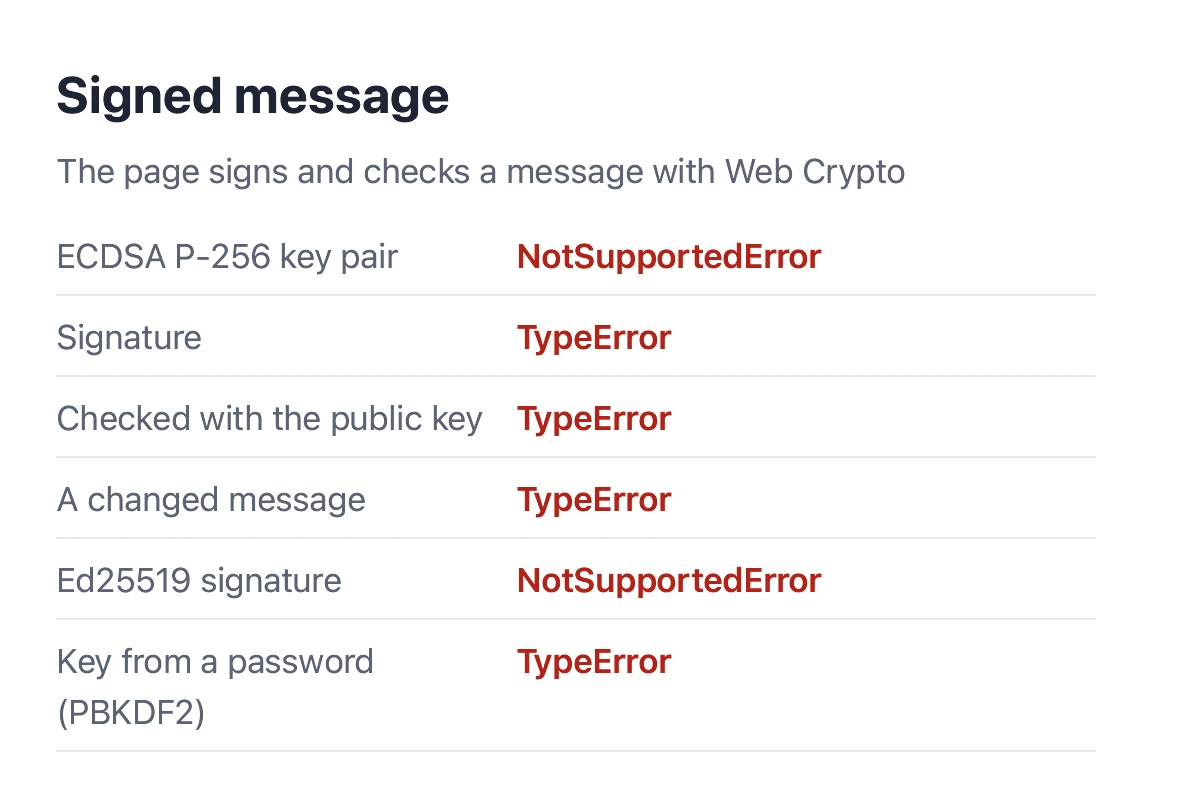
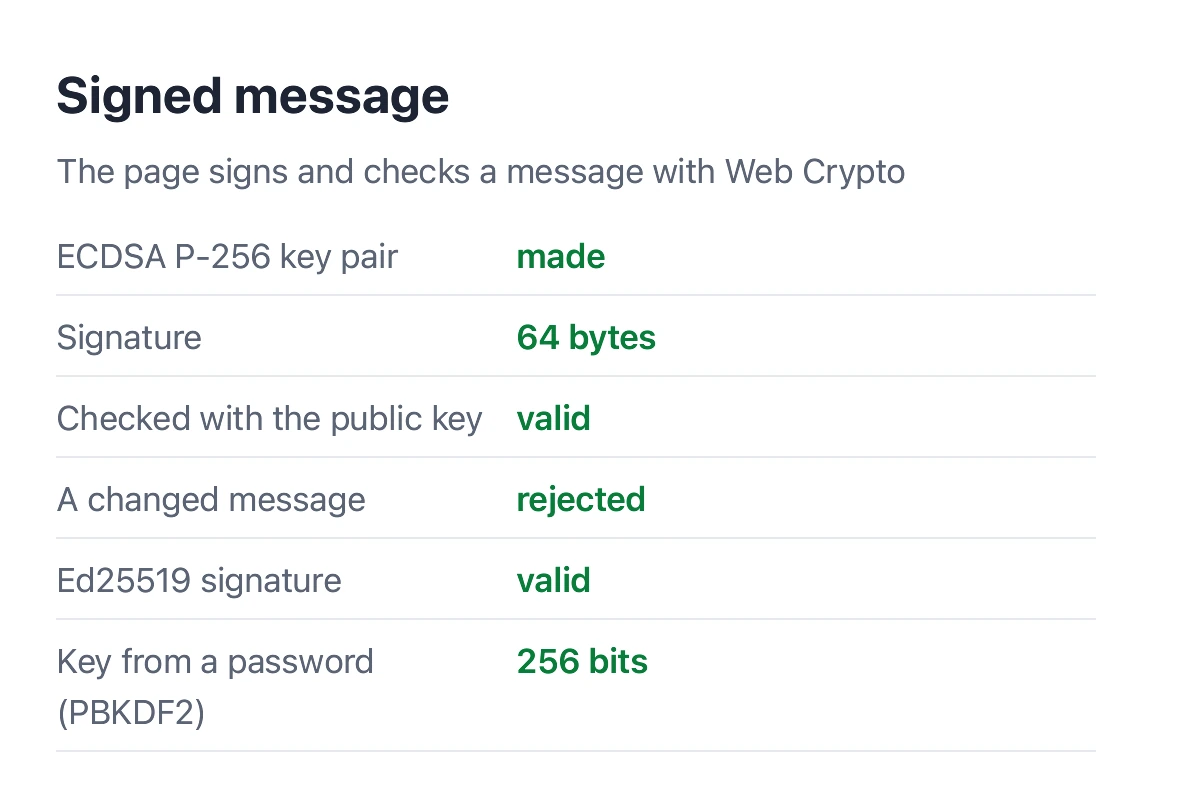
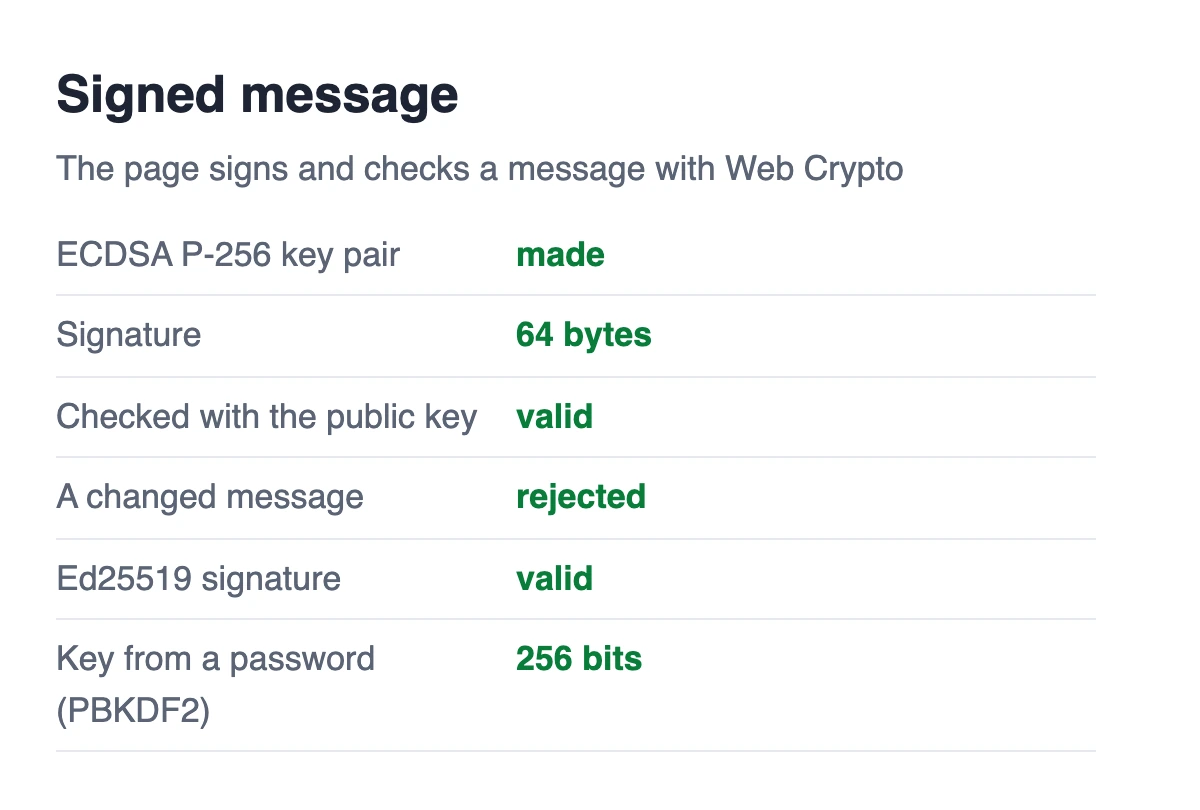
Web Crypto gains the public-key half: ECDSA on P-256 and P-384, Ed25519, RSA signatures (PKCS#1 v1.5 and PSS) with imported keys, and keys derived from a password or a secret with PBKDF2 and HKDF, with spki, pkcs8, raw and JWK import and export. Sites use these to check signed messages, verify a passkey sign-in on the page, or encrypt with a key made from a password, and they now run on the same audited cryptography library as Floati's network security.
Files, schedules and locks for web apps
Web apps gain the tools they reach for: the site's own private file system (navigator.storage.getDirectory: files and folders kept for the site on this device, written through streams), storage buckets, prioritized tasks (scheduler.postTask, scheduler.yield, TaskController), Web Locks between tabs, real ResizeObserver entries and MutationRecords, caretPositionFromPoint, and a compute pressure reading that always says nominal, so a site cannot use your machine's load to tell you apart.
Every page starts faster and leaves nothing behind
Profiling the start of a page found that setting up the browser's built-in interfaces was quadratic in places: one interface with three hundred constants cost 7 ms on every page load. It now takes a third of the time it did, so every page starts about 10 ms sooner, more than paying for everything this release adds. And a leak that left about 12 KB behind each time a page closed (a compiled-code cache that outlived its page) is fixed: an evening of browsing no longer grows the browser's memory page by page.
What changed 9 changes
Try it in your browser
Each check runs live in the browser you are reading with. Nothing is sent anywhere.