Open your files, share to your phone, have pages read aloud, install sites as apps, play with a controller, and accented text drawn right
Web apps get the tools they reach for, each on the same terms as the rest of Floati: you decide, nothing leaves the device, and a site learns as little as possible. A site can open a file or a folder you pick, or save one where you choose, through the system's own file dialog; it gets the files you picked and nothing next to them, and never learns where they are on disk. It can share a link or a note through Floati's share sheet: copy it, email it, save the files, hand it to another app, or show a QR code made on this computer so your phone can take the link with its camera, with no server in between. Pages can read text aloud with the computer's own voices, and every computer offers sites the same 16 voices, so the voices you have installed cannot tell sites apart (the reference browser lists all 180 on this Mac). A site whose manifest qualifies can be installed: an Install button in the address bar, the site's own install prompt, and an app tab without the browser toolbar. Game controllers work, shown to a page only after you press a button, and always with a generic name. A site's worker can sync when you come back online while one of its pages is open. And a font bug that drew accented letters as the wrong ones (café as cafť in Helvetica, e-acute as E-grave in code) is fixed. Measured against the reference browser, the Web APIs surface goes from 73.5 to 73.9 percent.
Accented letters drawn as themselves
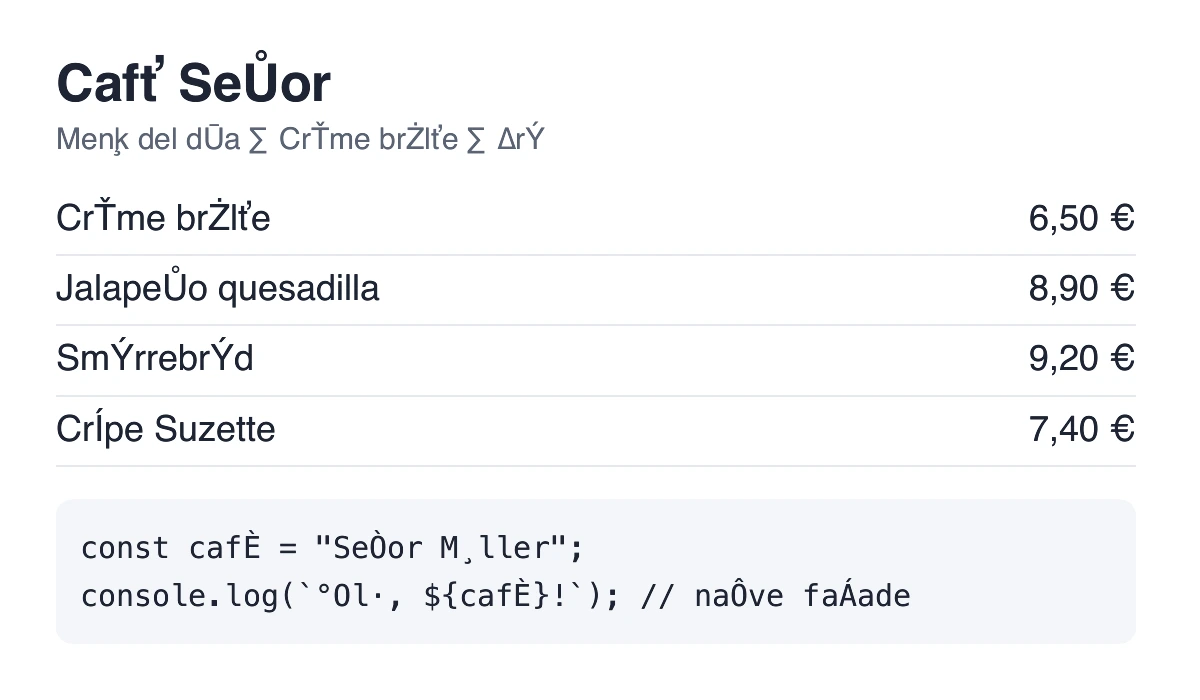
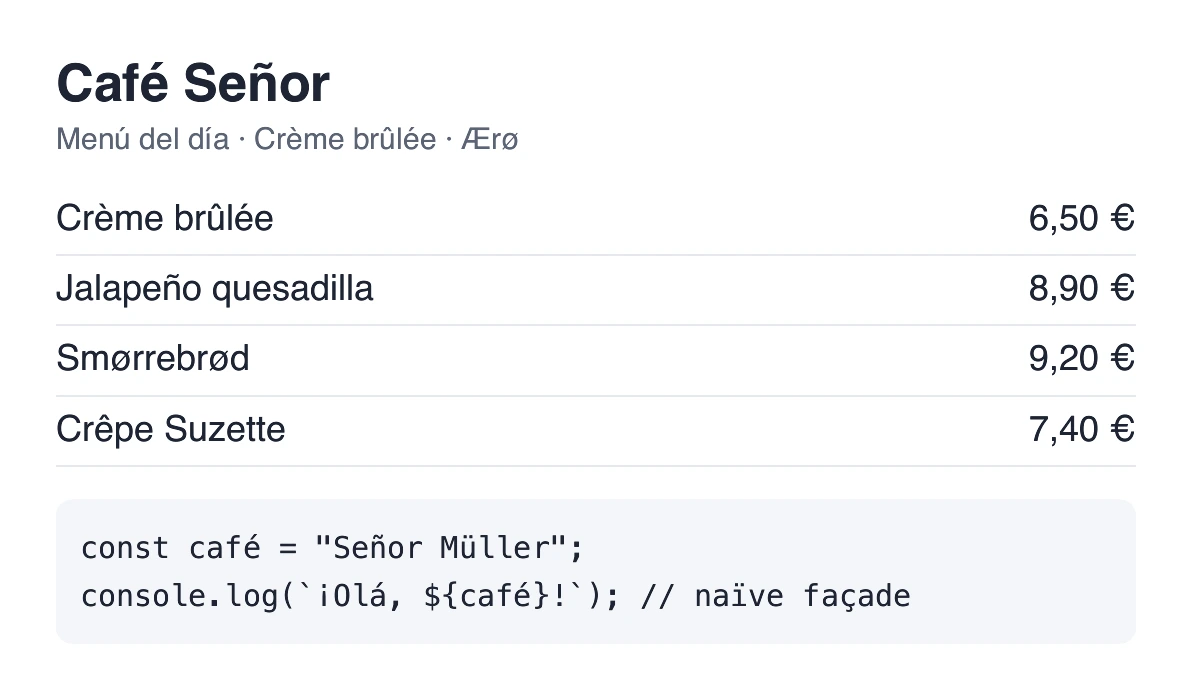
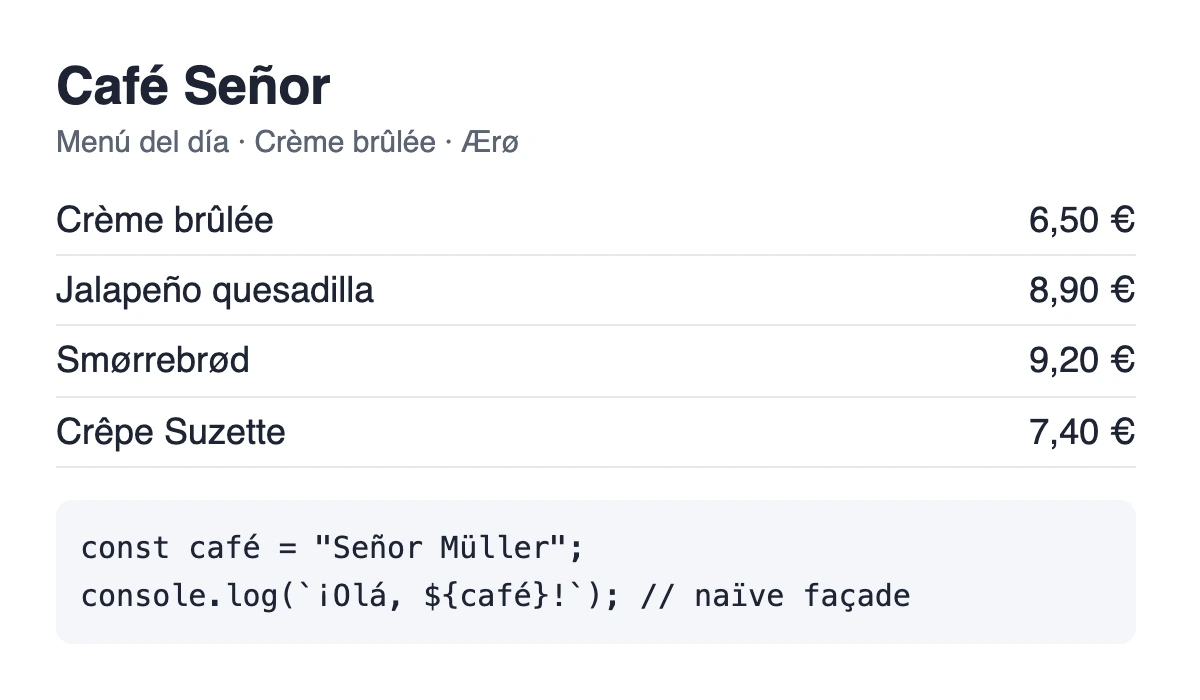
Floati drew the wrong letter for many accented characters in some of the most used fonts: in Helvetica “café” came out as “cafť” and “México” as “Mťxico”, and in code blocks (Menlo, Monaco) e-acute became E-grave and n-tilde O-grave. The cause was the font reader: a font can carry several character tables, and it let the last one win, which in these fonts is an old Mac Roman table, so codes 128 to 255 were read in the wrong alphabet. It now reads only the Unicode tables. Over seven common Mac fonts that was 502 characters mapped to the wrong glyph; it is 0 now, checked against each font's own Unicode lookup.
Open your files, and only the ones you pick
A site can now ask to open a file or a folder (showOpenFilePicker, showDirectoryPicker) or to save a file (showSaveFilePicker), only while you are clicking on it, and Floati opens the system's own file dialog. What you pick becomes a handle the page can read; the page is never told where the file is on your disk, and it cannot reach anything next to it: every name inside a picked folder is checked, a link that points out of the folder is refused, and the system's own folders (the disk itself, your home folder, Library, Windows) are never handed out. Reading comes with the pick; changing a file needs your yes (a save dialog is that yes, otherwise Floati asks before the first change), and every write goes to a copy that replaces the file only when it is complete, so a page that stops half way never leaves a half-written file. The site card lists that the page asked.
Share to your phone without a server
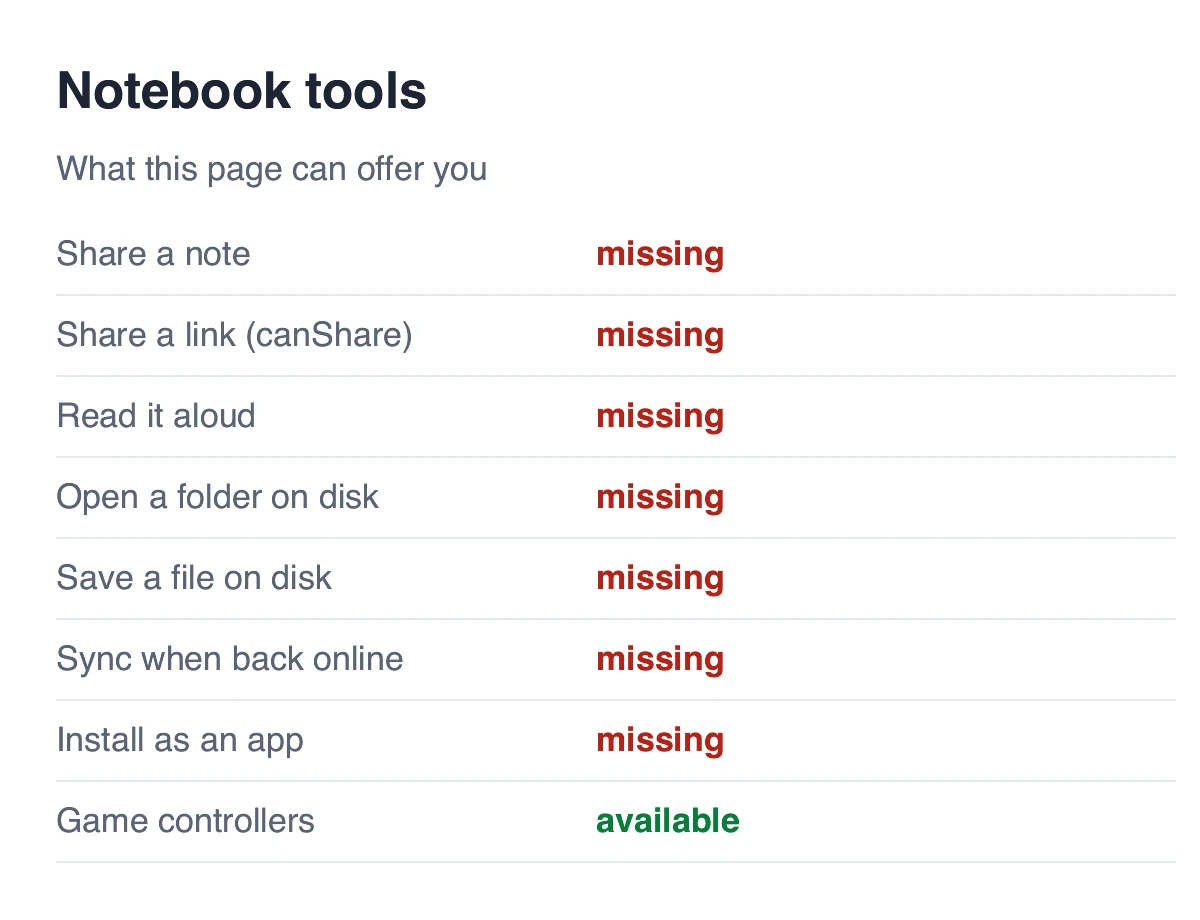
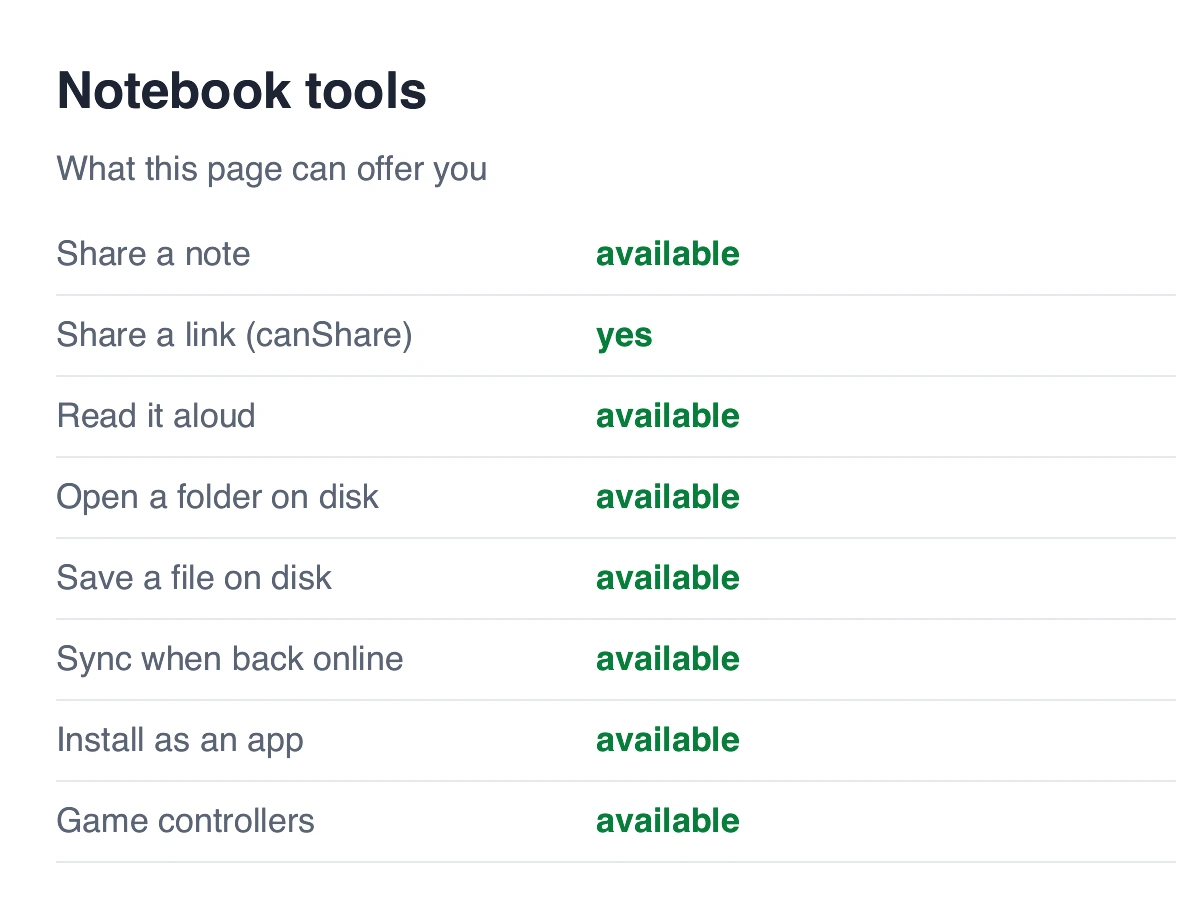
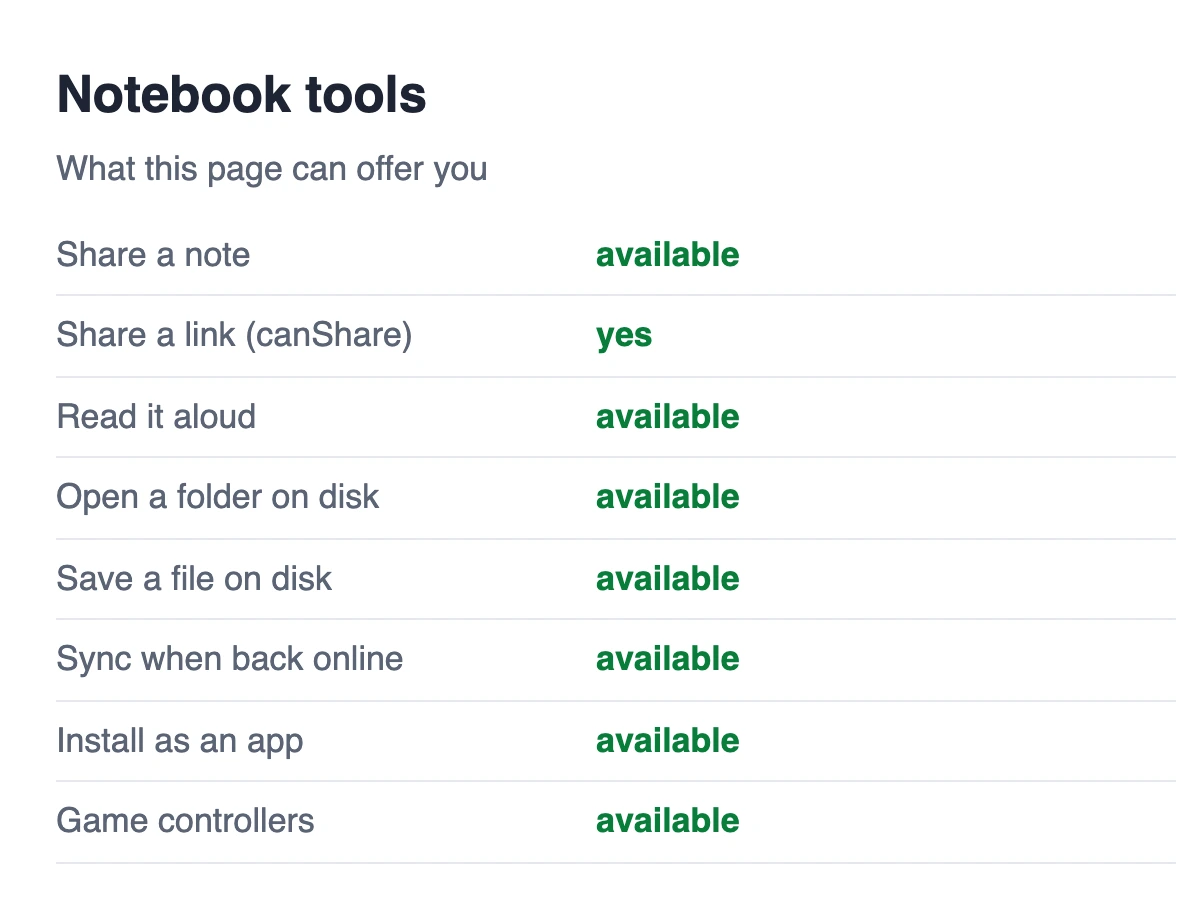
navigator.share and navigator.canShare now work, with the reference's answers (it needs a click, a link must be http or https, ten files and 50 MB at most). The share goes to Floati's share sheet: copy the link or text, email it, save the shared files to Downloads, hand it to another app (Messages, AirDrop, Notes on a Mac), or show a QR code. The QR code is made on this computer by Floati's own writer, so you point your phone's camera at the screen and the link goes across with nothing in between. The writer was checked by reading its codes back with Floati's reader and with the reference browser's barcode detector, at every size from 5 to 270 characters. The page learns only that you shared or cancelled, never where it went.
Pages read aloud, and your voices kept to yourself
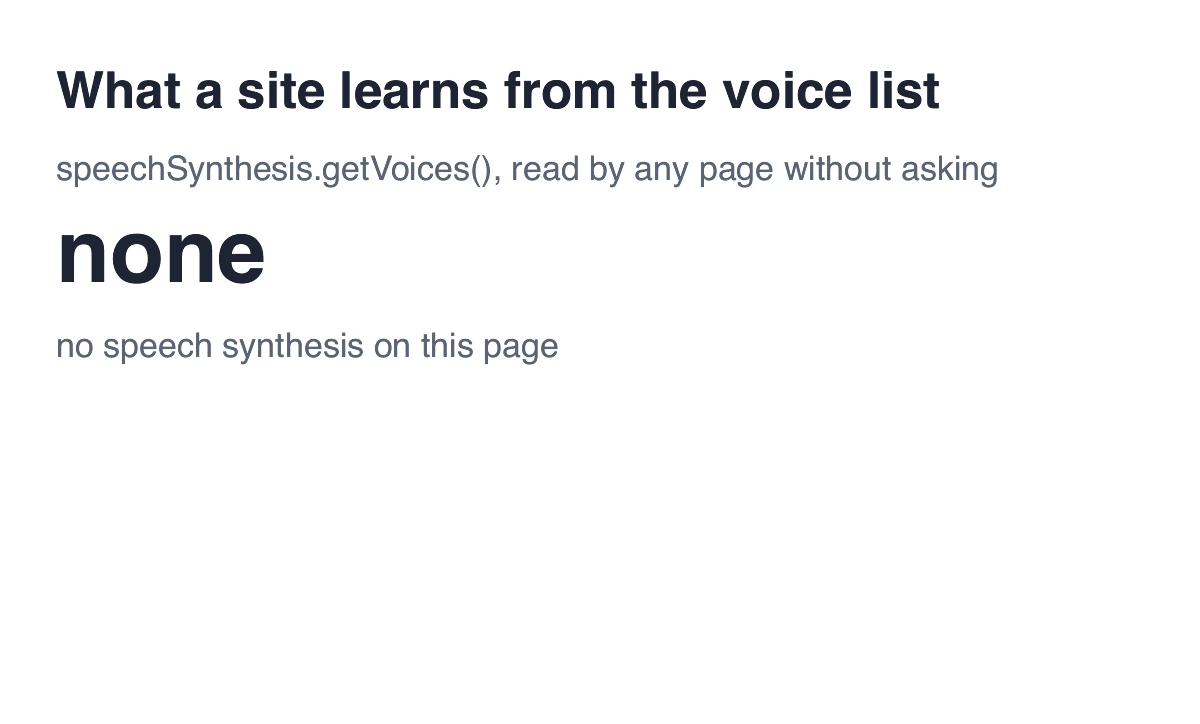
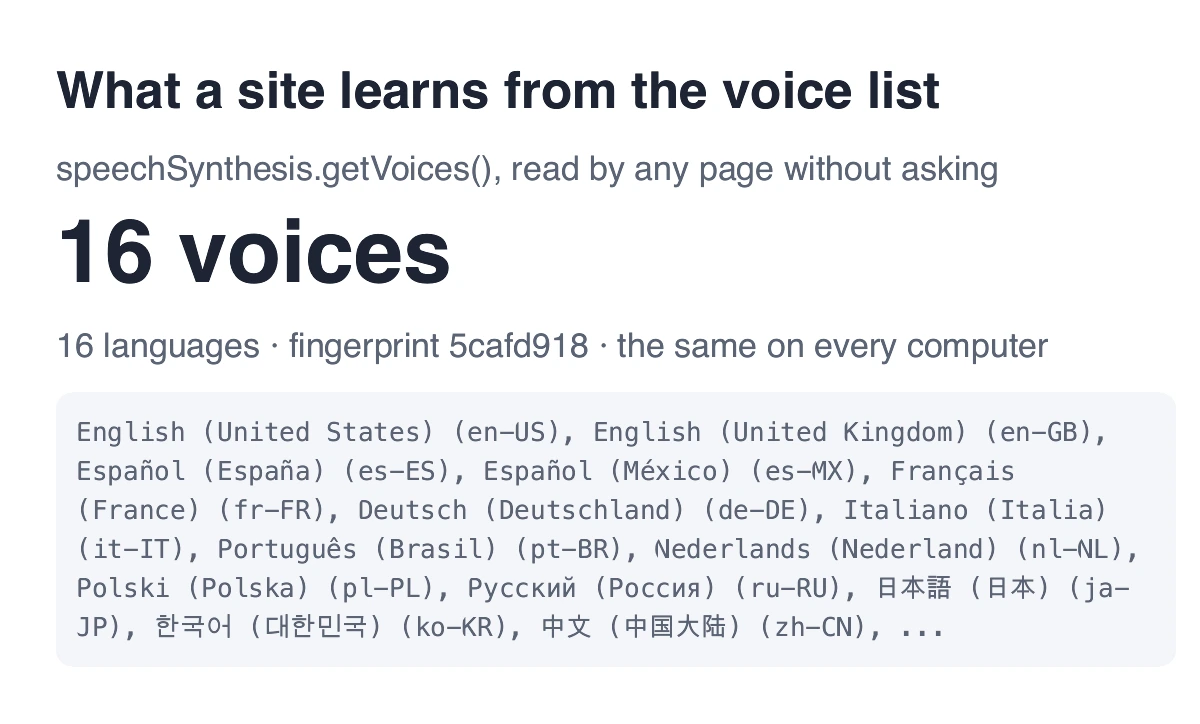
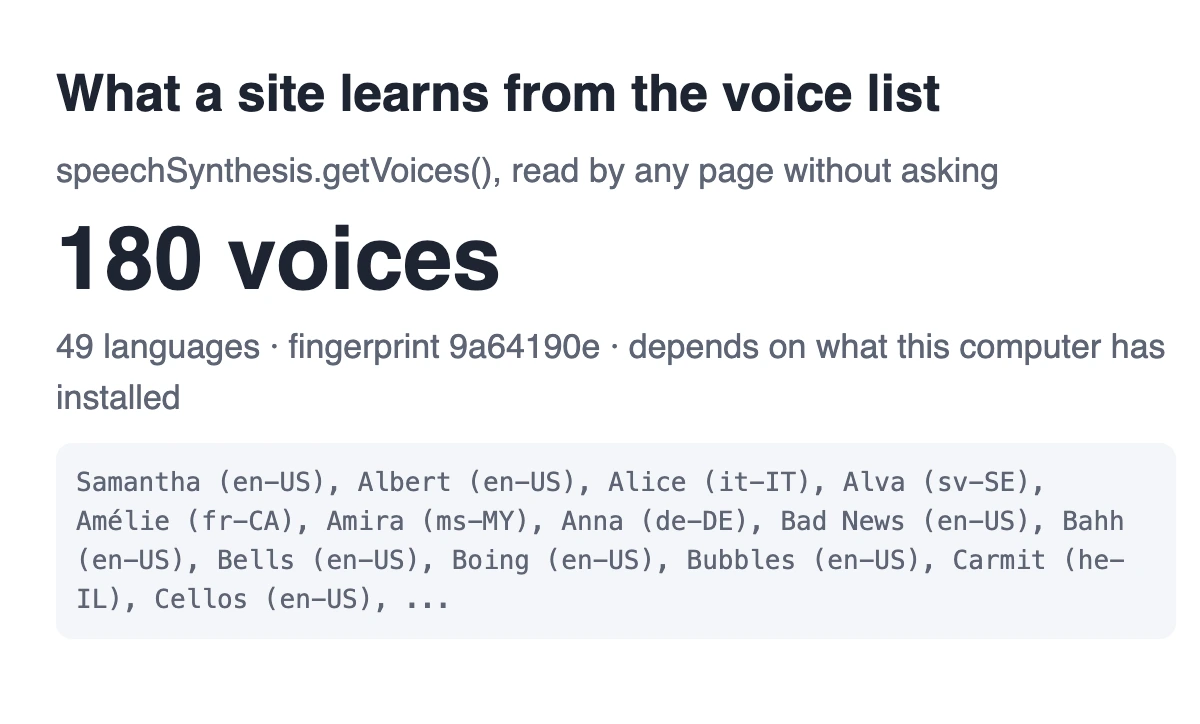
speechSynthesis works: a page can read text aloud with the computer's own voices (speak, pause, resume, cancel, one utterance after another, with start and end events), and nothing is sent anywhere. As in the reference, a page that has never been clicked gets “not-allowed” instead of speech. The difference is the voice list: the reference hands every page the full list of voices installed on the computer, 180 voices in 49 languages on this Mac, which depends on what you downloaded and so helps a site recognise you. Floati offers every site the same 16 voices, one per common language, on every computer, and picks the computer's own voice for that language when it speaks.
Install a site as an app
When a site's web app manifest qualifies by the reference's rules (a name, an app display mode, an icon of at least 144 pixels or a scalable one, a secure page), an Install button appears in the address bar, and the page gets its beforeinstallprompt event so it can offer the install itself (prompt() needs a click and works once; userChoice says accepted or dismissed; appinstalled follows). An installed app opens in an app tab: the app's own slim bar with its name and colour instead of the browser toolbar, and the page sees display-mode: standalone. Installed apps are listed in Settings, kept on this device, and run only while they are open: an app cannot wake your computer or message you once it is closed.
Game controllers, only after a press
navigator.getGamepads and the gamepadconnected / gamepaddisconnected events now carry real controllers, read about 60 times a second from the computer (GameController on a Mac, XInput on Windows) in the standard layout of 17 buttons and 4 axes. As in the reference, a page sees a controller only once you press a button on it while the page is open, so a page cannot list what is plugged in. Unlike the reference, every controller is called “Gamepad (STANDARD GAMEPAD)”: the reference names the vendor and product, which tells sites what you play with. Rumble does not reach the motors yet.
Sync when you are back online
A site's service worker can register a sync (registration.sync.register): it fires as a sync event as soon as the computer is online, or when the connection comes back while one of the site's pages is open, and a failed sync is tried twice more, the last time marked lastChance. Periodic sync and background fetch would keep a site working after its pages close, which Floati does not allow, so they answer exactly as the reference does when you block that permission.
Sign-in pages centred, and every page a little lighter
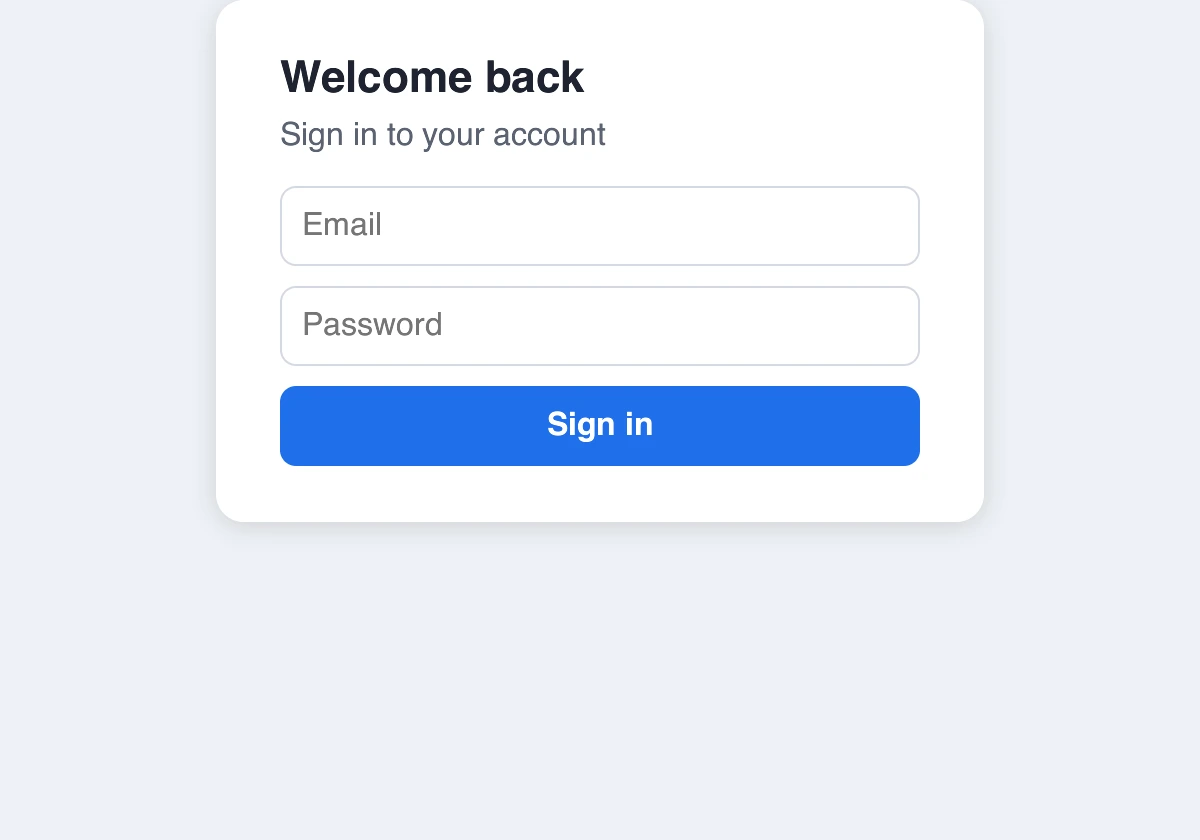
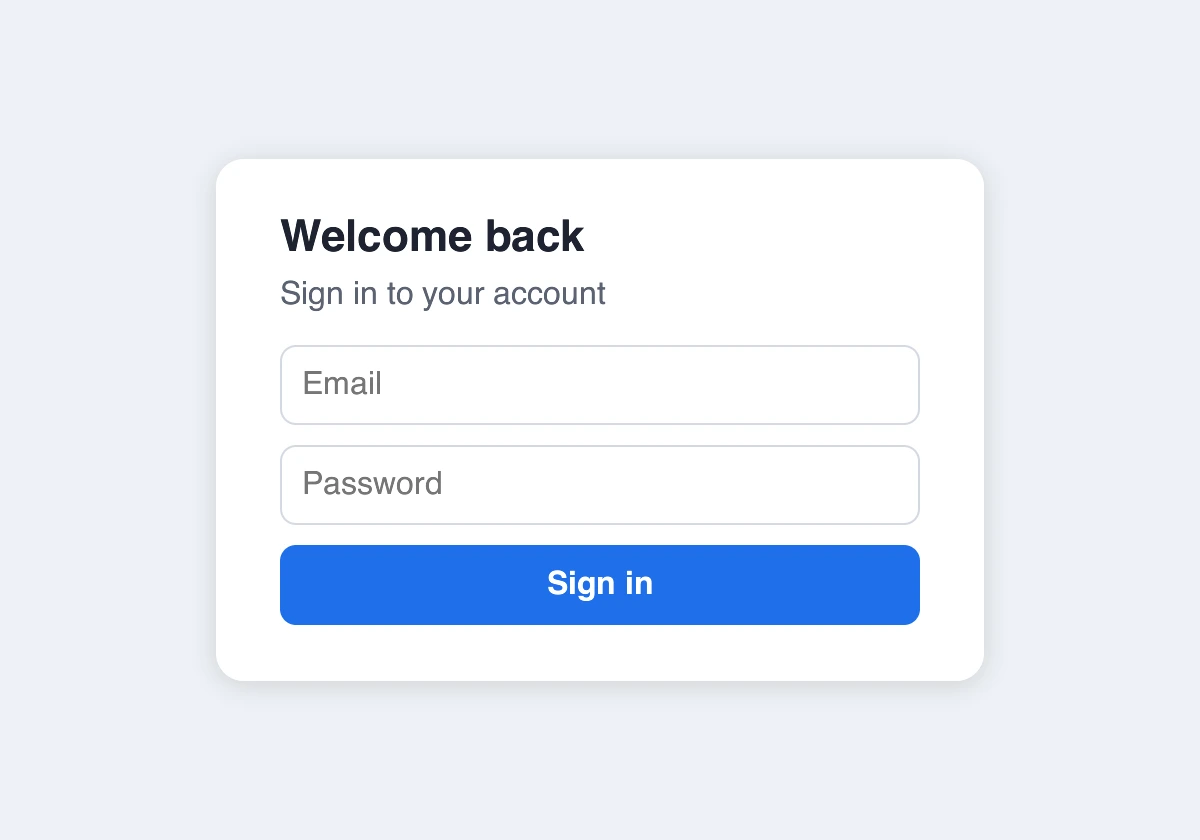
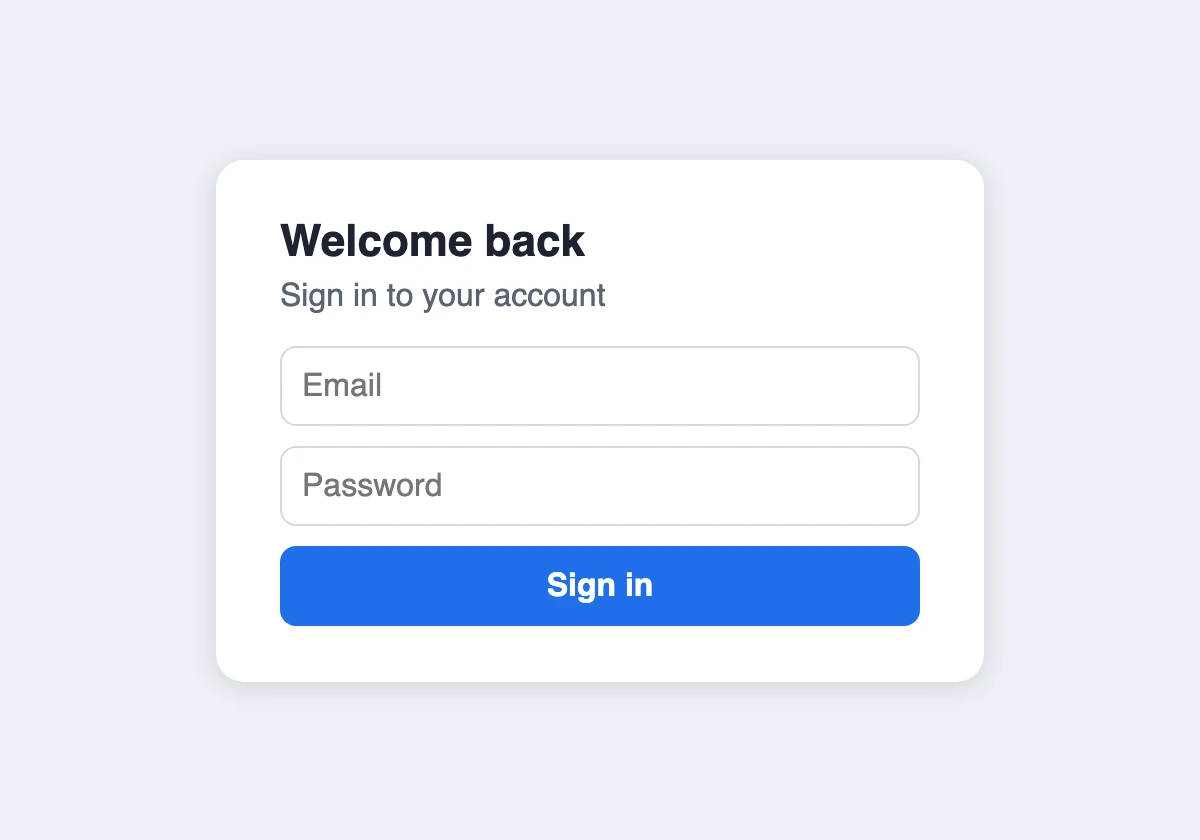
A grid with only a minimum height, the common “min-height: 100vh; place-items: center” of sign-in and landing pages, left its card at the top of the page: the rows were sized for their content instead of the minimum height. They are sized against it now, so the card centres and a header / content / footer page puts the footer at the bottom. And the rarely used parts of the web platform (passkeys, notifications, the site's file system and pickers, sharing, speech) are now built on a page's first use instead of on every load, 1.1 MB less memory per page that does not use them. A 10 percent slowdown in creating built-in objects that this work introduced was caught by the speed checks and fixed before release.
What changed 11 changes
Try it in your browser
Each check runs live in the browser you are reading with. Nothing is sent anywhere.