Every page on our own engine, two pages side by side, videos that keep playing, and your own clock
The biggest step yet toward a browser that is entirely ours: every website now renders on the Floati engine, on the Mac and on Windows, and the system web view Floati used to fall back to is gone. Where a page breaks, the engine gets fixed. Tabs now come back instantly: Floati keeps a still of each tab as you left it and shows it the moment you return while the live page catches up. Split view is back, built for the engine: two pages side by side that stay paired, with a link opener for the other side and keys to move between them. Videos float in a picture-in-picture window that keeps playing while you browse other tabs, and a playing video floats by itself when you leave its tab. Tabs can be muted, and a site can be muted for good. Pages now see your real time zone, so clocks, calendars and dates on sites are right; one switch in Settings hides it again for maximum anonymity. Plus: Windows no longer freezes, private tabs, downloads and local files run on the engine, and a page from the internet can no longer read files on your computer.
Every page, on our own engine
Until now Floati rendered most pages with its own engine but quietly handed some to the system web view (WKWebView on a Mac, WebView2 on Windows) when the engine was unsure, and it kept that second renderer in the app for tabs, private windows, downloads and files. That fallback is removed, on both platforms. Every address you type, every link, bookmark and history entry, private tabs, downloaded files and PDF links now go through the Floati engine, and nothing silently swaps to another renderer. When a page fails, you see an honest card with Try again and a way to report it, and the fix goes into the engine. Along the way the pieces the web view used to do were rebuilt on the engine: private tabs keep their cookies and site storage in memory and forget them when the last private tab closes, downloads are saved by the engine (with Ask where to save each file), reader mode reads the live engine page, and local files you open render on the engine. We will not ship this to the public until our engine is as good as the web view or better: there is no point polishing a renderer we are removing.
Tabs come back instantly
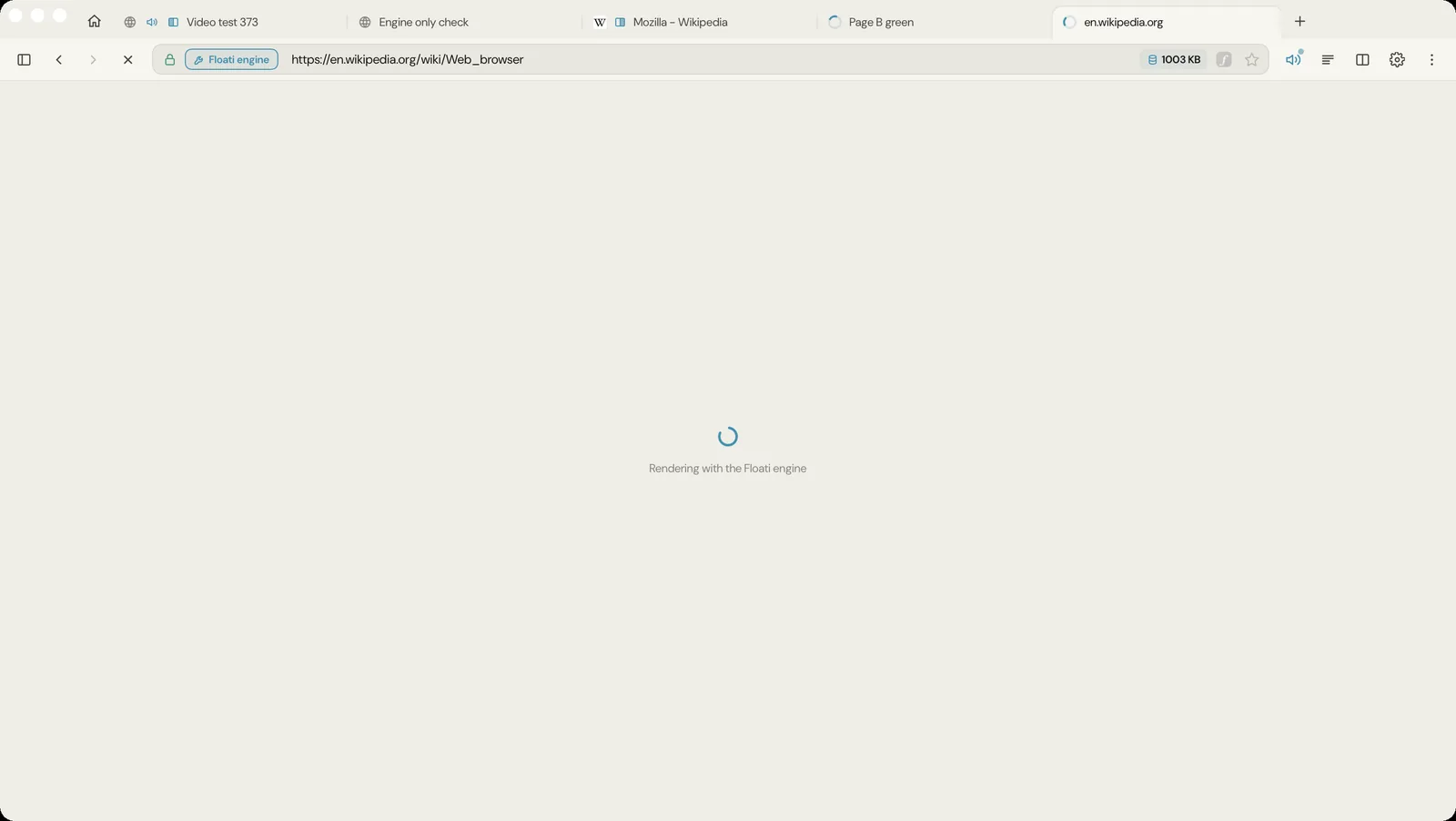
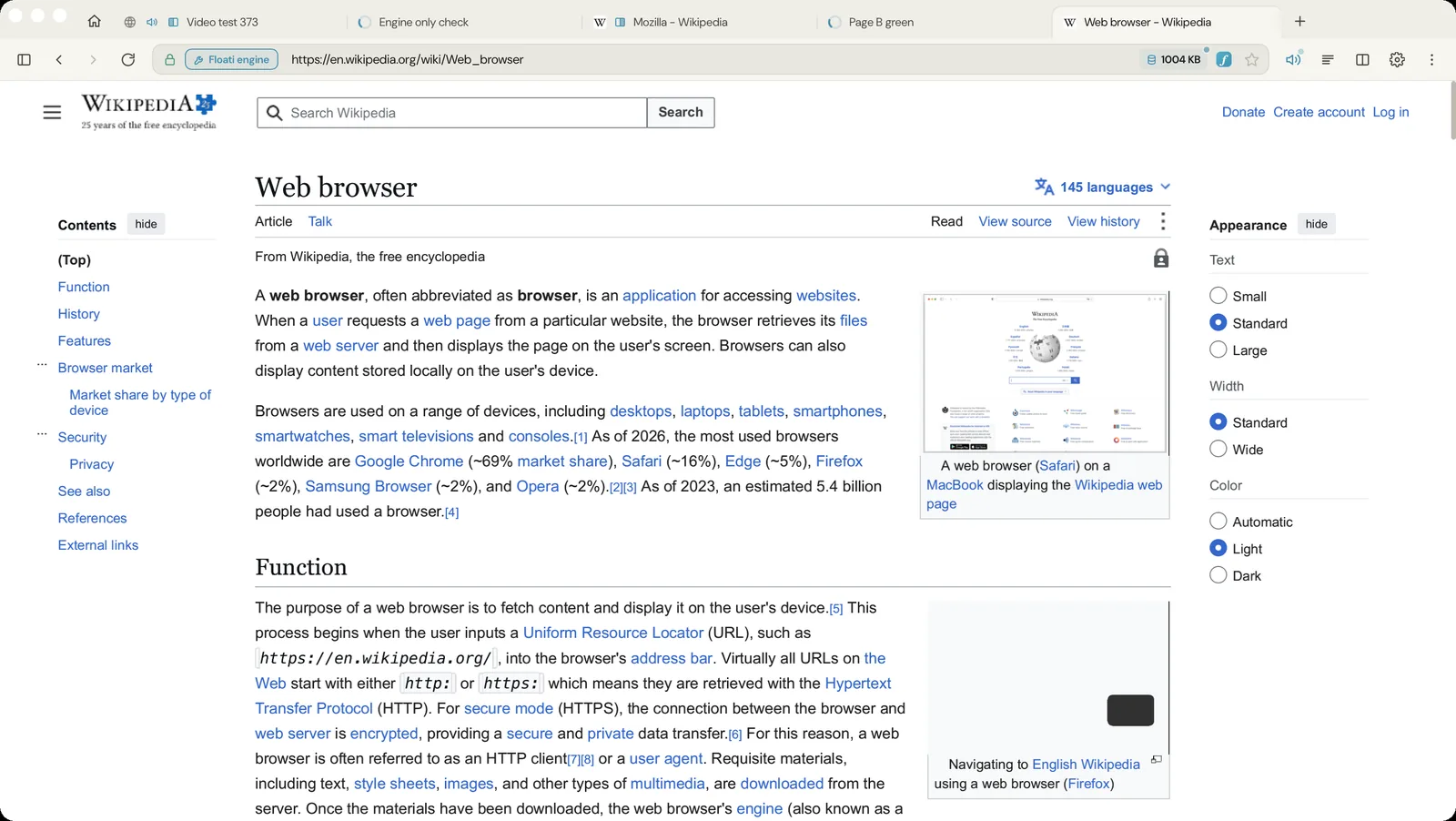
The engine shows one live page at a time, so coming back to a tab meant a full render: a spinner for a second on a Mac and several on Windows, every time. Now, when you leave a tab, Floati keeps a still of what that tab was showing, at its scroll position and in its own background colour. When you come back, the still is on screen at once with a thin progress line, and the live page takes over underneath it when it is ready. Stills stay in memory only, at most 24 tabs, and go when their tab closes. A tab you switch to now never shows another tab's page while it loads (it could before, for a moment), and coming back to a tab while another one is still loading no longer ends in an error card.
Split view, built for the engine
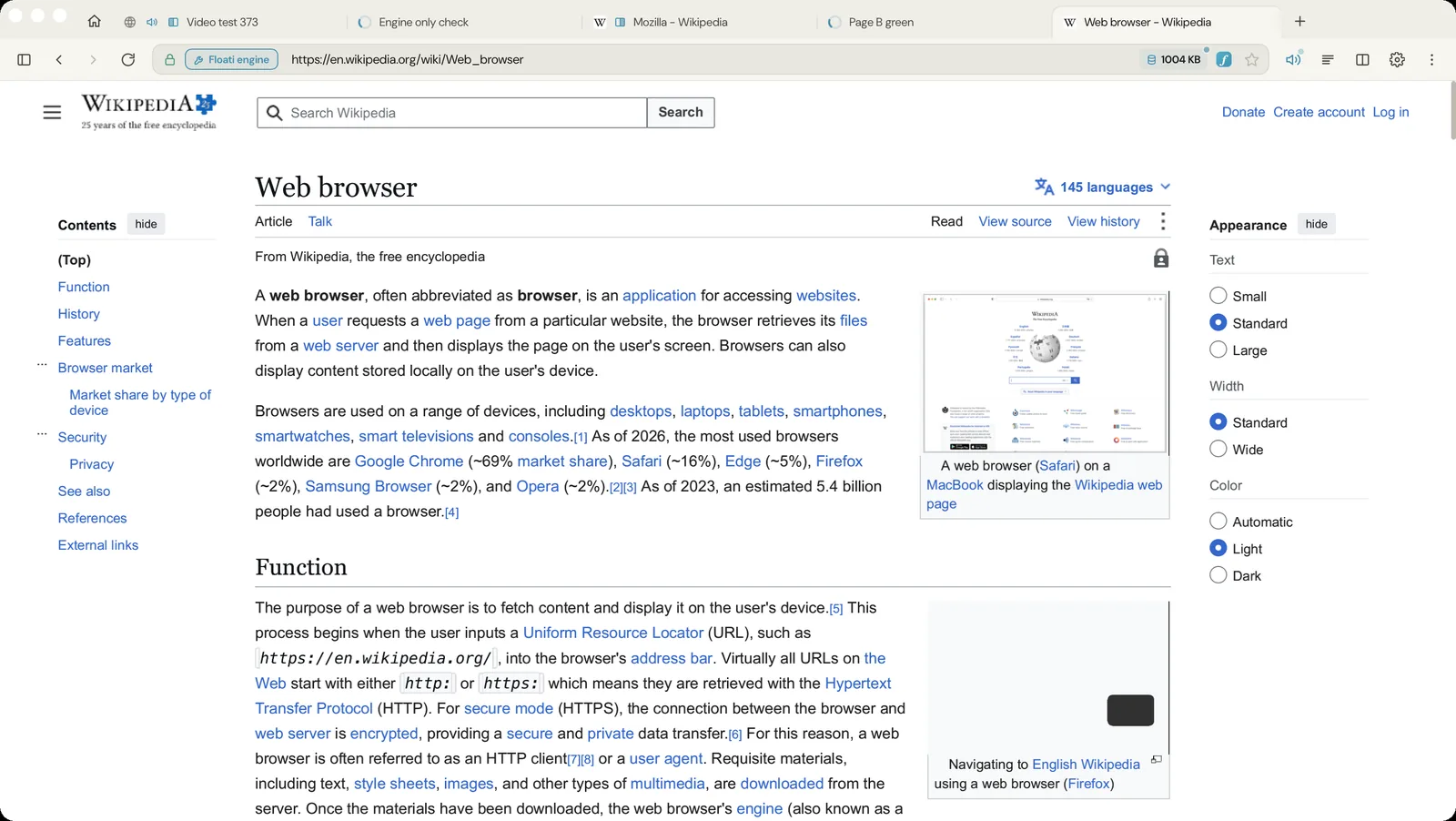
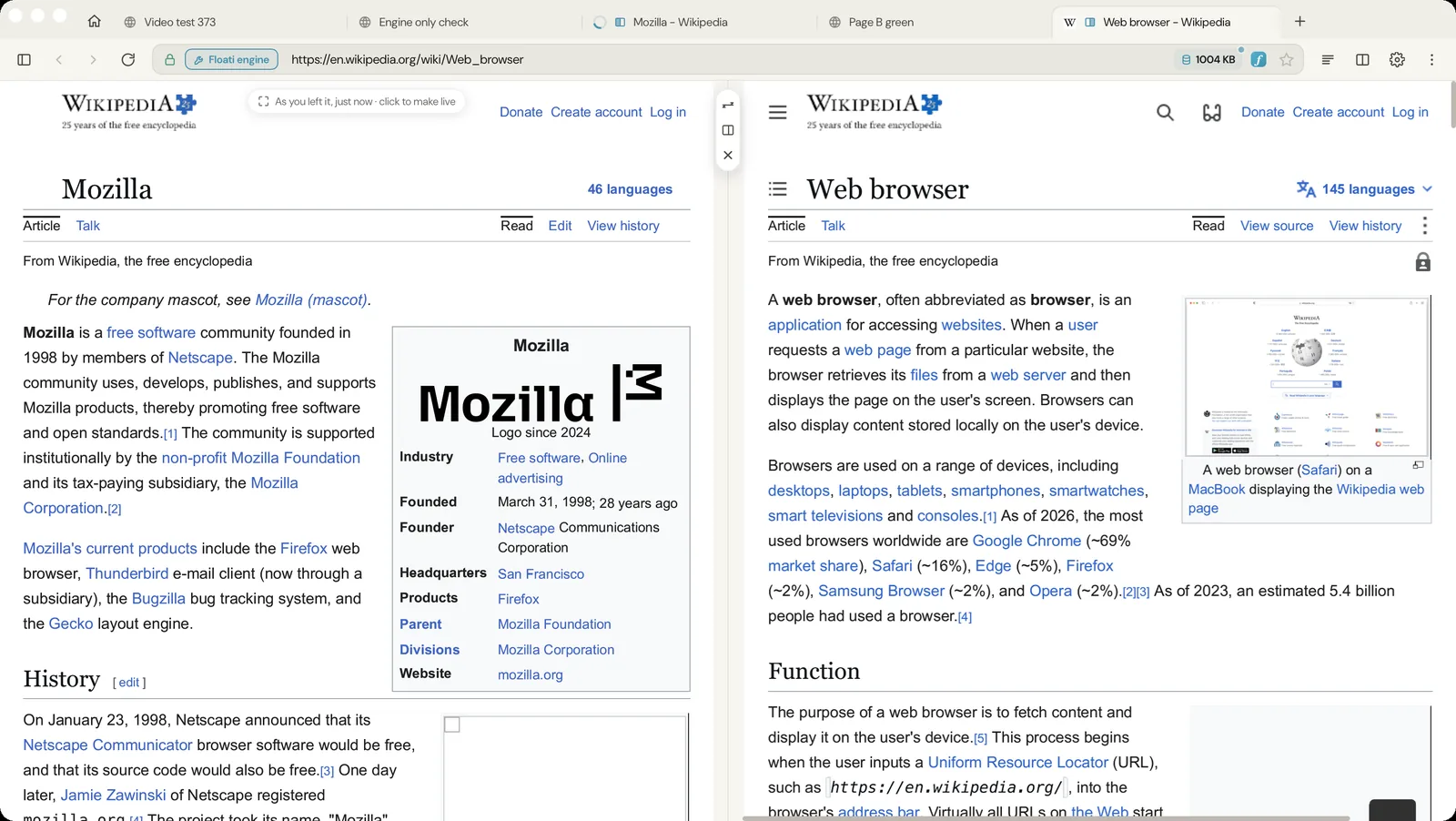
Two pages side by side: one is live and the other shows its still, so the engine stays as light as one tab. Click the other side and it becomes the live page; each page keeps its side, so nothing jumps across the window. The pair stays together: look at another tab and it shows alone, click either tab of the pair and both come back, and the pair returns after a restart. Paired tabs carry a small marker in the tab strip showing which side they are on. Right-click a link and open it in the other pane (or start split view with it). Cmd+\ (Ctrl+\ on Windows) turns split view on or off and Cmd+Option+arrows (Ctrl+Alt+arrows) move between the panes. The divider snaps to halves and thirds, and a double-click puts it back to half and half. The still side says how old it is (As you left it, 2 min ago), so you always know what is live.
Picture-in-picture that keeps playing
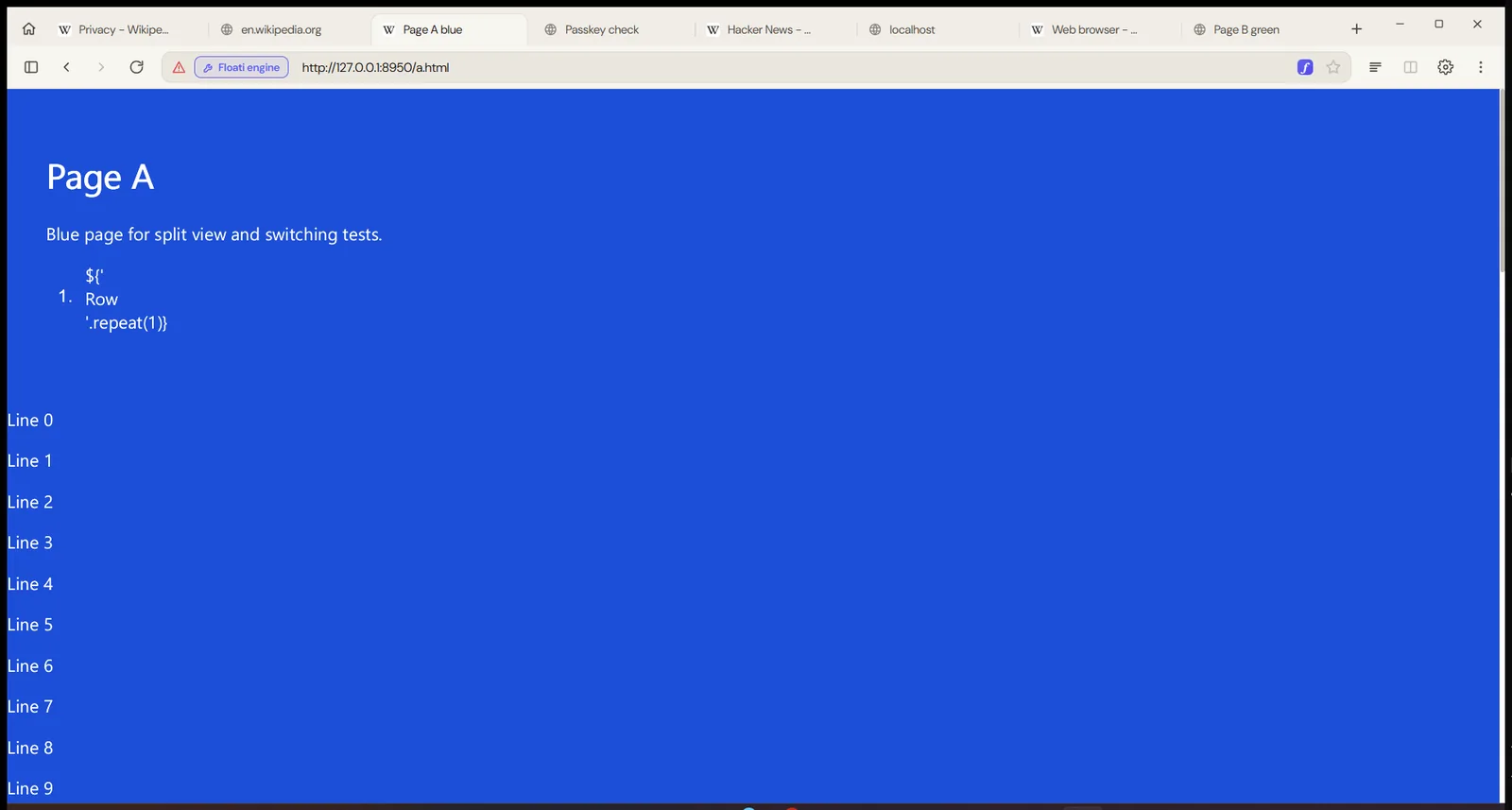
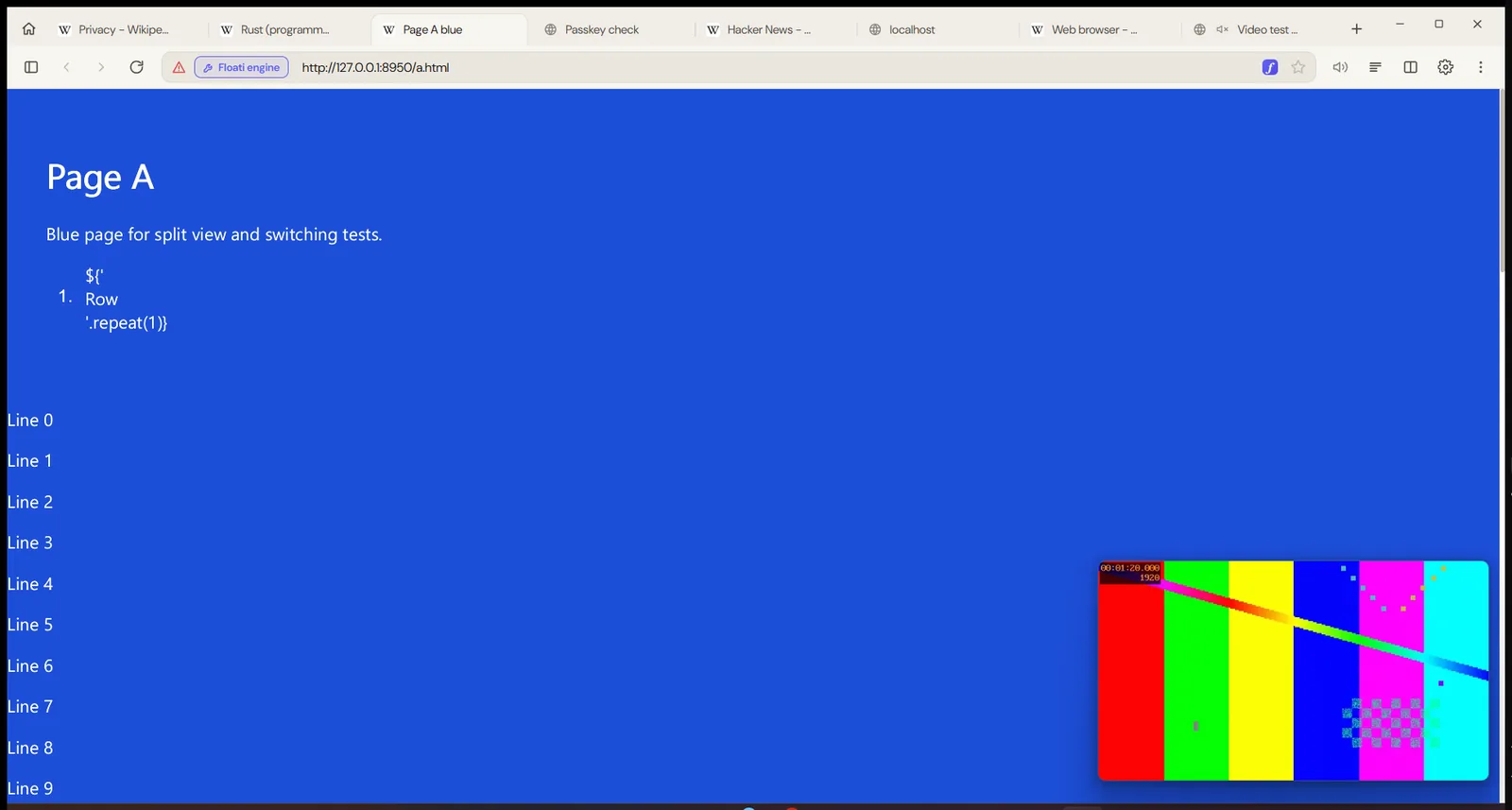
Pop out video puts a playing video in a small window that floats above everything, on every desktop, with play and pause, mute, a progress bar, Back to tab and close (space, M and Esc work too). Because the engine shows one live page at a time, switching tabs used to stop a video. Now the floating window takes its own copy of the clip and the sound that was already playing, and plays them apart from the page: browse other tabs, even load heavy pages, and the video carries on in step with its sound. Leaving a tab with a playing video floats it by itself (Settings, Video, Keep videos playing when you switch tabs), and going back to the tab puts the video back in the page right where the floating window had got to. A video whose sound arrived after the page loaded now plays with sound too: before, it stayed silent.
All of it at once, on Windows
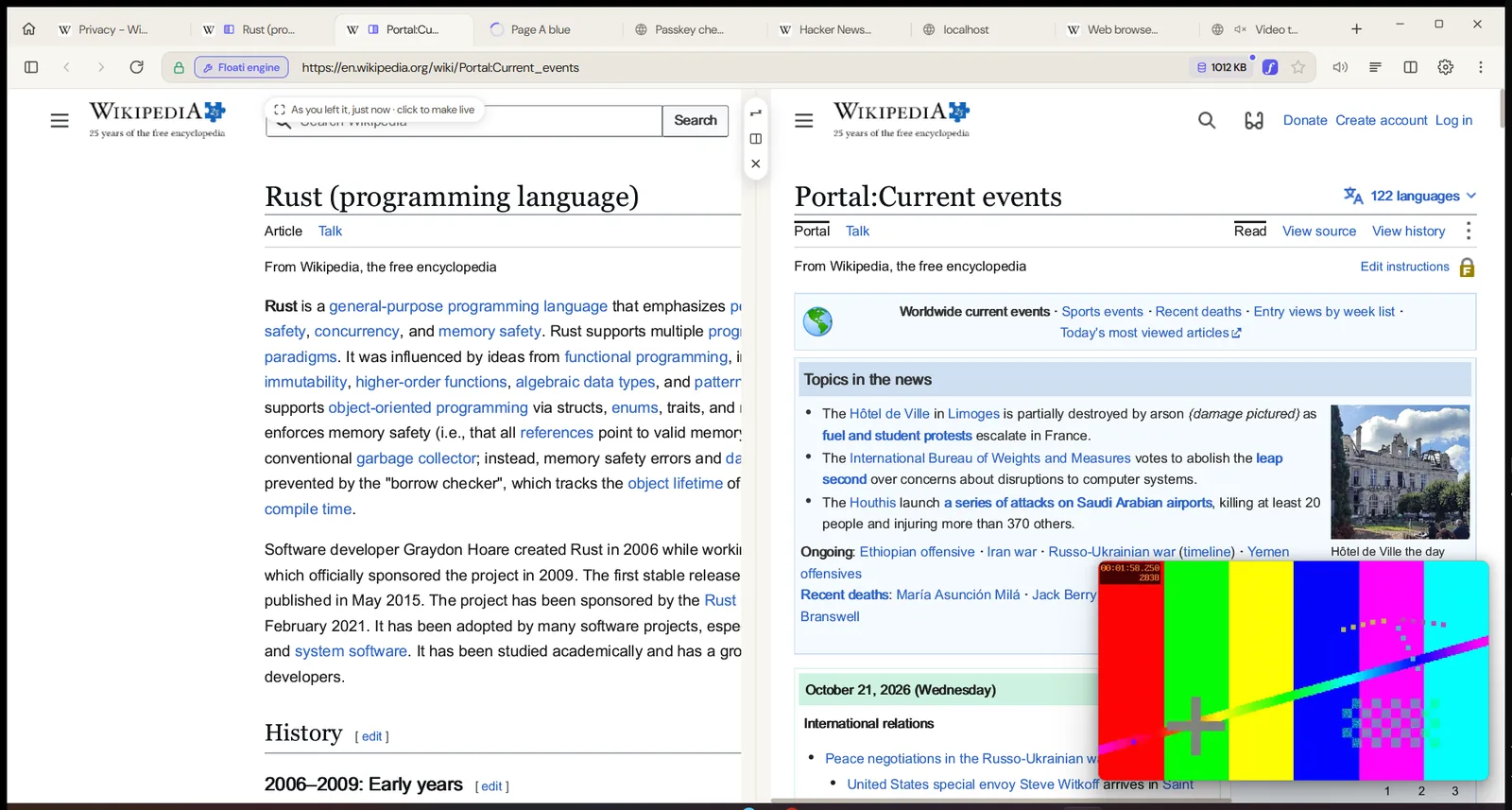
Split view, a link opened in the other pane and a video floating over both, on the Windows build: the article on the left is its still (as you left it), the page on the right is live, and the clip keeps playing in its own window.
Mute a tab, or a site for good
A tab playing sound shows a speaker; click it to mute the tab and click the crossed speaker to bring the sound back. The speaker now appears exactly while the engine is playing sound and goes when it ends. Right-click a tab for Mute tab and for Always mute this site: every tab on that site starts muted from then on, and you can still unmute one tab. Muting keeps the sound's place, so unmuting picks it up in step with the video rather than from where it was silenced.
Your own time zone, or none at all
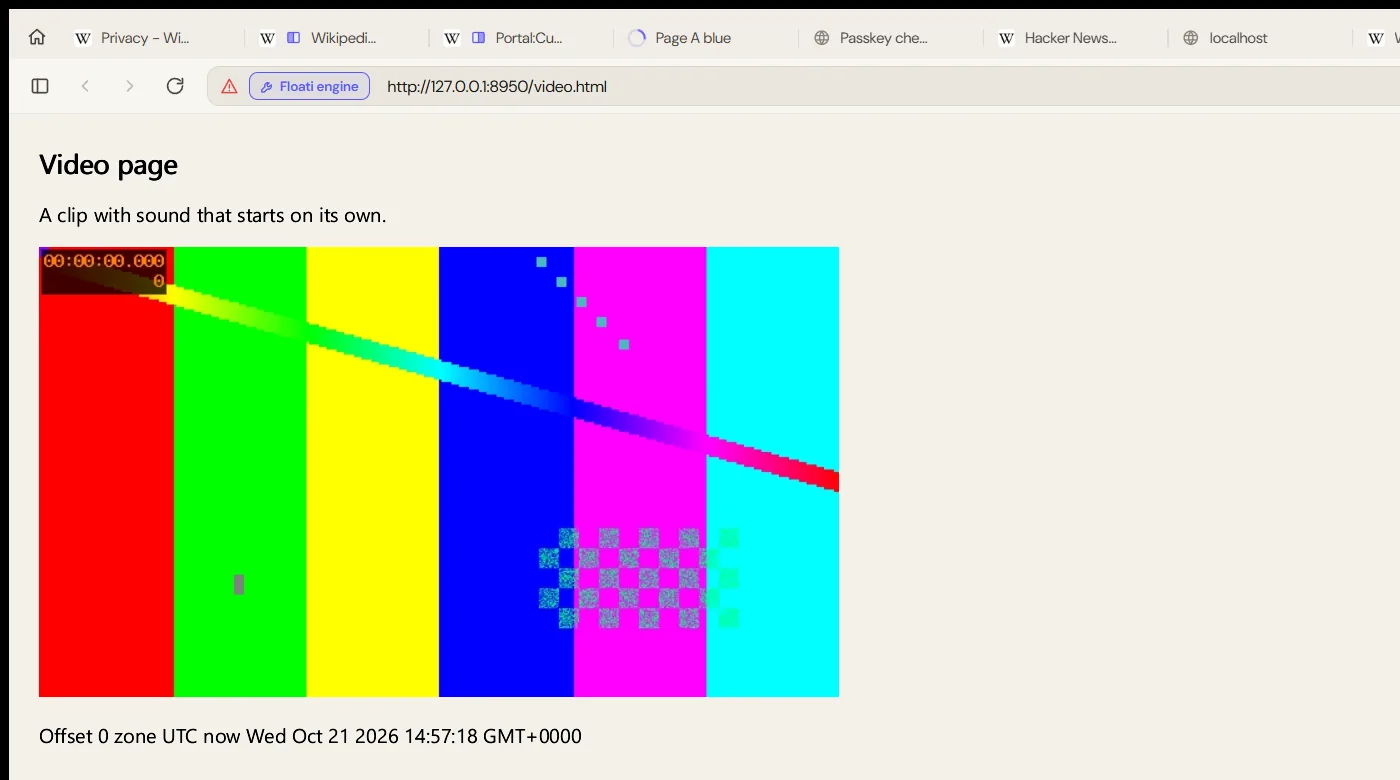
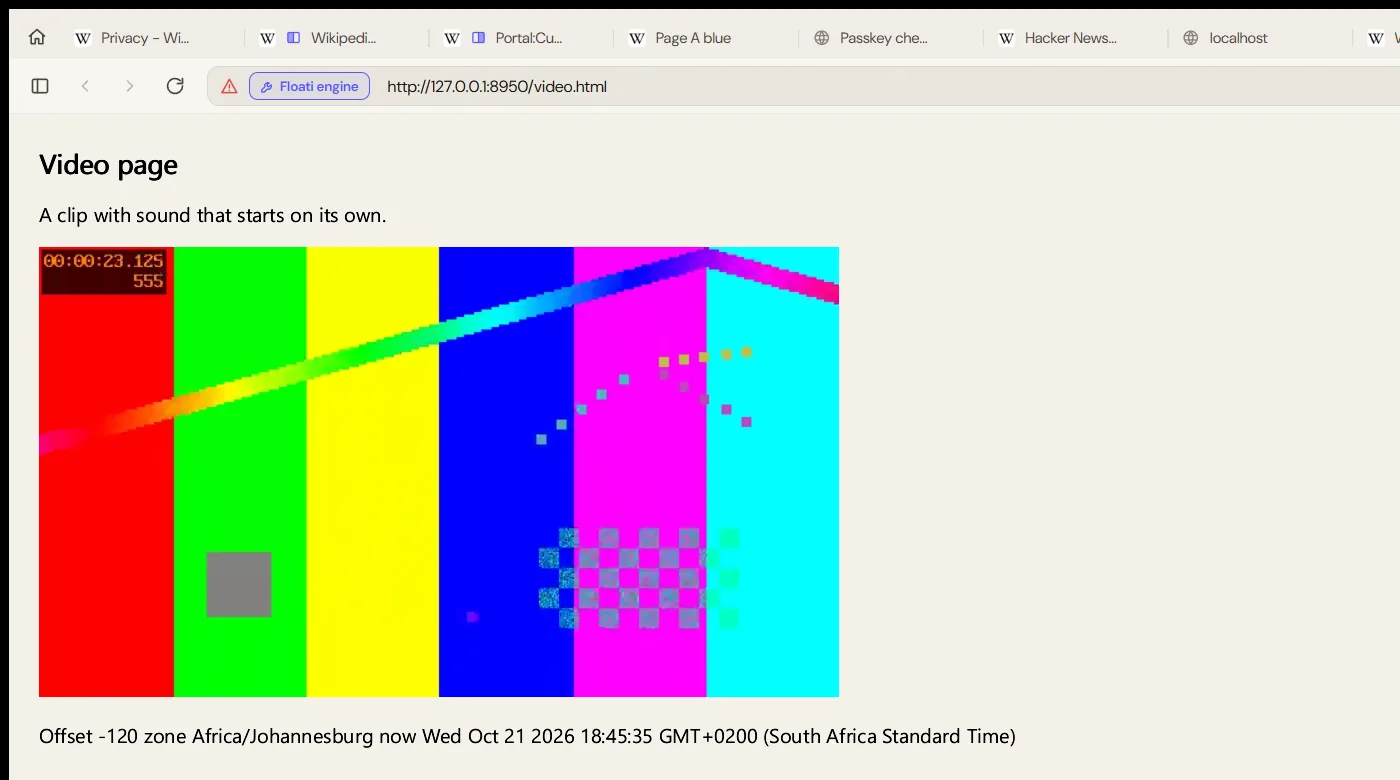
Pages used to see every Floati user in UTC: good for anonymity, but it put the wrong times on calendars, bookings, bank statements and every posted at line wherever you live outside UTC. We decided the default should be right: pages now see your device's real time zone, with daylight saving correct for each date, so new Date(), toString, getHours, Intl date formatting and the time zone name all match what the reference browser shows on the same machine (checked in eight zones, from London and New York to Kolkata and the Chatham Islands). A time zone is shared by millions of people and your connection already says roughly where you are, so it adds little to a fingerprint. If you want every site to see the same zone for everyone, Settings, Privacy, Hide my time zone gives pages UTC again. The cost is about one and a half billionths of a second per date read.
Windows no longer freezes or crashes when you switch fast
On Windows the app could stop responding, Settings opened behind the page and tabs felt slow. The cause was in the window's draggable title strip: WebView2 turned it into about 26 native child windows and moved every one of them on every repaint of the strip, so a spinning tab icon kept the window's own thread busy and starved everything else. The drag areas are now only native on a Mac, and Windows uses Floati's own dragging. Testing this release by switching quickly between heavy pages also found a crash: the engine's memory manager gave unused parts of half-empty memory pages back to the system, and when a load was cut short it could give back a part still in use. That is switched off (it crashed within a few rounds of fast switching before, and not once in ten rounds after), and memory that outlives a page, like a tab's still or a floating video, is now kept apart from the page's own memory. Right-clicking Floati's own toolbar no longer opens the web view's menu, whose Reload reloaded the whole browser interface, and a tab you leave while it loads stops spinning.
Safety: pages from the internet cannot read your files
A page loaded from the network could point an image, script or style at a file:// address and the engine would read that file from your computer. Now a document that came from the network can never load anything from your files. Pages you open yourself from your disk still work and render on the engine.