A stuck tab stops at once
A stuck tab now stops at once. A script caught in a nested loop could keep running for over a second after you closed its tab, and a runaway regular expression could not be stopped at all. Both now stop within a few milliseconds. We also found and fixed a bad one: heavy WebGL pages were being closed for using too much memory that they were not using. The Memory page and the stopped page are redesigned around what is really true.
A stuck tab stops when you say so
This started with a test that failed once on a busy Linux machine. It looked like noise, and running it alone said it was. Running it with every core busy said otherwise: it failed seven times in ten. A compiled loop was only checking for a stop request now and then, and how often depended on what the loop was doing. Worse, a loop could overrun, roll back, redo its work and grow its next stretch, so the checks drifted further apart the longer it ran. Now each stretch is timed, it ends at a clean point instead of rolling back, and the checks stay about a millisecond apart whatever the loop does. One case is still open: a single iteration that runs for billions of steps inside its own loop can still stop late.
Closed for memory it was not using
We nearly published a wrong number here. Testing this release, a scene of 10,000 fish seemed to jump from 16 to 25 frames a second. It had not. A label looked odd, so we looked at the window, and the page had been closed 18 seconds in with a message saying it was using too much memory. Our counter had been reading the error page. Real memory was flat at 790 MB, but memory made on the page's thread and freed on the GPU's thread was never taken off the page's total, so it reached the 4 GB limit by itself. Every large block now remembers who made it. The scene now ran through a full 80 second test, at an honest 16 frames a second, and the other half of the bug is gone too: a page can no longer hide its own growth by freeing another thread's memory.
A Memory page that only says true things
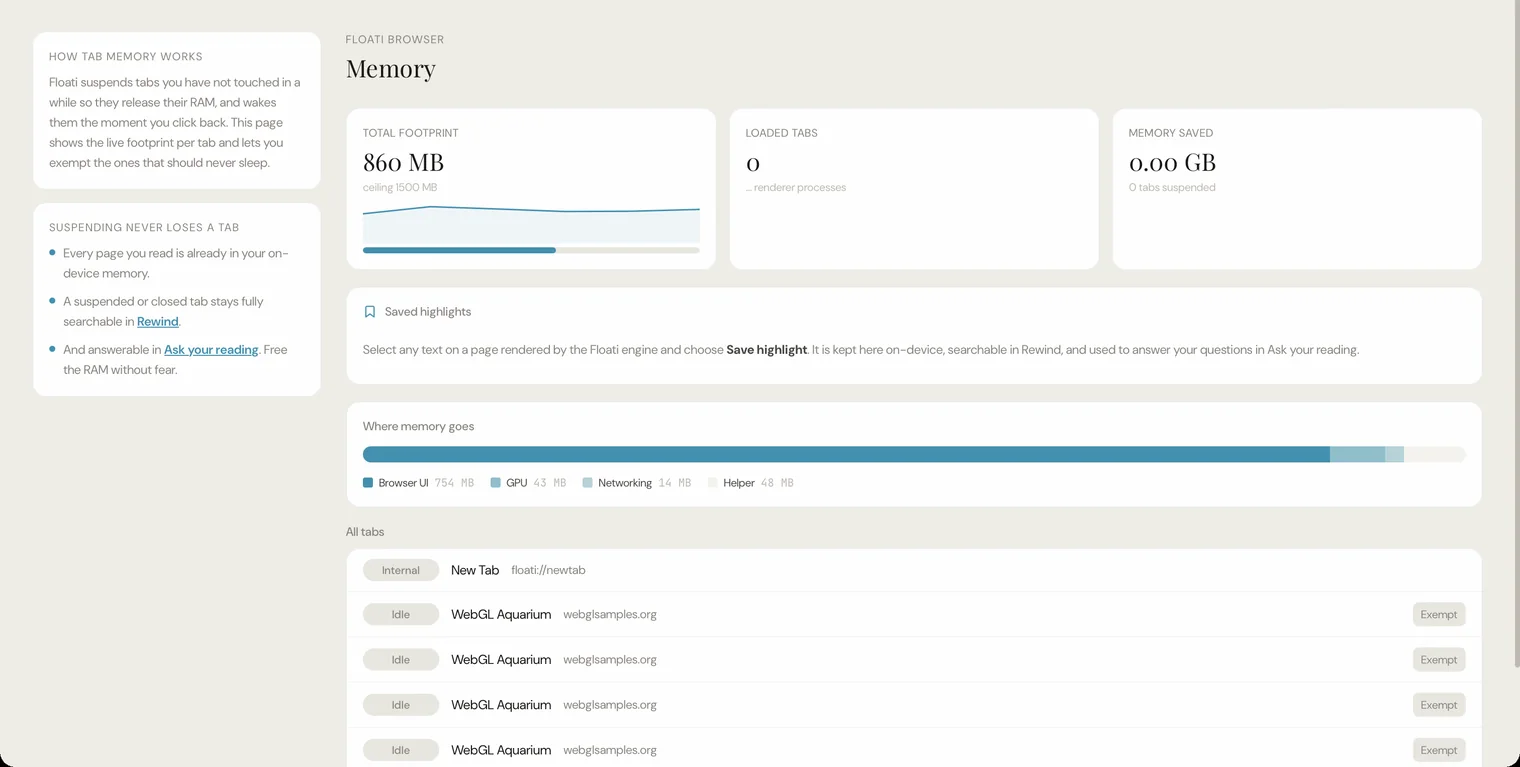
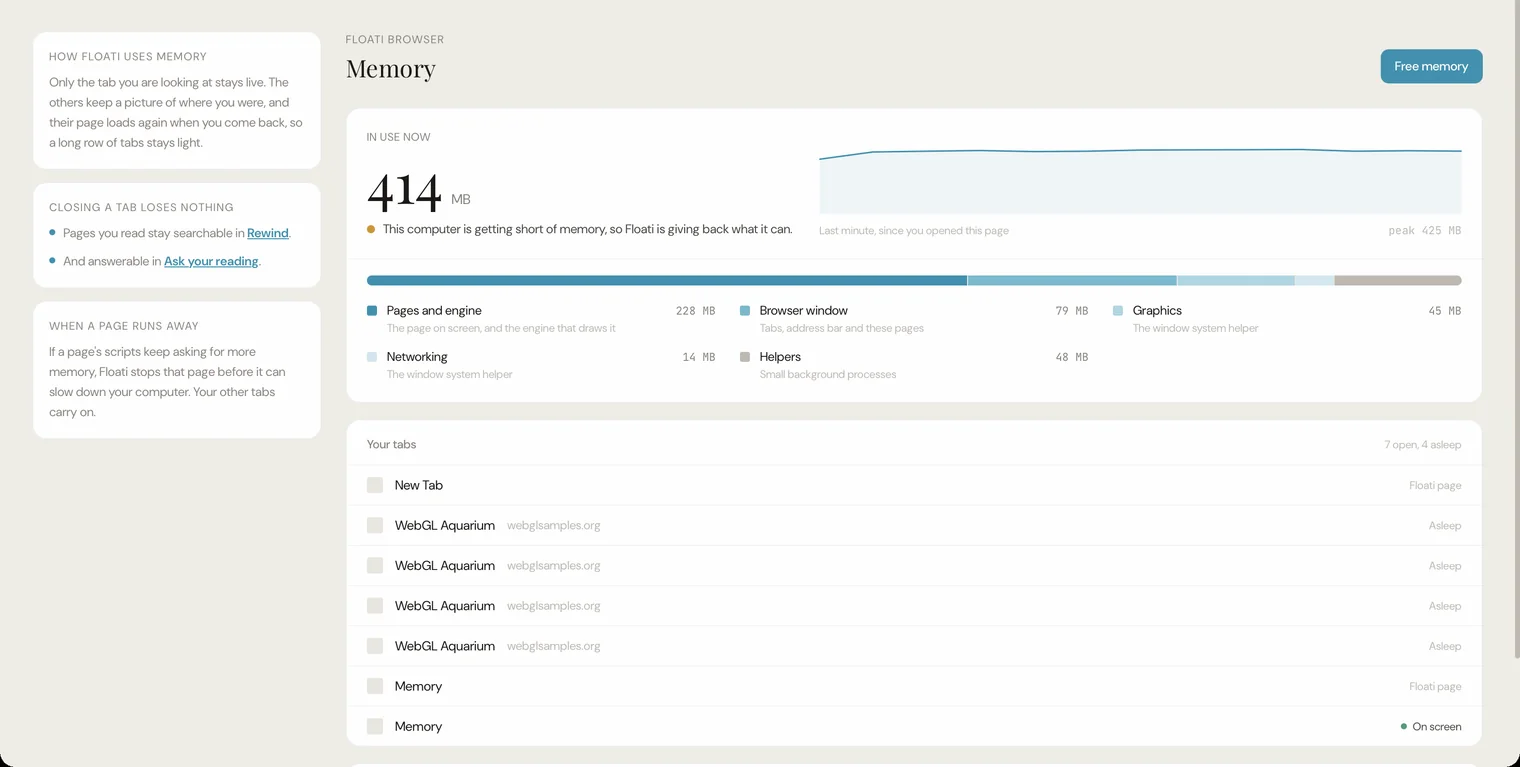
Rebuilding this page meant reading what was behind it, and a lot of it was not real. The ceiling was a number we made up, memory saved assumed 150 MB per tab, per-tab figures were always empty, and the button to exempt a tab from sleeping controlled something that never happens. Most of the memory was labelled Browser UI when it is your pages and the engine. All of that is gone. What is left is measured: what is in use, the last few minutes, where it sits, your tabs, and a Free memory button that gives back what it can and tells you how much.
A stopped page you can read
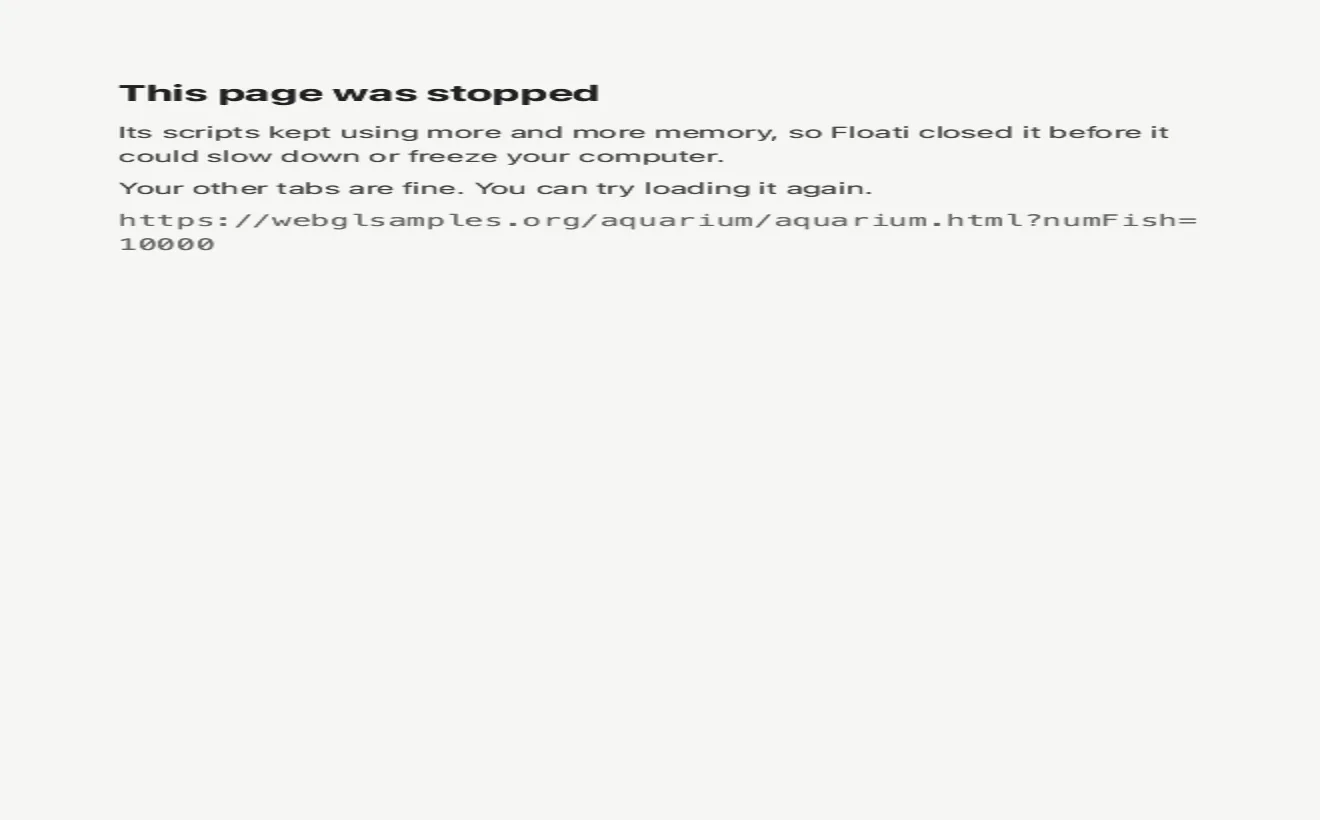
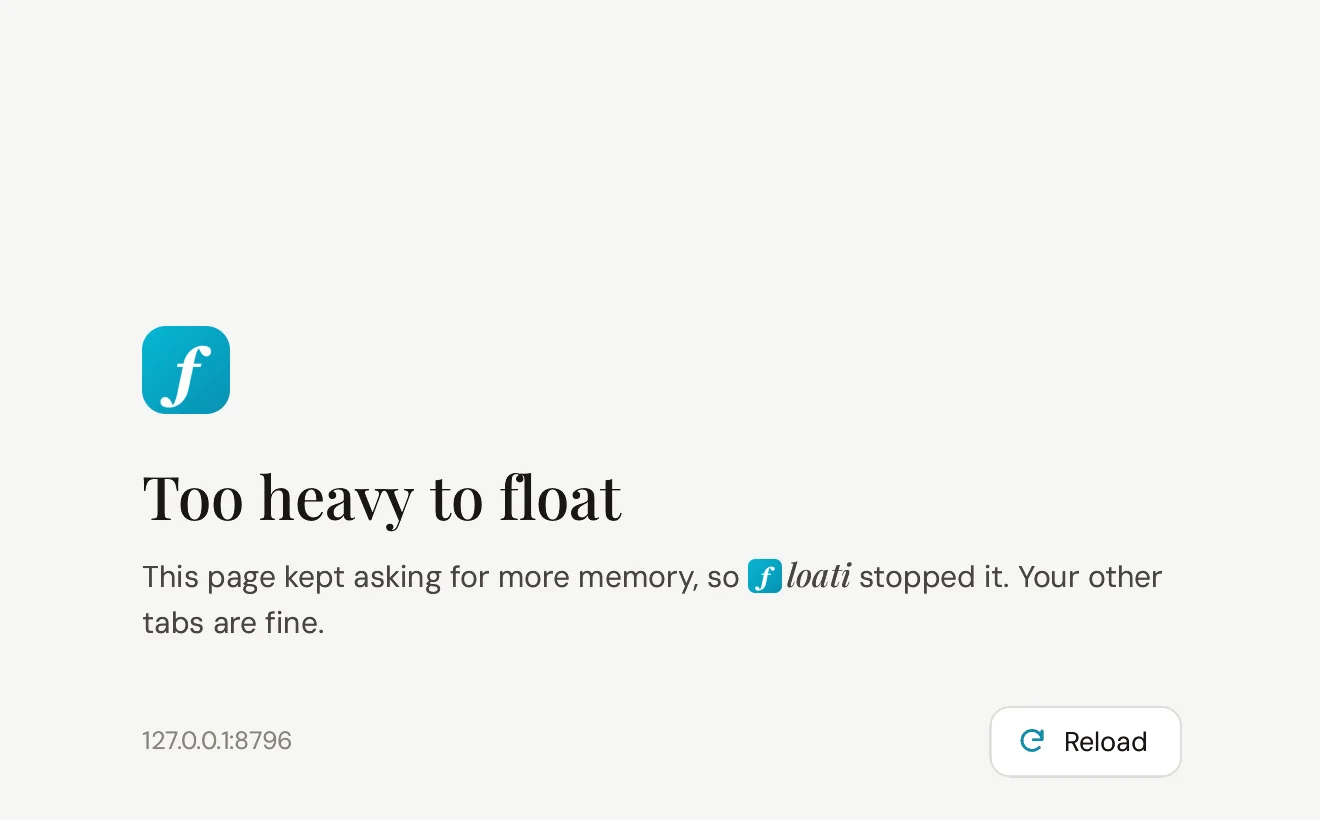
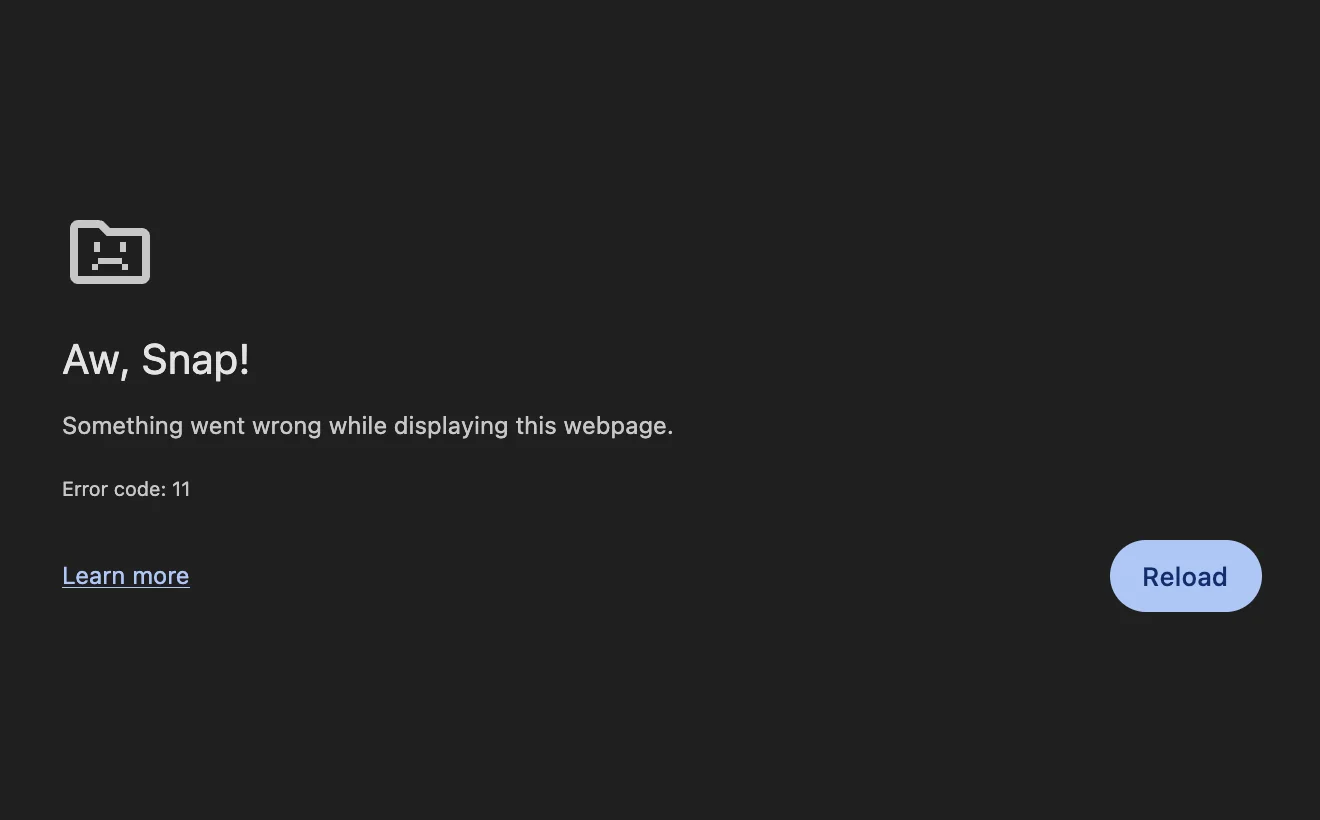
When a page runs away with memory, this is what you see, and ours looked broken. The text was drawn at a small size and stretched to fit the window, so it came out wide and blurry. The cause was that the new page lost the window's width and scale when it replaced the old one, and it now keeps them. Then we redrew it: a plain heading, one sentence on what happened, the site's name and a Reload button in your accent colour. Reload was its own small hunt. The click reached the page and did nothing, so the button now has a proper script behind it and works every time. The reference browser is shown for comparison, with its page for a crash, which is the closest it has.
vertical-align with a length
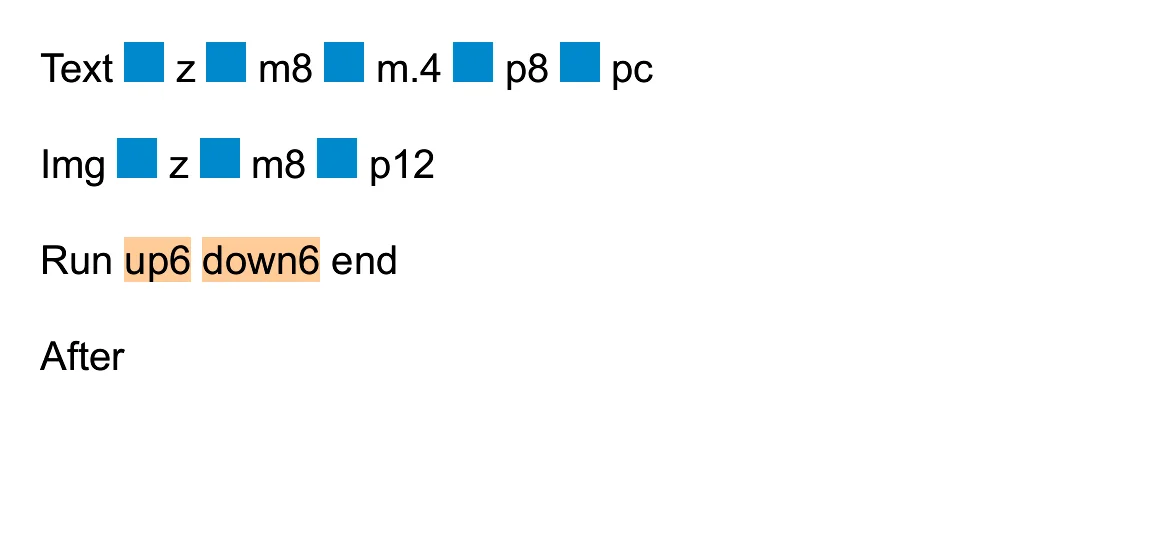
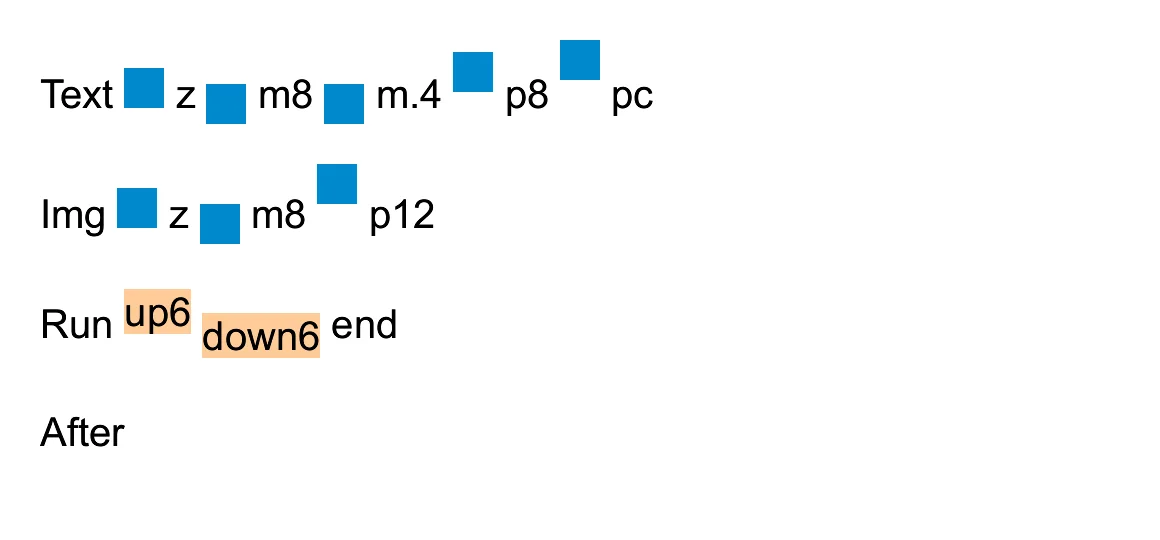
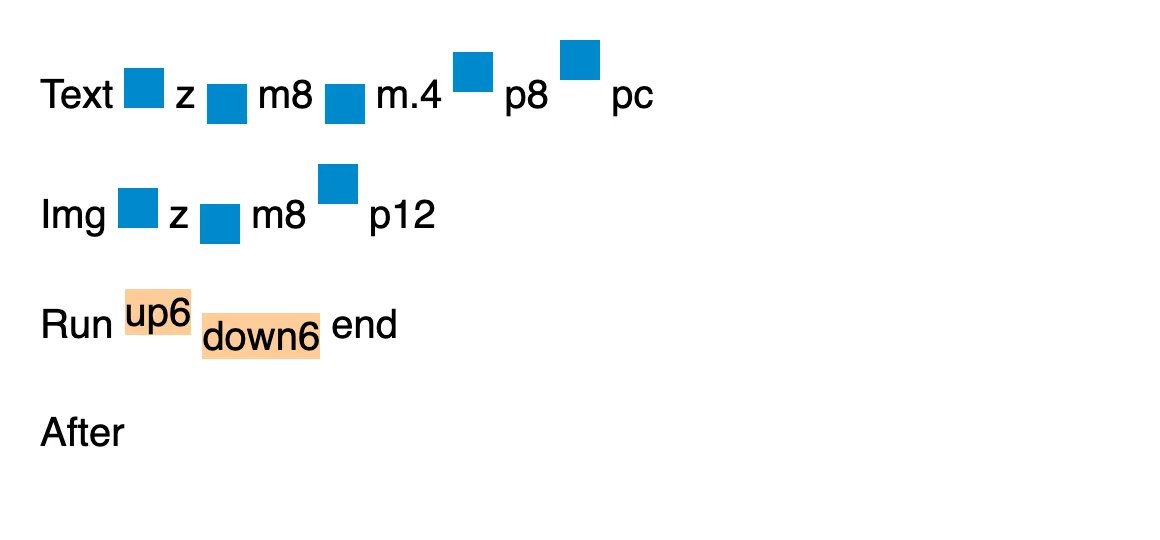
We found this one while lining up the logo on the stopped page: it would not move, whatever the value. vertical-align with a length or a percentage was ignored on images, inline boxes and text, so every icon nudged down a few pixels sat in the wrong place, on any site. Lengths and percentages now move the box and grow the line to fit, the way they should.